
rackoon
The Rackoon raccoon

Your gym plan, built for you.

Train. Track. Adapt.

Rackoon builds each day’s workout for your schedule, your equipment, and your level, logs your sets, and adjusts next time to how it felt. No account, no clutter, just the next thing to lift.

Coming soon to Android and iPhone

The first 100 people on Android and the first 100 on iPhone to join get the full, unlimited version of Rackoon free for life.

Join the waitlist

How Rackoon adapts to you

Every workout is built for you, and the next one learns from the last.

How it felt

Too easy or too hard? Your next workout changes to match.

What you really lift

The reps and weights you actually do carry over, and new PRs get noticed.

What you like

Exercises you vote up come back more often, and “Not for me” ones stop showing up.

Your gym and your time

Only the equipment you have, and a workout sized to the minutes you’ve got.

Back after time off

Away for a few weeks? Your first workout back starts lighter, and the next ones climb back to your usual numbers by how they feel.

Your body

Tell it about an injury or a sore spot, and exercises steer clear of it until it’s better.

Real life

Missed days, vacations, and unfinished exercises reshape the days ahead, and rest days never break your streak.

Simple mode

Fewer tabs and buttons, nothing that needs a swipe or a drag, and bigger text if you want it.

Gentle workouts

No jumping, lighter starting weights and slower steps up, and a balance move every day, with chair and mobility exercises.

Watch it adapt to made-up gym-goers →

What it does

Plans for you

Pick a split or a program, and Rackoon builds each day’s workout for your equipment, your experience, and the time you have.

  • Splits: Arnold, Bro, Push-Pull-Legs, Upper/Lower, Full Body, or your own calendar.
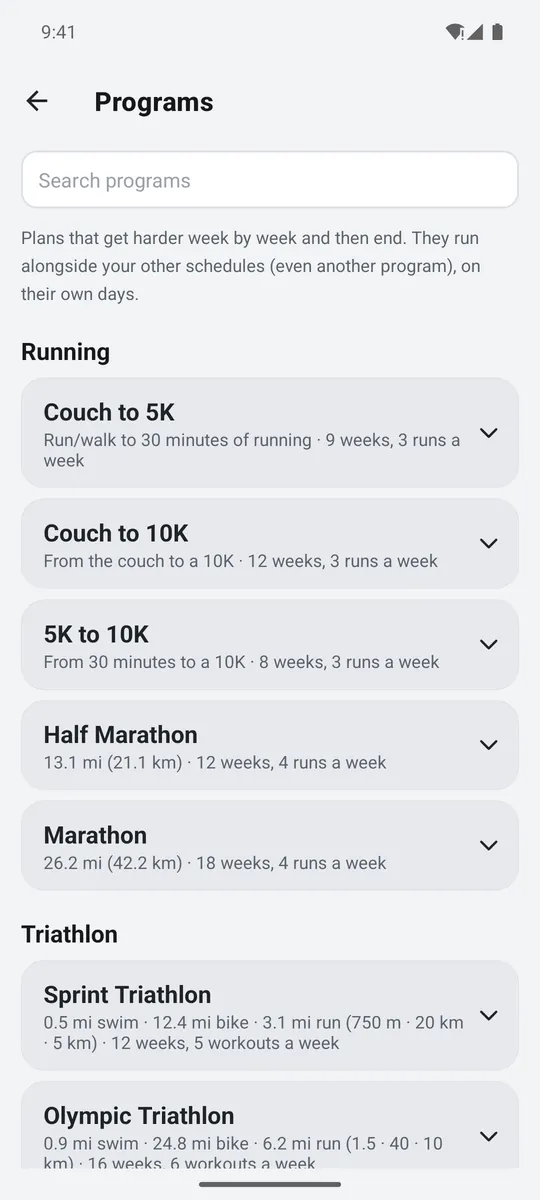
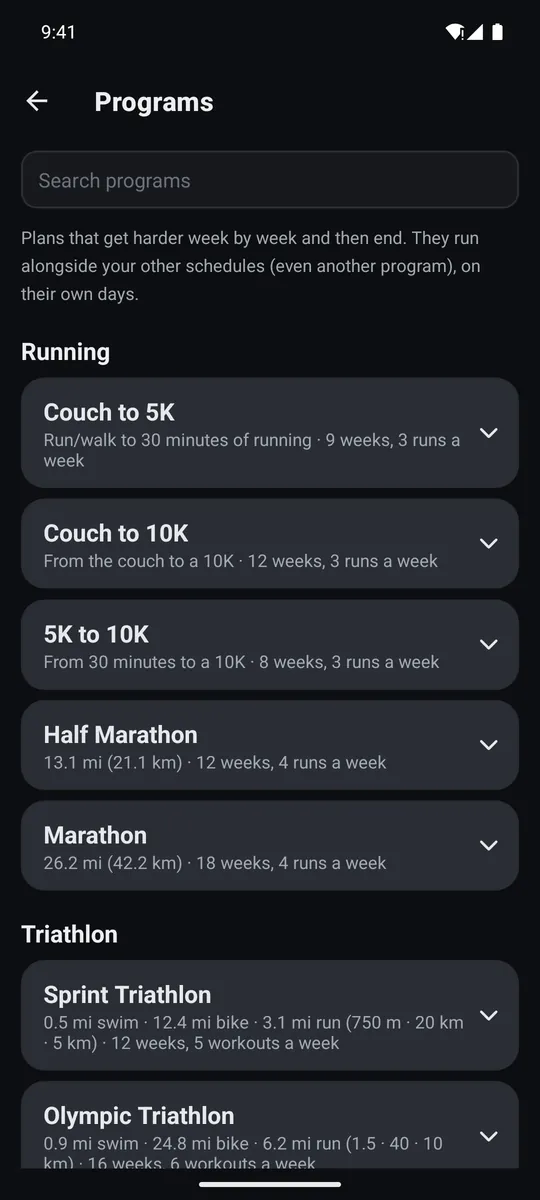
  • Programs: Couch to 5K, 10K, half marathon, marathon, triathlons, and 30-, 60-, and 90-day challenges.
  • Made for your gym or your home gym. Bodyweight (calisthenics) exercises are always part of the plan.
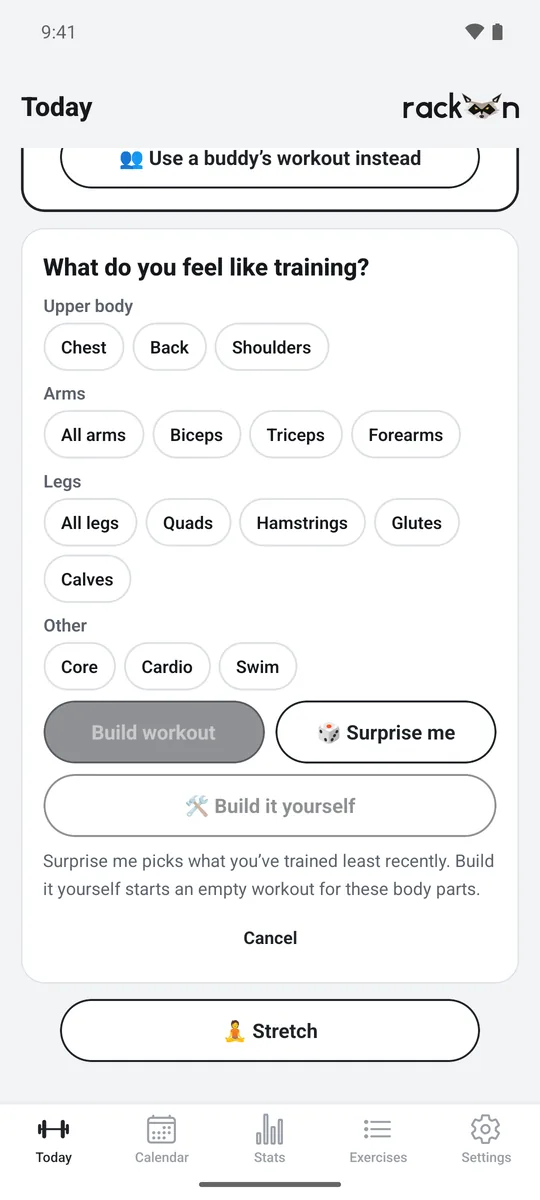
  • Nothing planned? Pick the muscles you feel like training, or tap “Surprise me”.
  • Stretch any day from Today: a 5, 10, or 15 minute routine, with a timer for each stretch.
See more, with more screens →

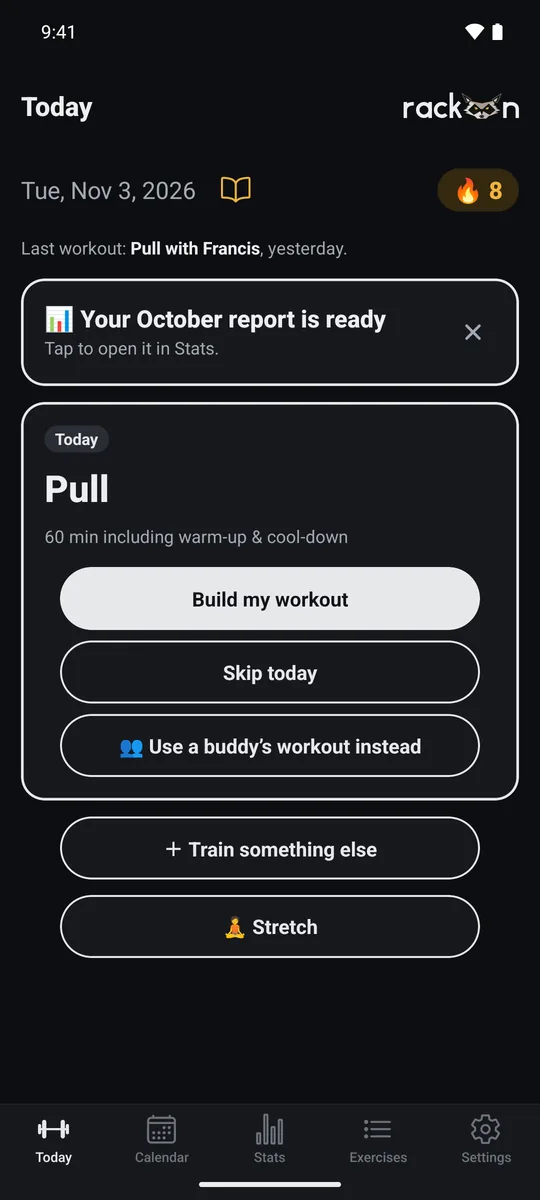
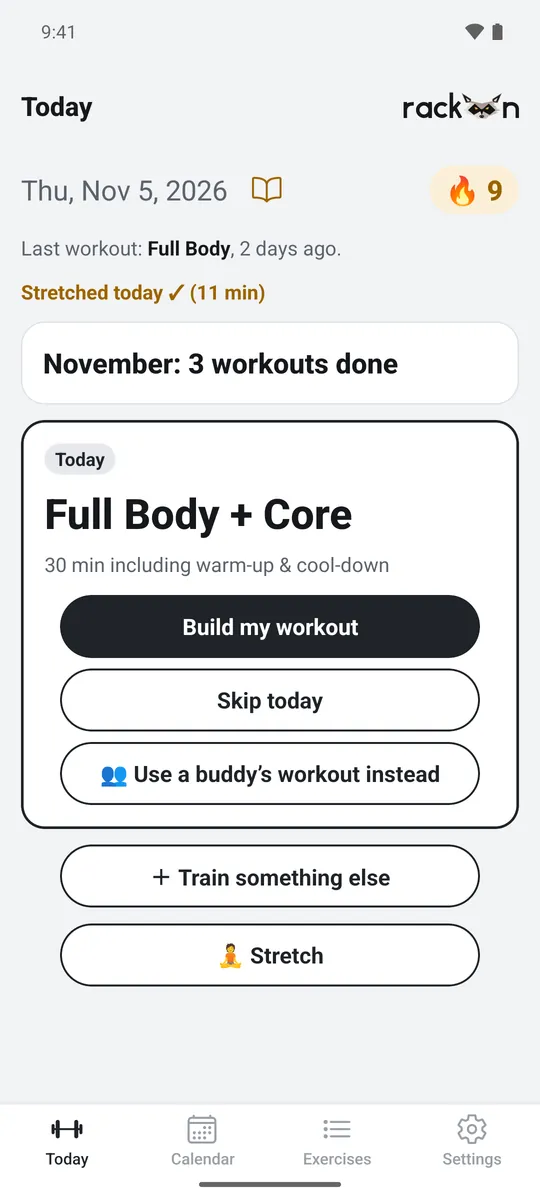
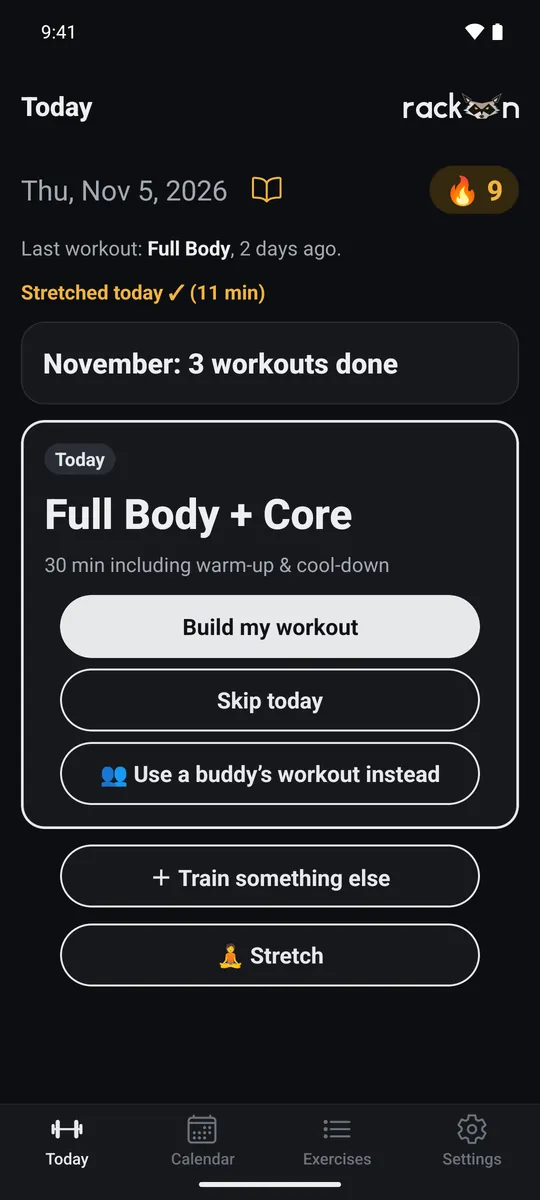
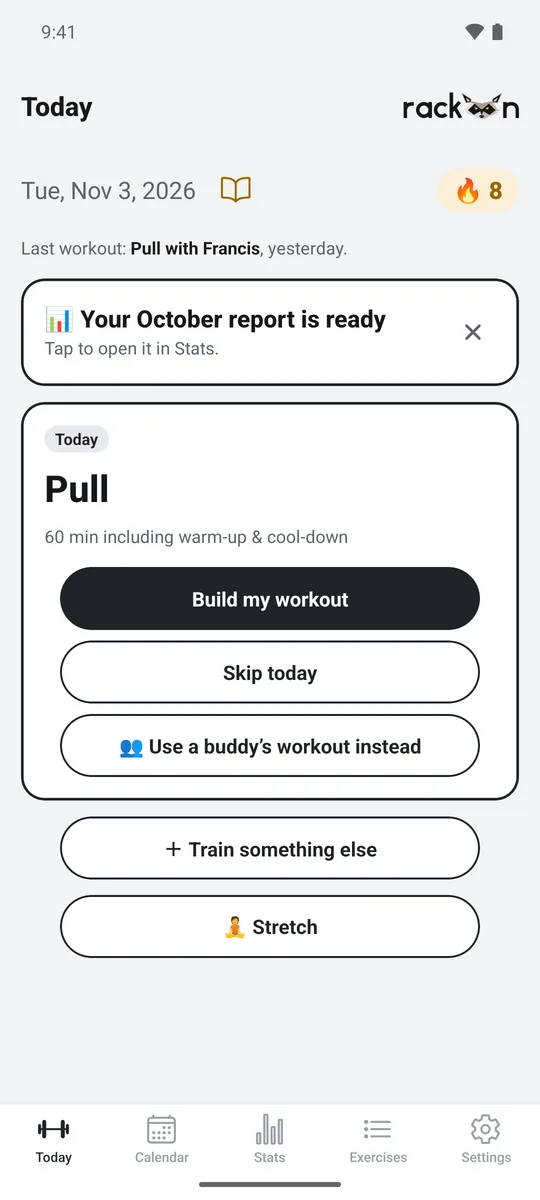
Today: build the day’s workout, skip it, or use a buddy’s
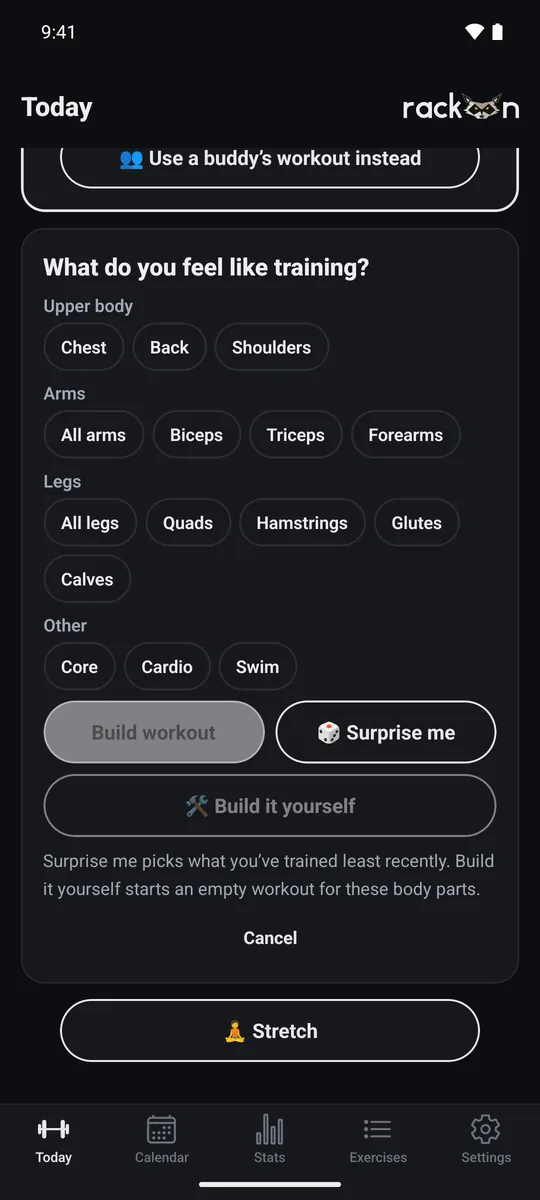
“What do you feel like training?” Pick muscles, or Surprise me
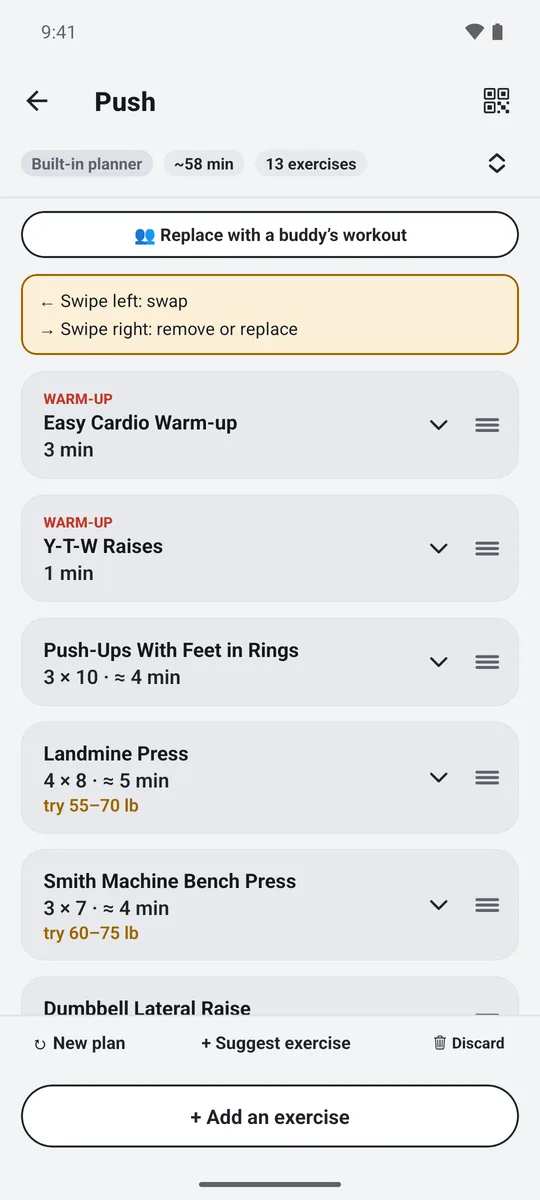
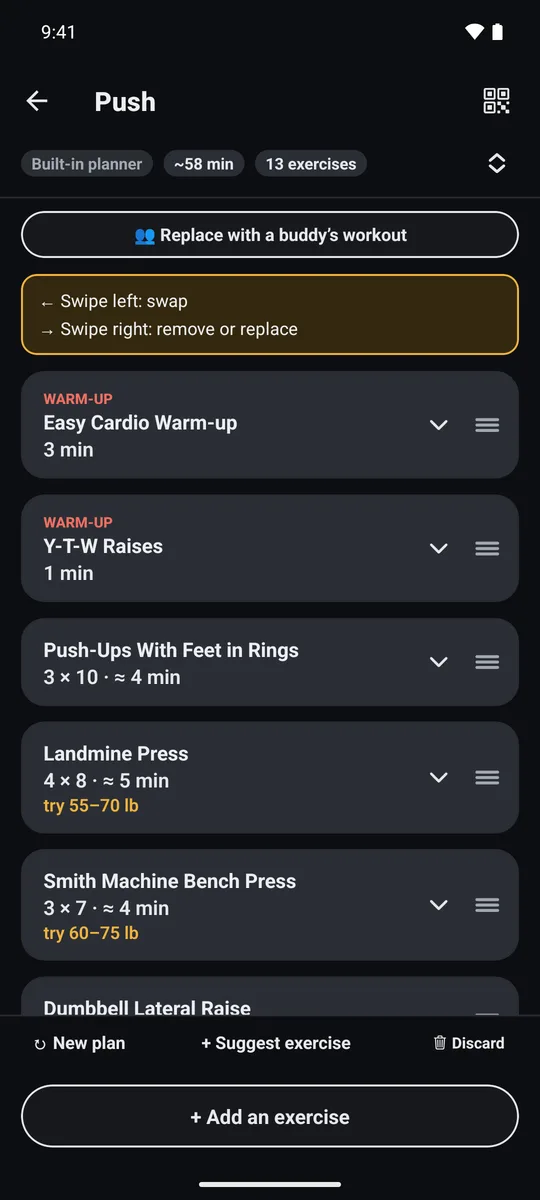
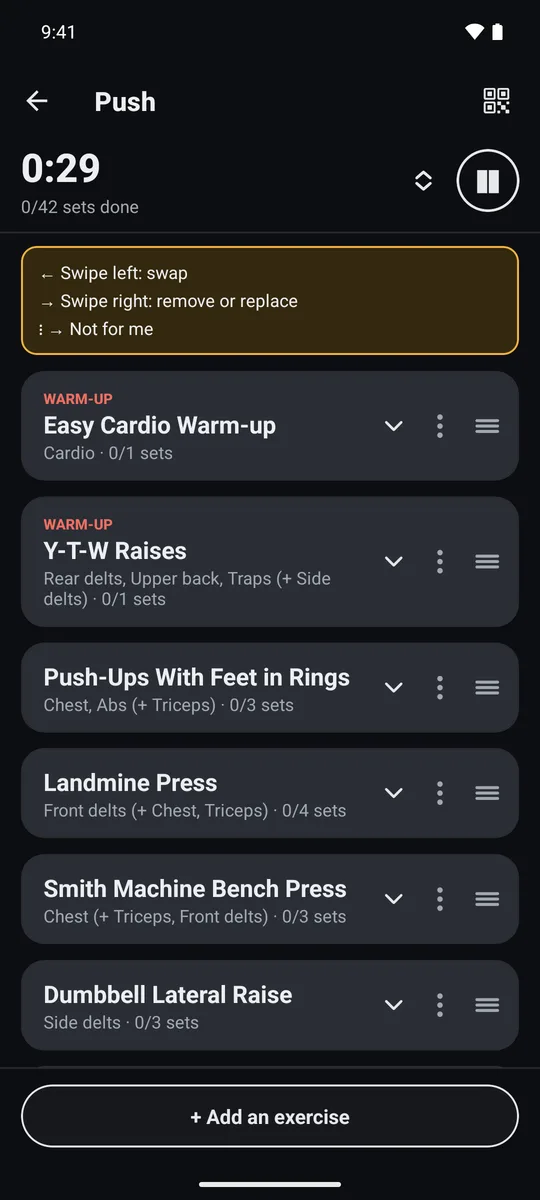
A Push workout, built in a tap
Programs that get harder week by week

In the gym

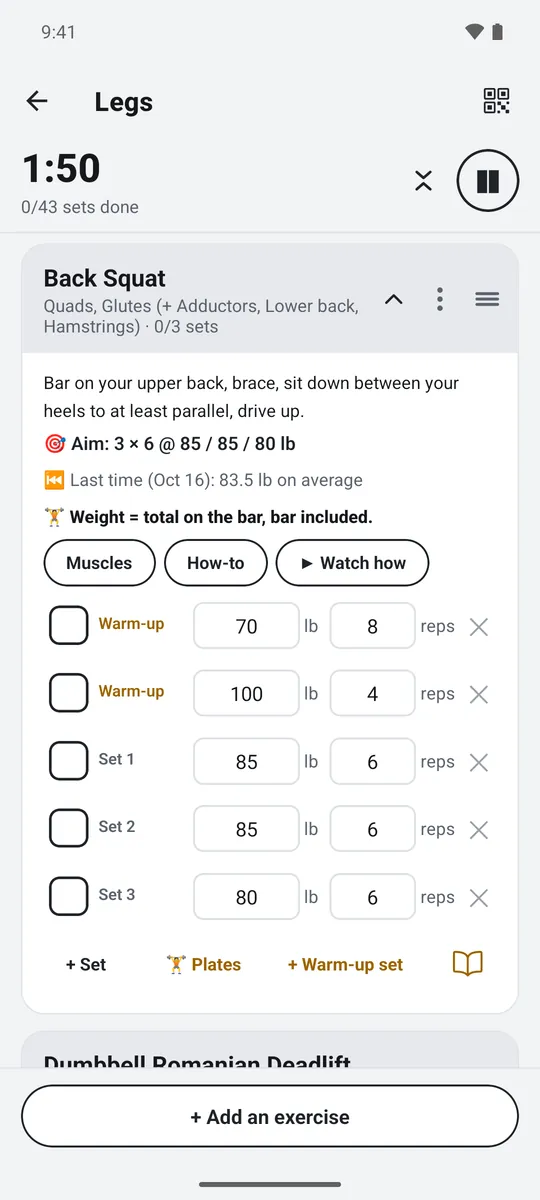
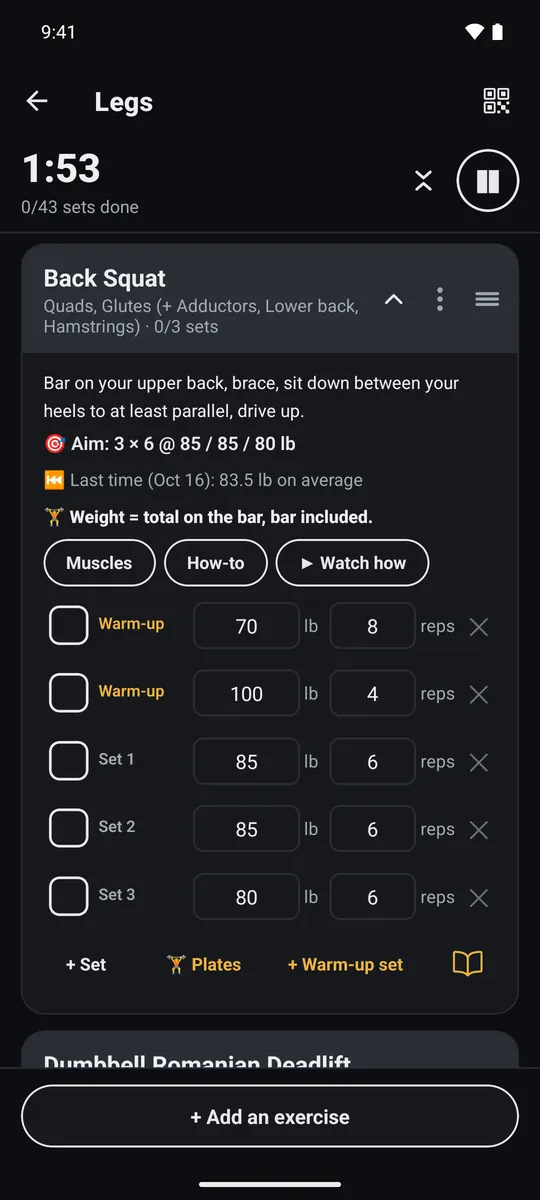
Everything you need between sets, on one screen.
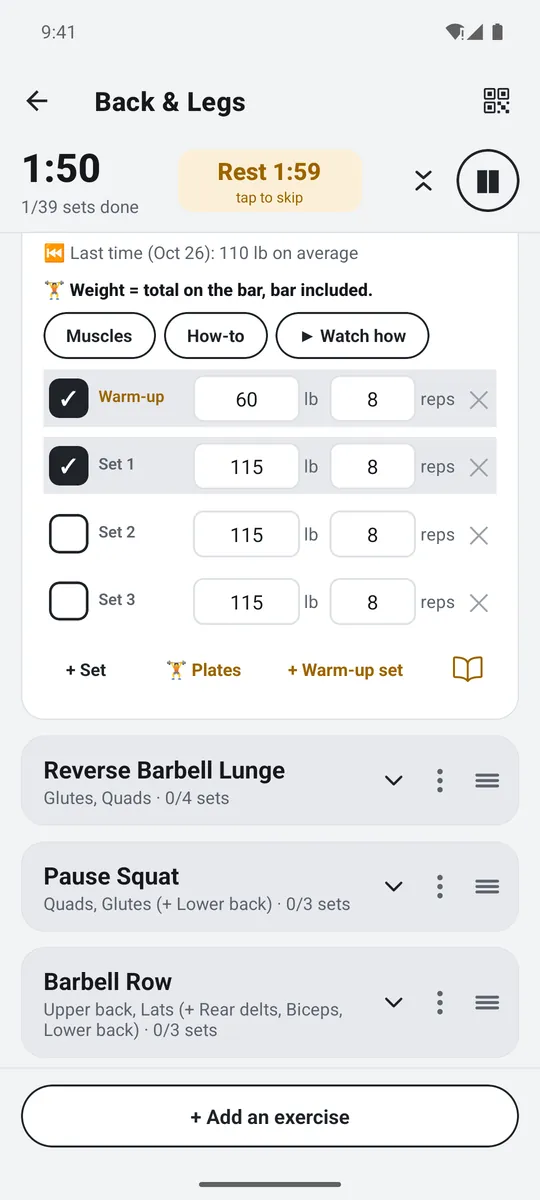
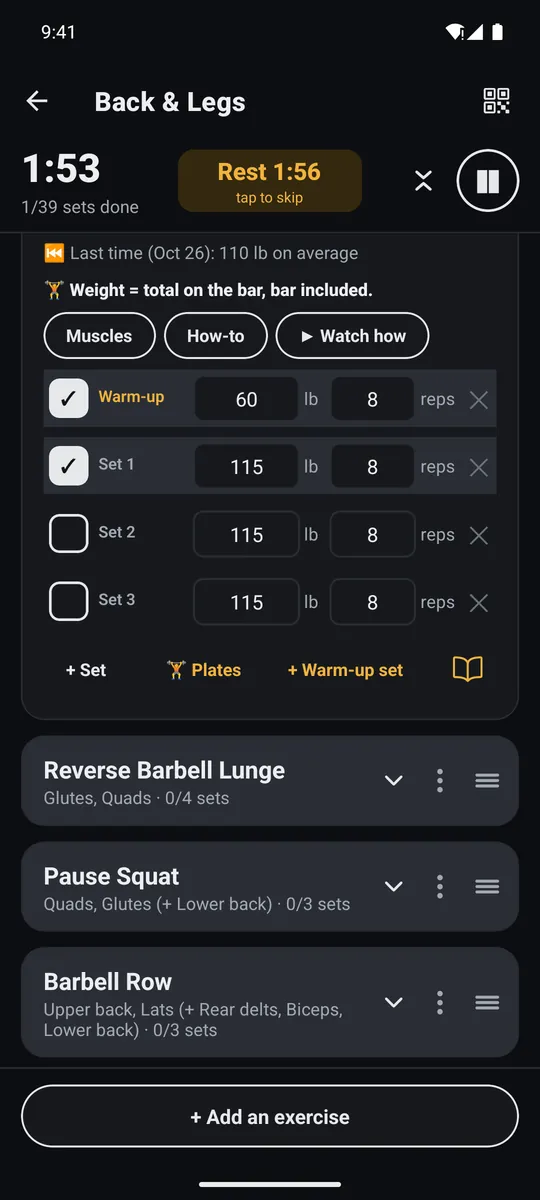
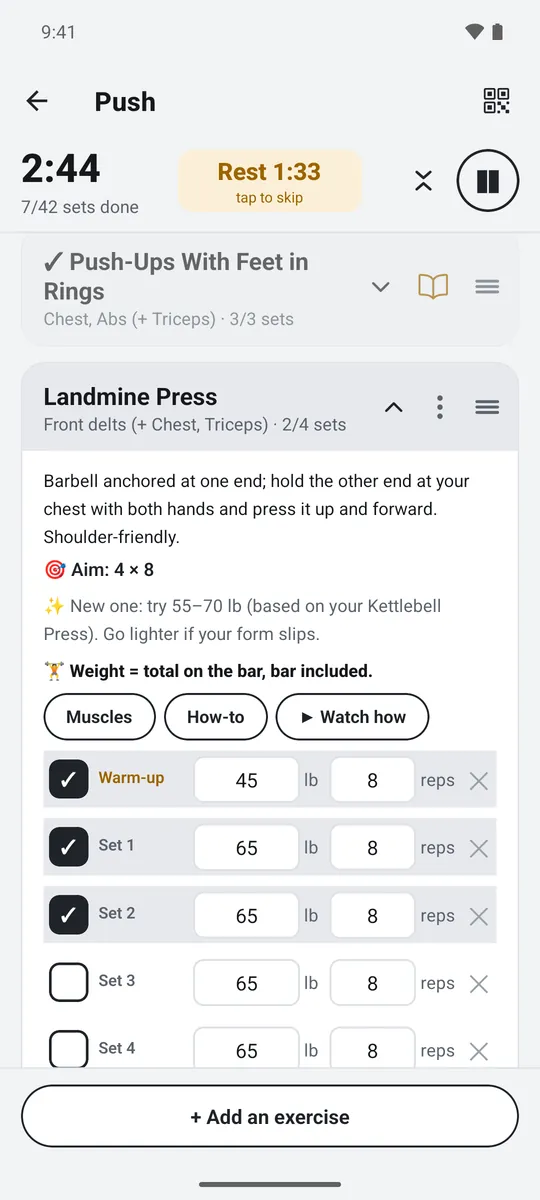
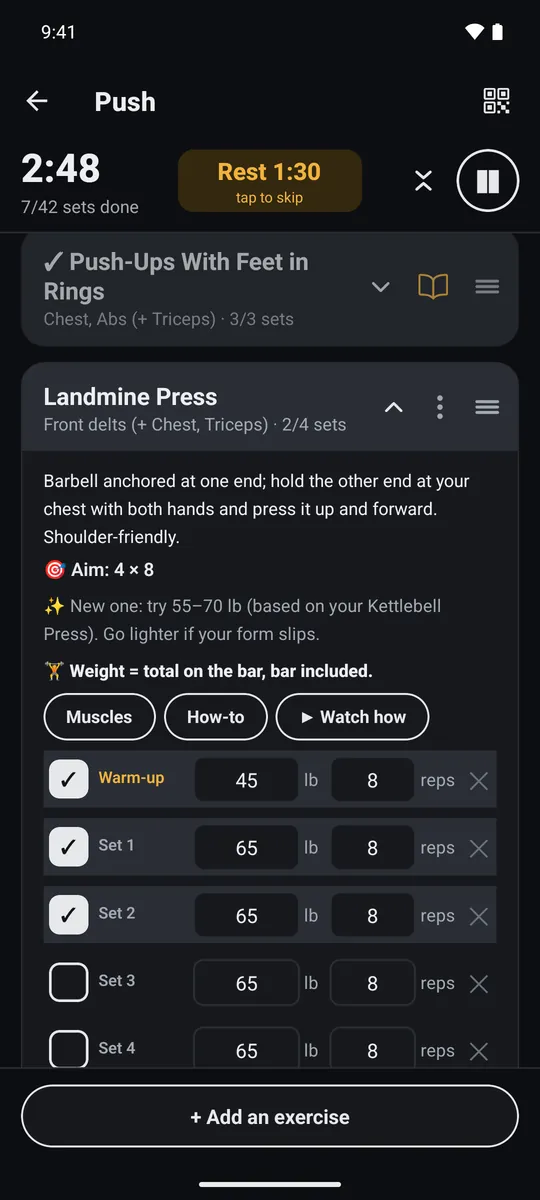
  • A workout clock you can pause, and a rest timer that starts when you tick a set.
  • Warm-up sets on heavy lifts, plus warm-ups and cool-downs.
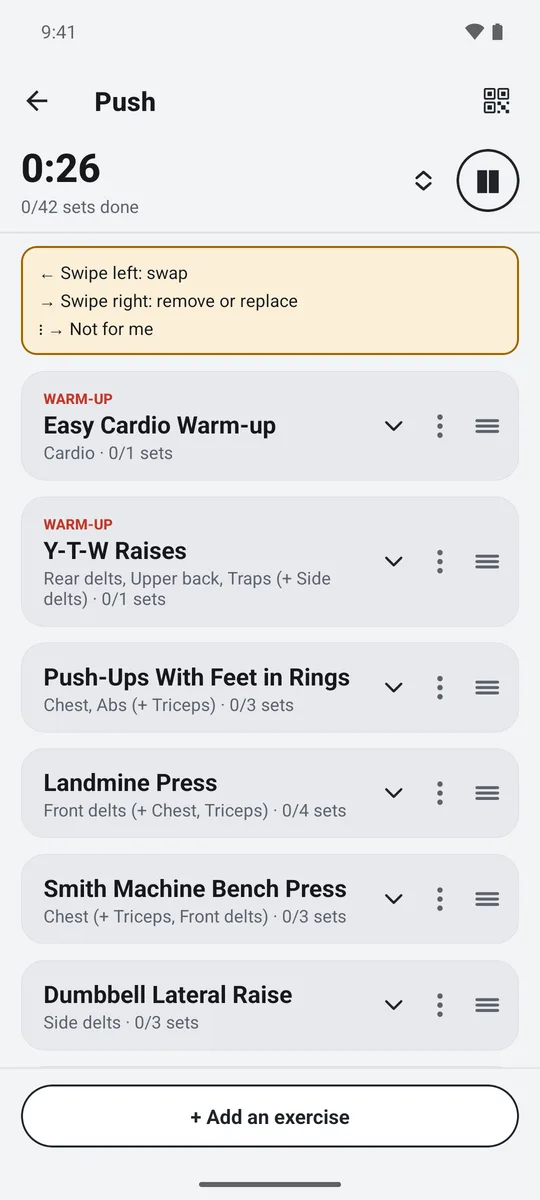
  • Swipe left to swap an exercise, right to remove or replace it, and hold ≡ to drag it to a new spot.
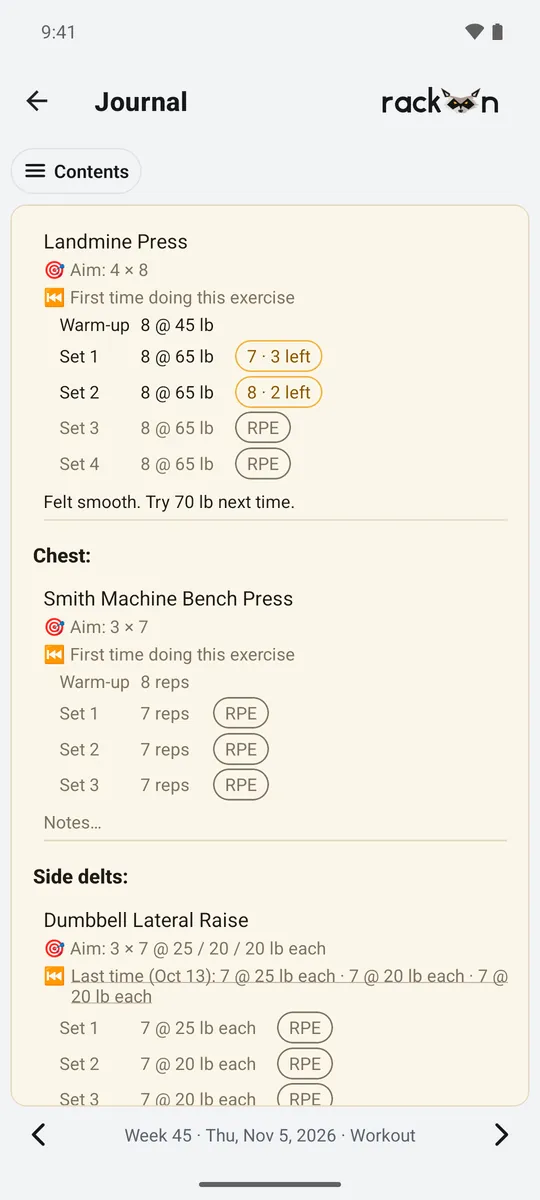
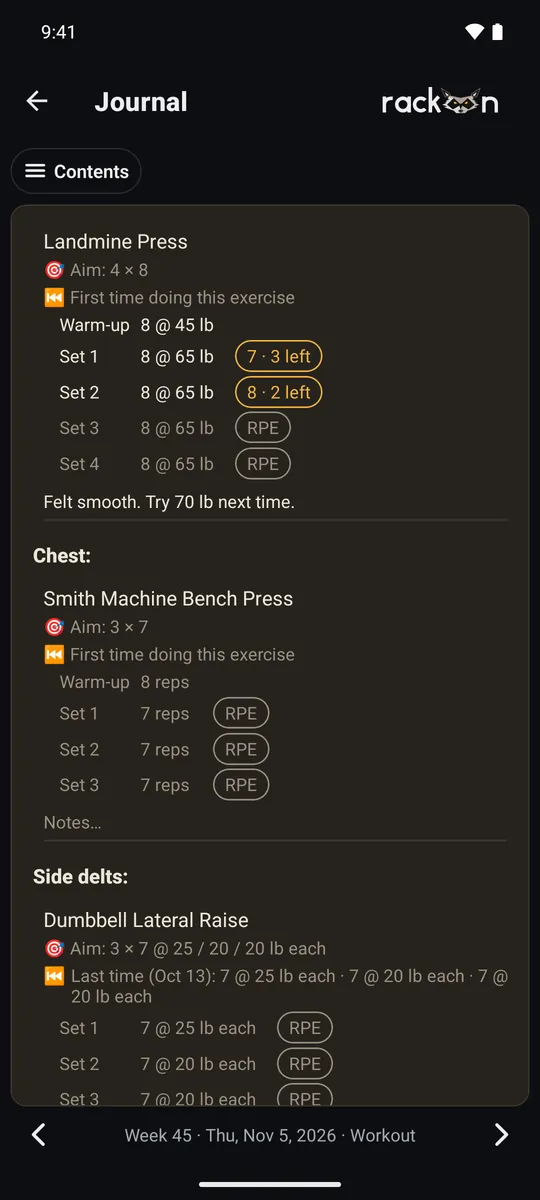
  • Open the journal from any card to log how hard each set was, then jump right back.

See more, with more screens →

A workout in progress: the clock and every exercise
Tick a set and the rest timer starts
Swipe left to swap, right to remove or replace
The journal from a card, and back

How to do it

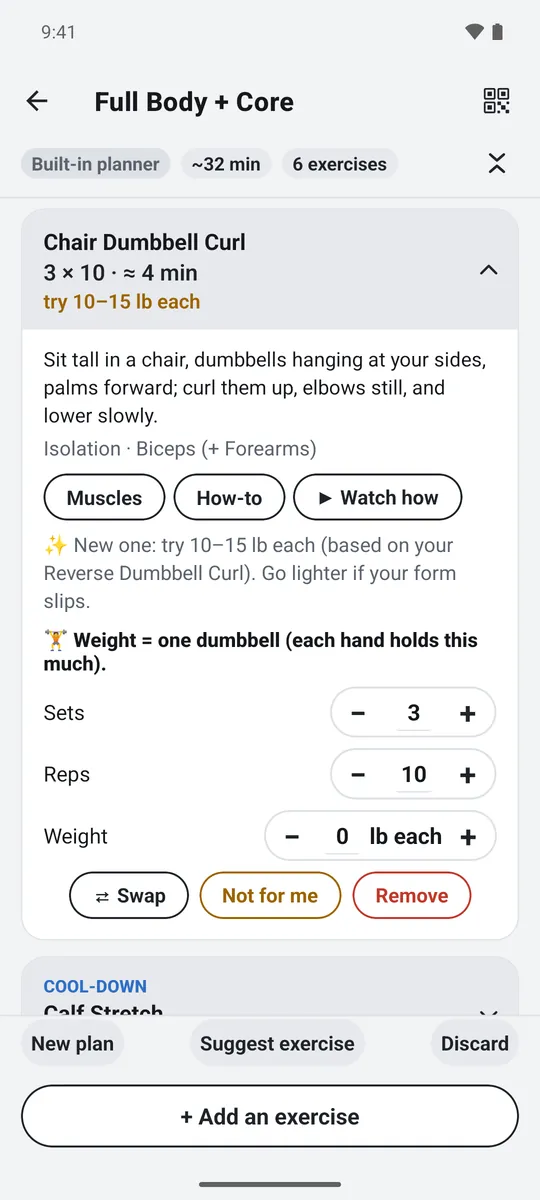
Not sure how an exercise goes? Each one has its own help, right on the card.

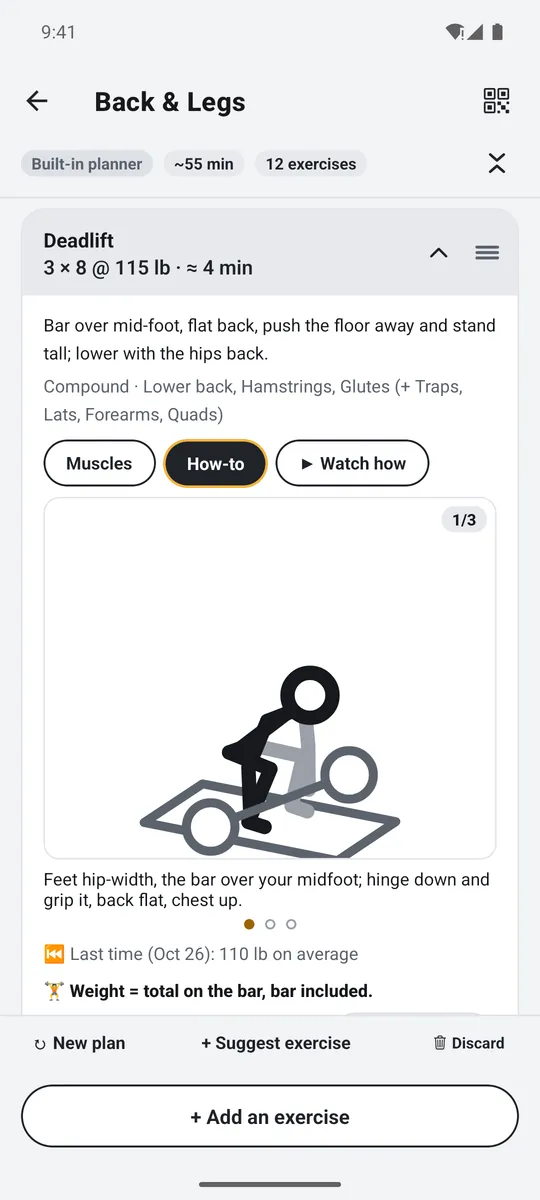
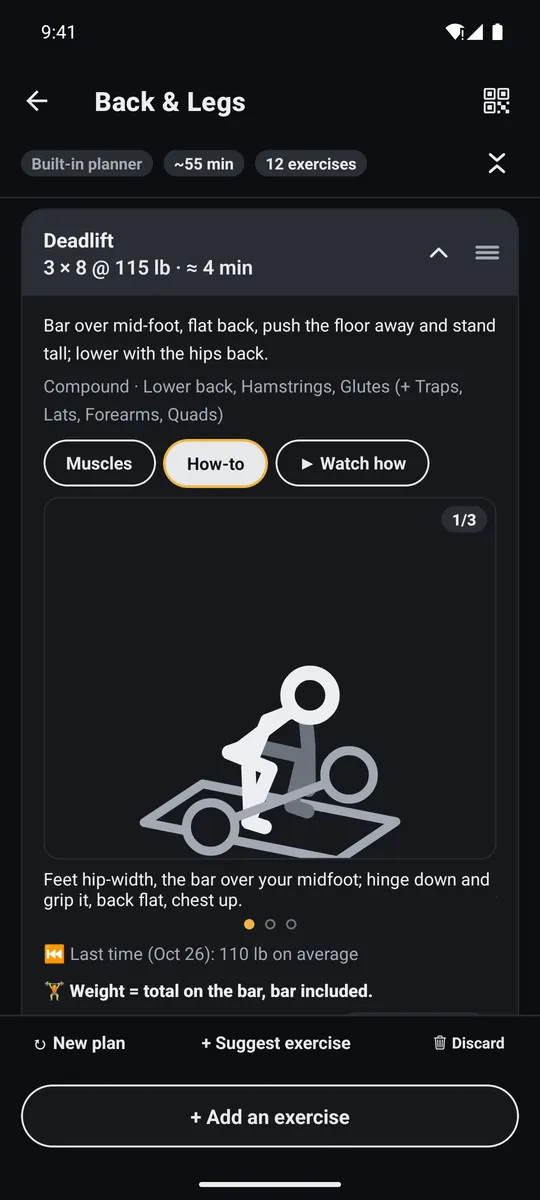
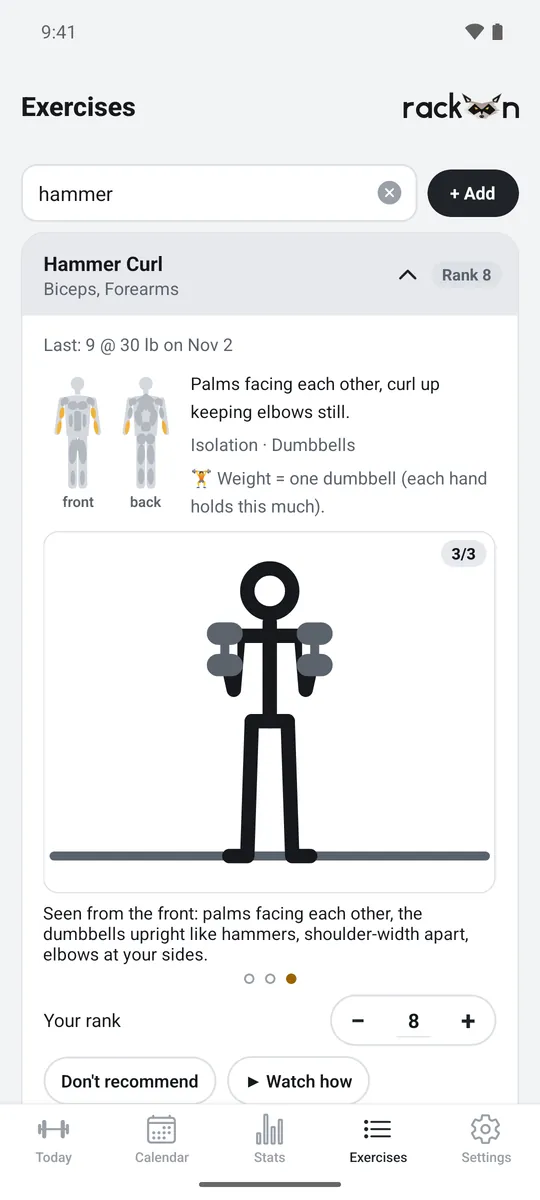
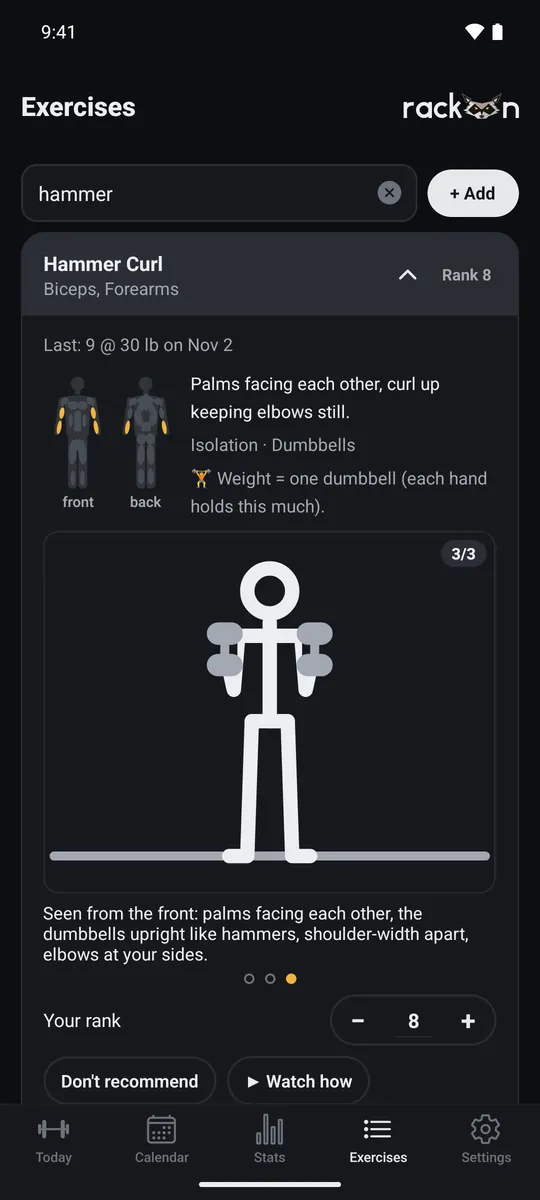
  • Step-by-step how-to diagrams, side-on or at an angle, with a caption for each step.
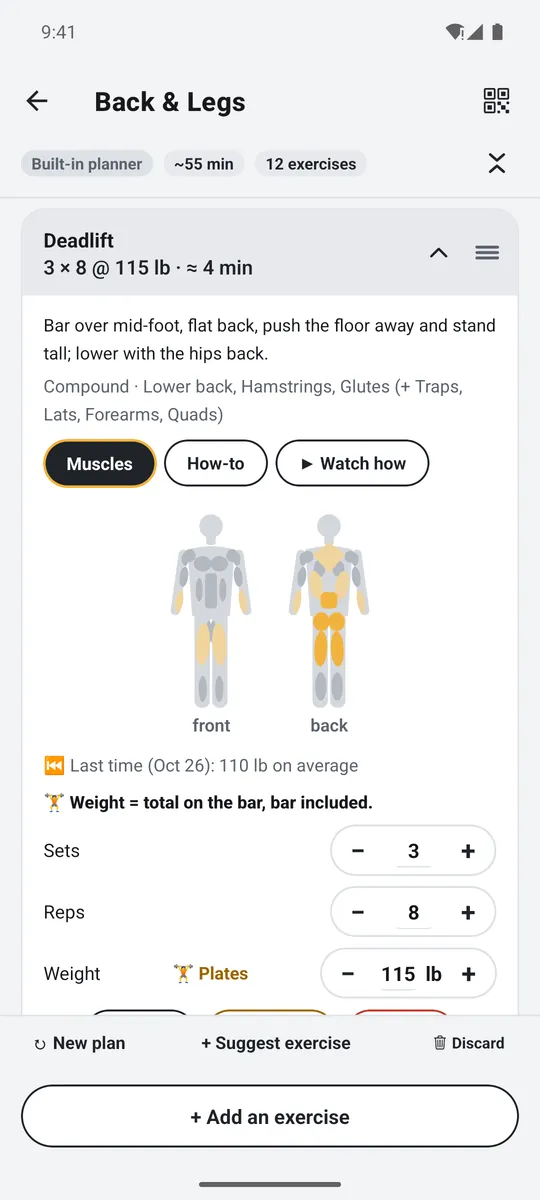
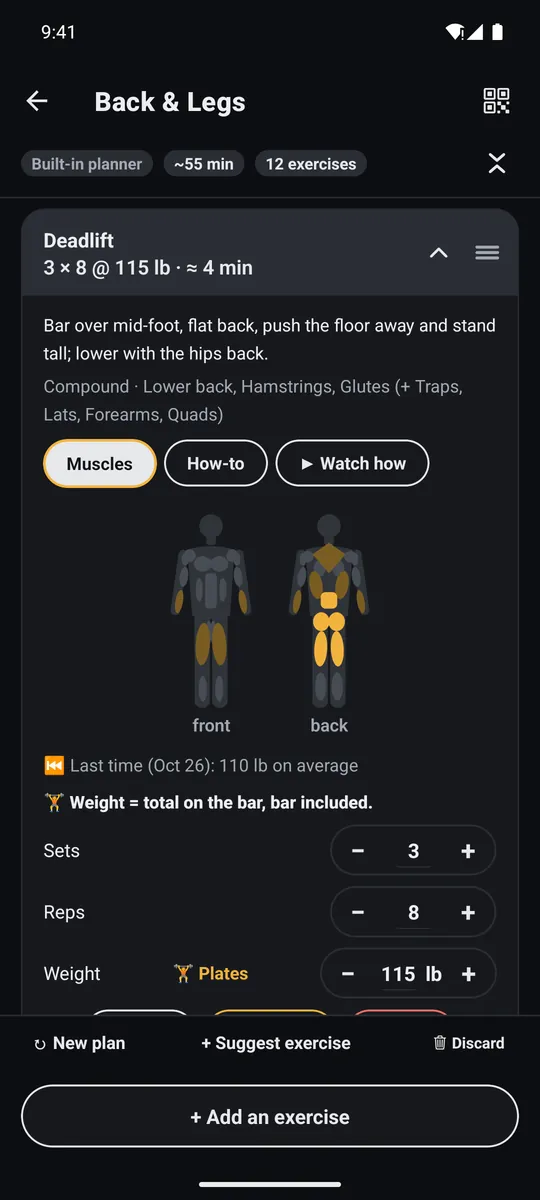
  • A muscle map shows what each exercise works.
  • “▶ Watch how” opens a YouTube or TikTok search for it, whichever you pick.
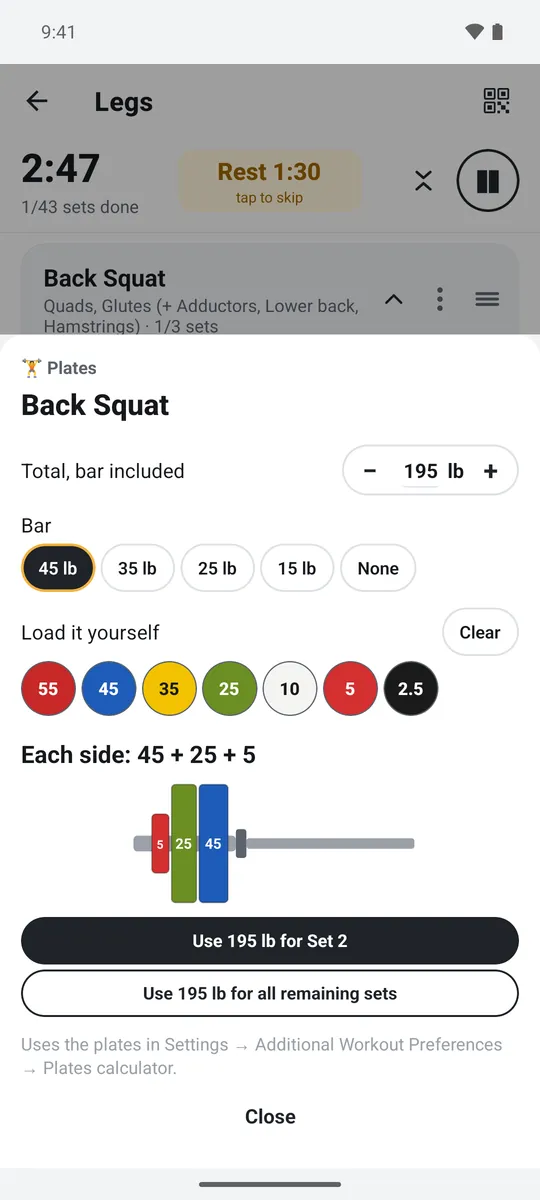
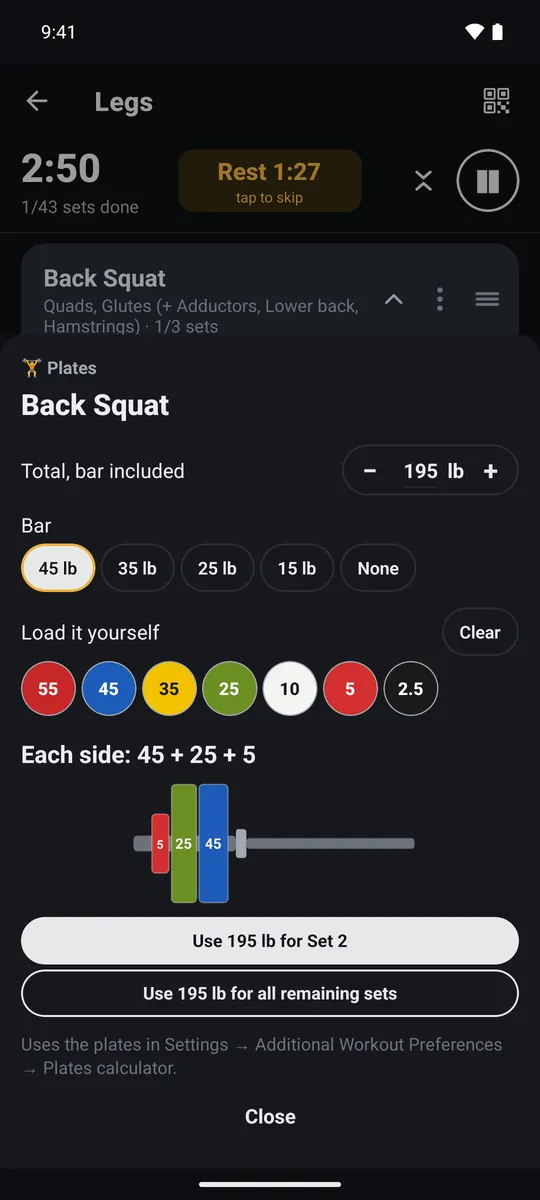
  • A plates calculator shows what goes on each side of the bar.

See more, with more screens →

Deadlift, step 1, with its caption
Seen from the front: the grip, pointed out
The muscles it works, front and back
The plates calculator: 195 lb on a 45 lb bar

Learns as you go

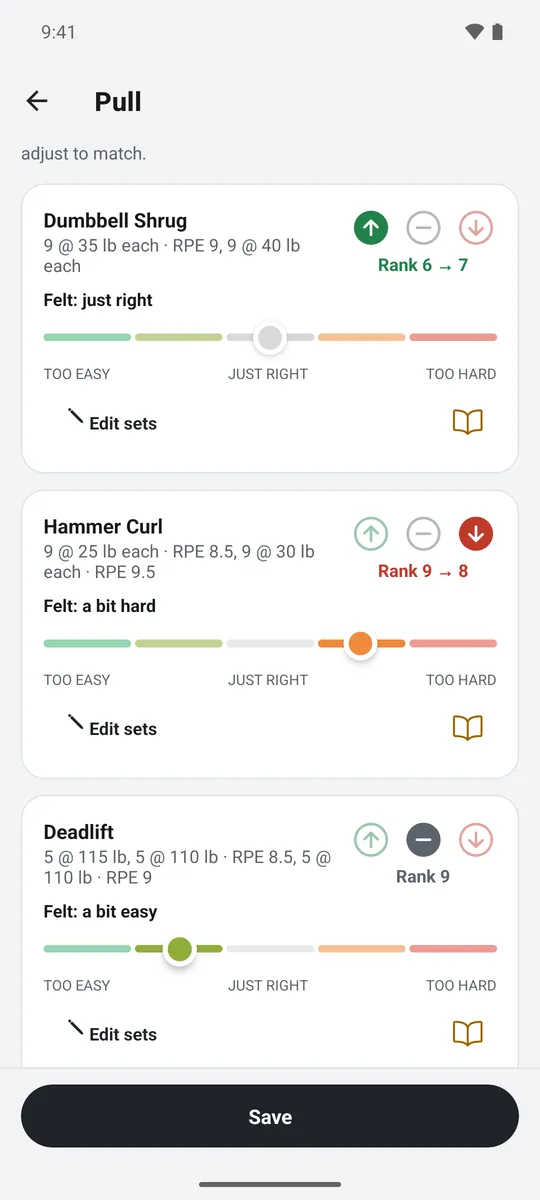
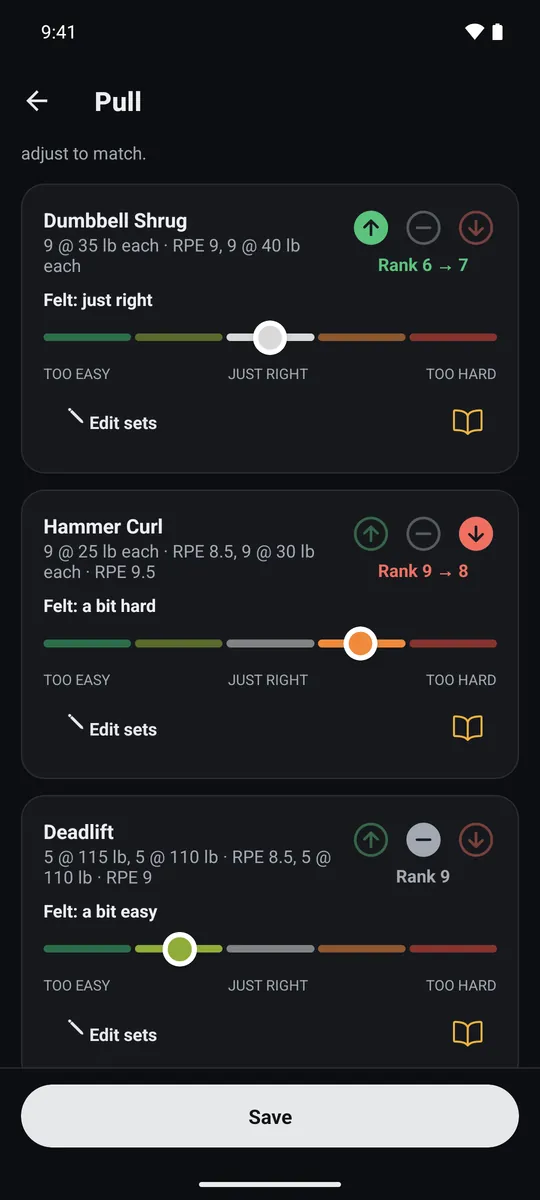
Tell it how each exercise felt, and your next workout adjusts.

  • Too easy, just right, or too hard changes next time’s weight and reps.
  • Vote an exercise up or down to change how often it gets picked.
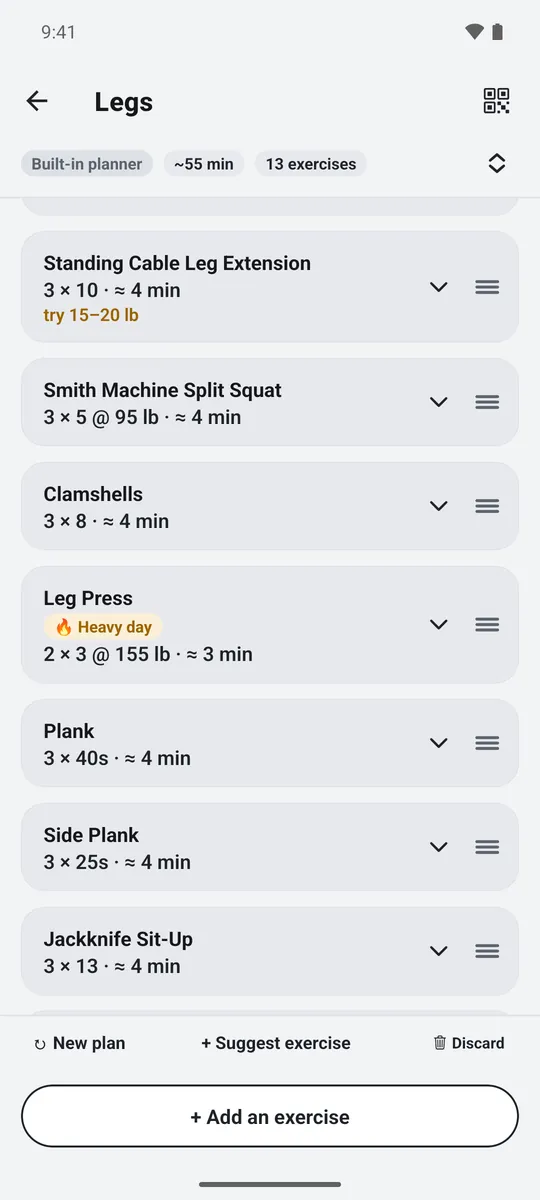
  • Now and then, a Heavy day, a Volume day, or an extra set keeps things moving.
  • Back after time off? Your first workout eases you in.
  • Didn’t finish? Queue what you missed for your next workout on the same muscles.

See more, with more screens →

How each exercise felt, and a vote for each
Next time: the new aim and last time’s numbers
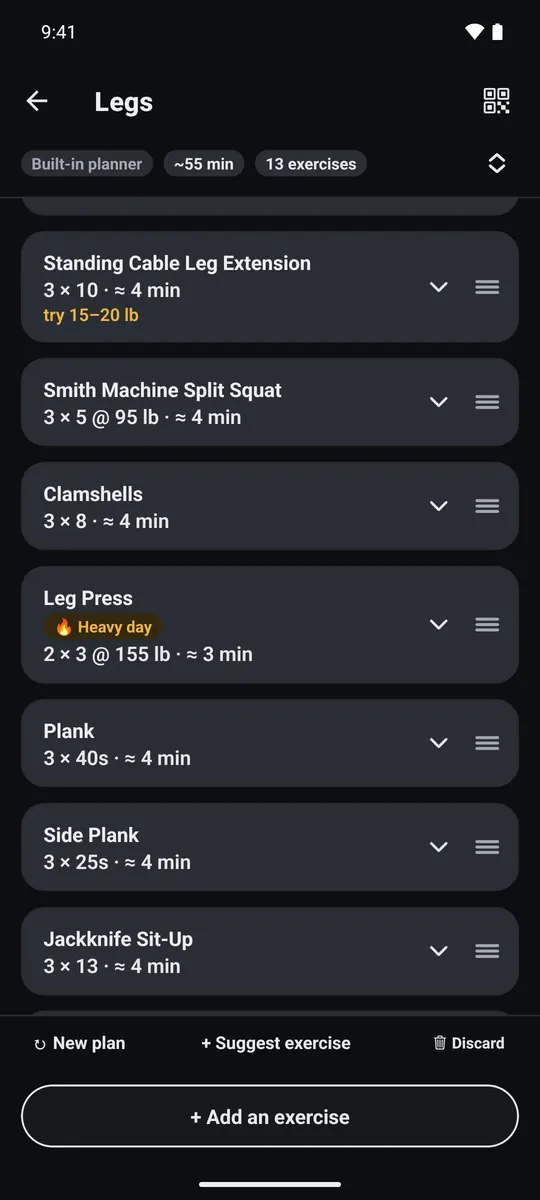
A 🔥 Heavy day on Leg Press

Your gym journal

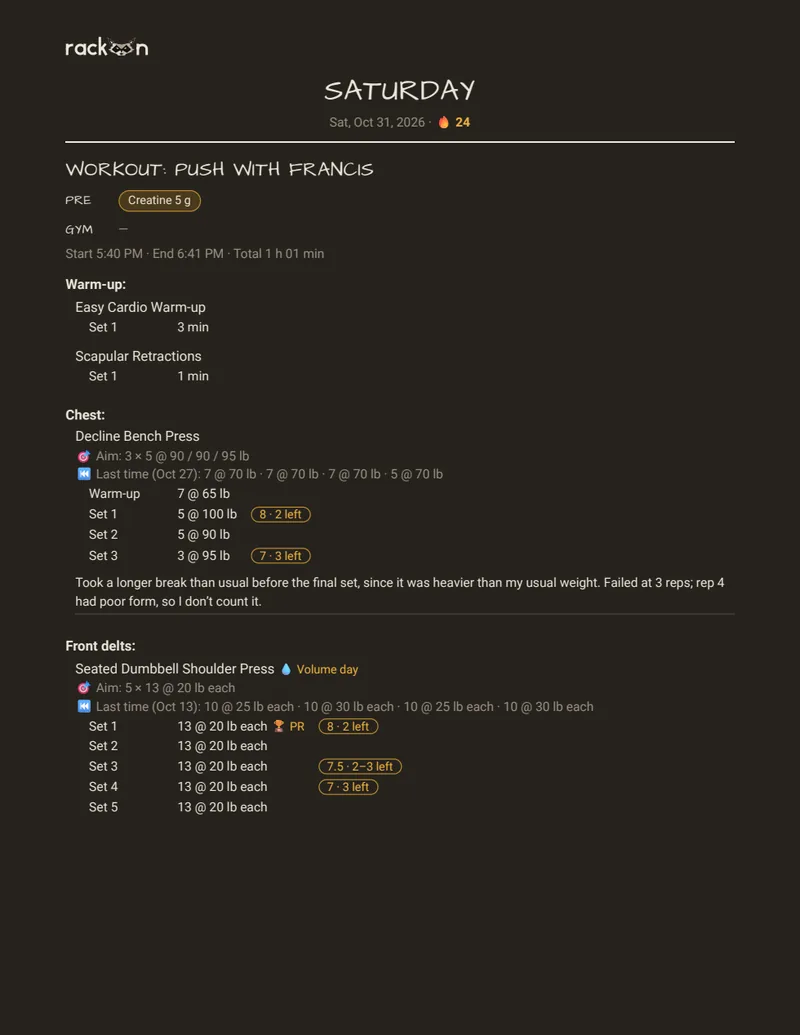
A notebook that fills itself in as you train, with room for your own notes.

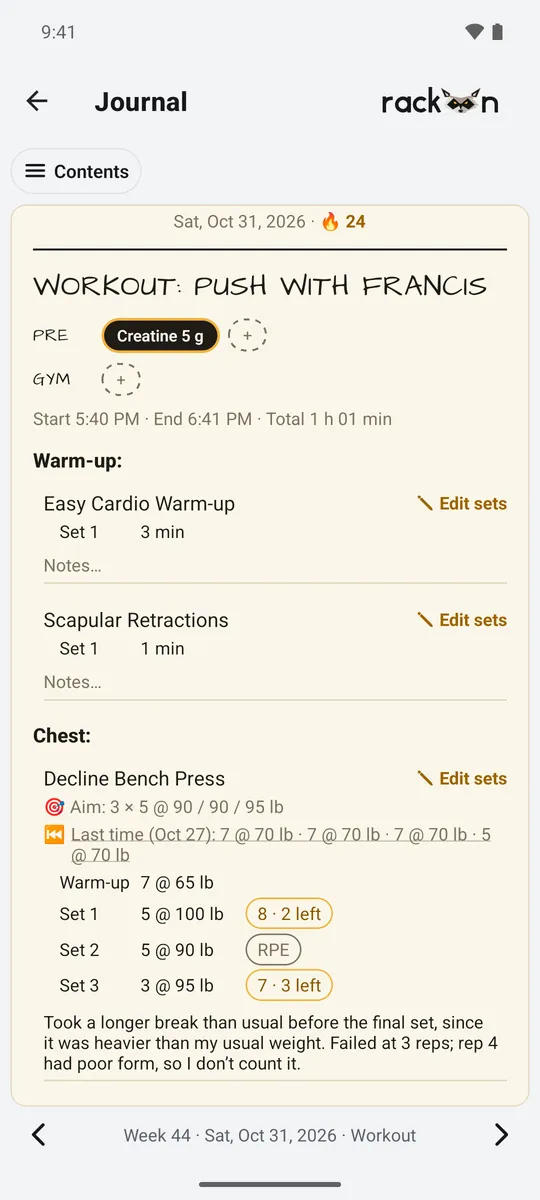
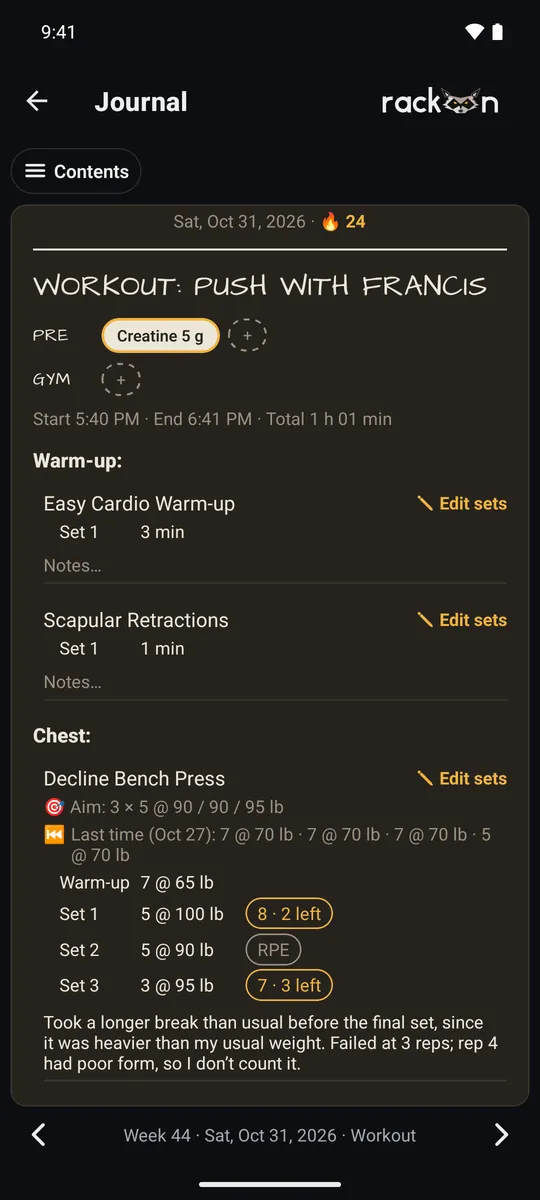
  • Workout pages: each exercise’s aim, last time, sets, PRs, and RPE.
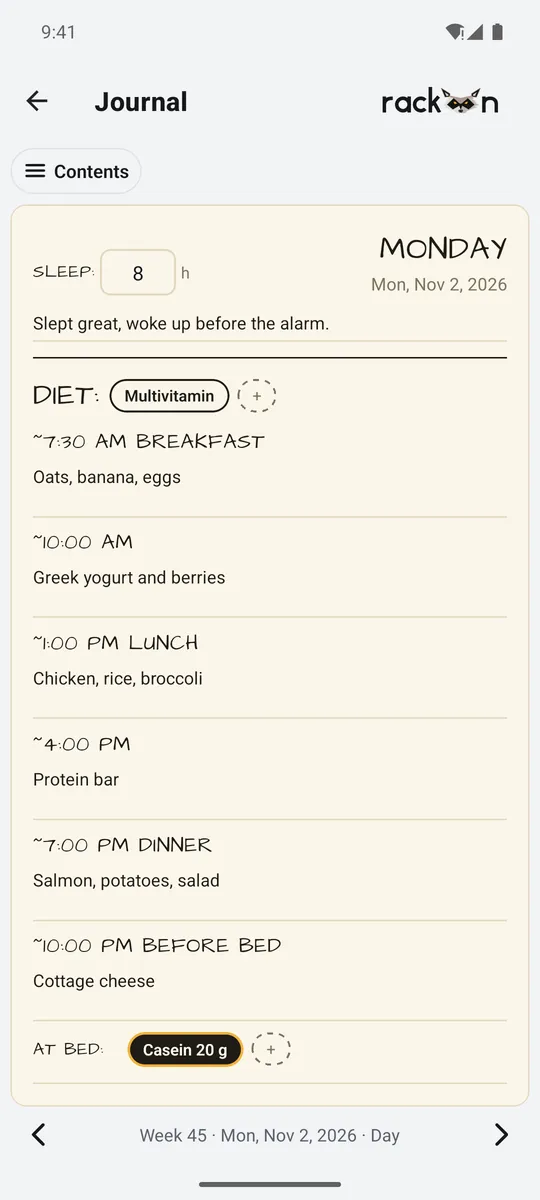
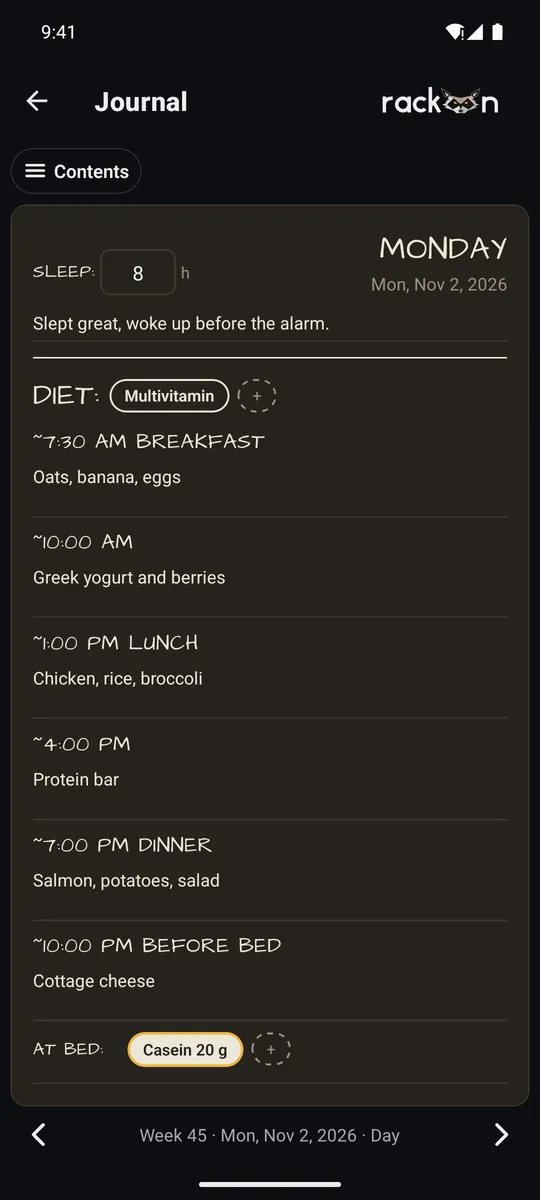
  • Day pages: sleep, meals, supplements, and nutrition goals.
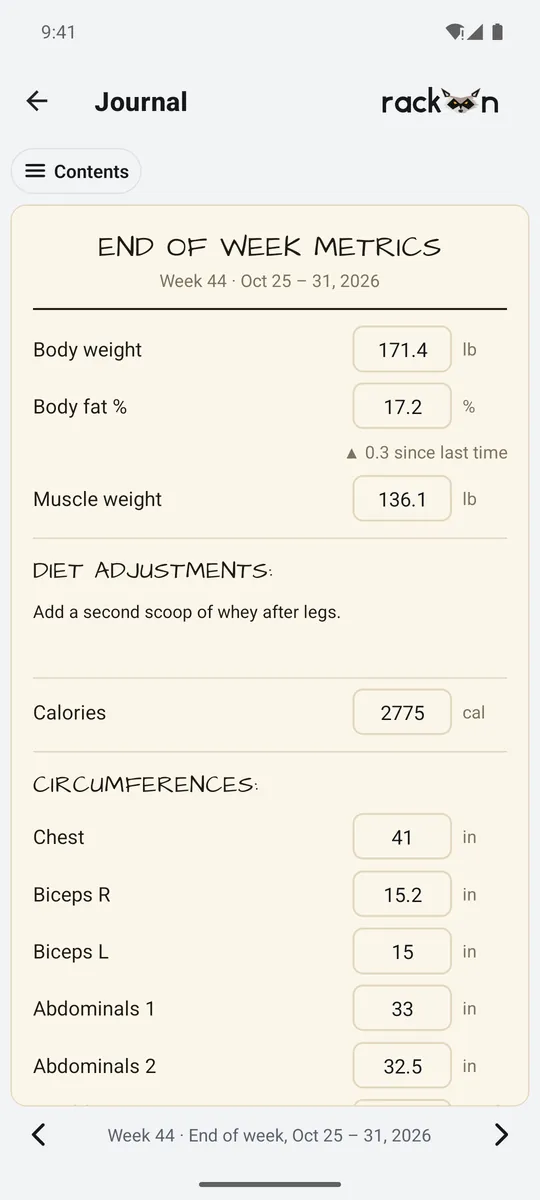
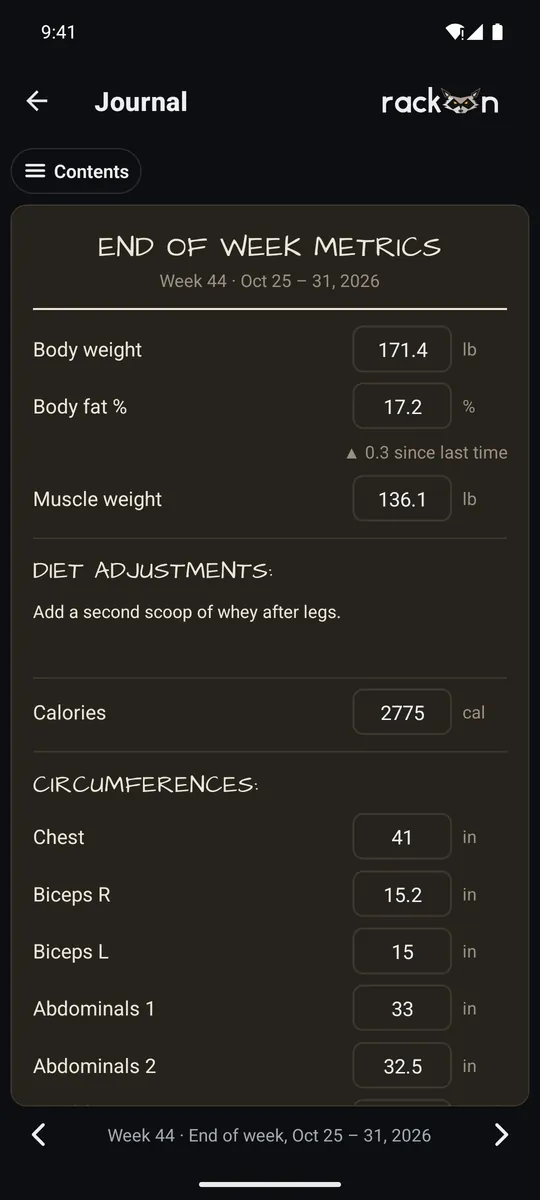
  • End-of-week pages: body weight and measurements.
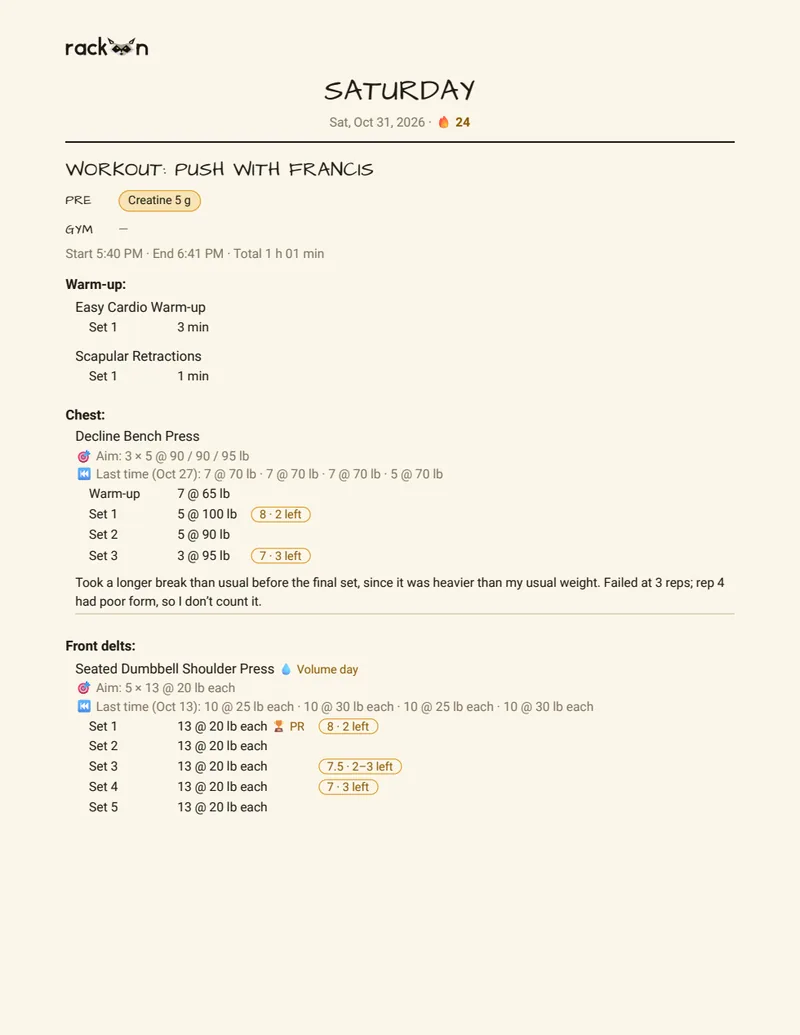
  • Export it as a PDF to print, keep, or share.

See more, with more screens →

A workout page with notes, PRs, and RPE
A day page: sleep and meals
The end-of-week page
The PDF export
The PDF export

Stats and PRs

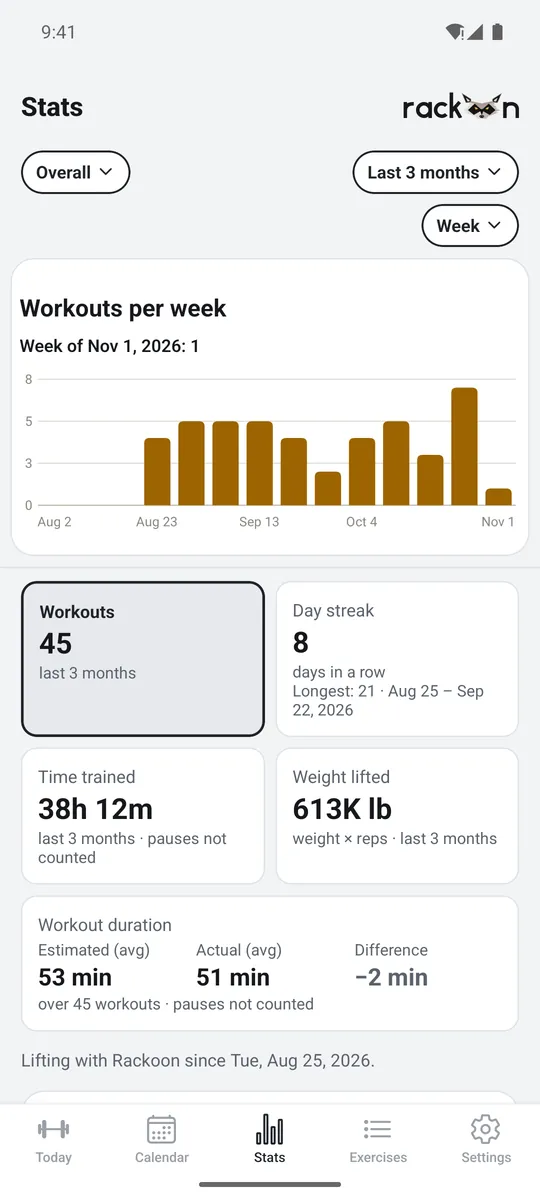
See your progress on every exercise and body part, over a week or all time.

  • Workouts per week, time trained, weight lifted, and sets.
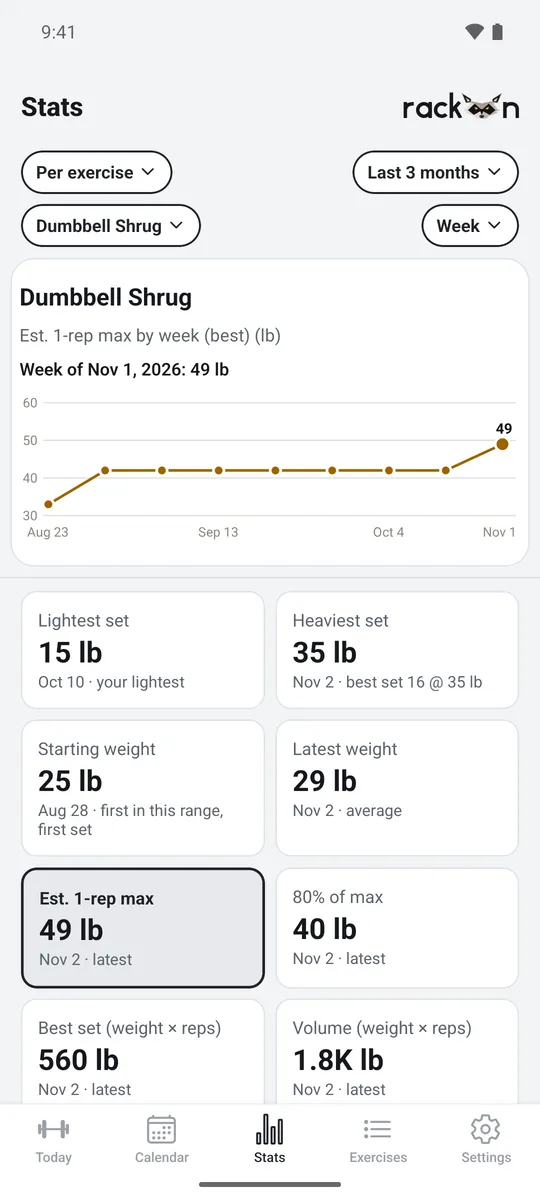
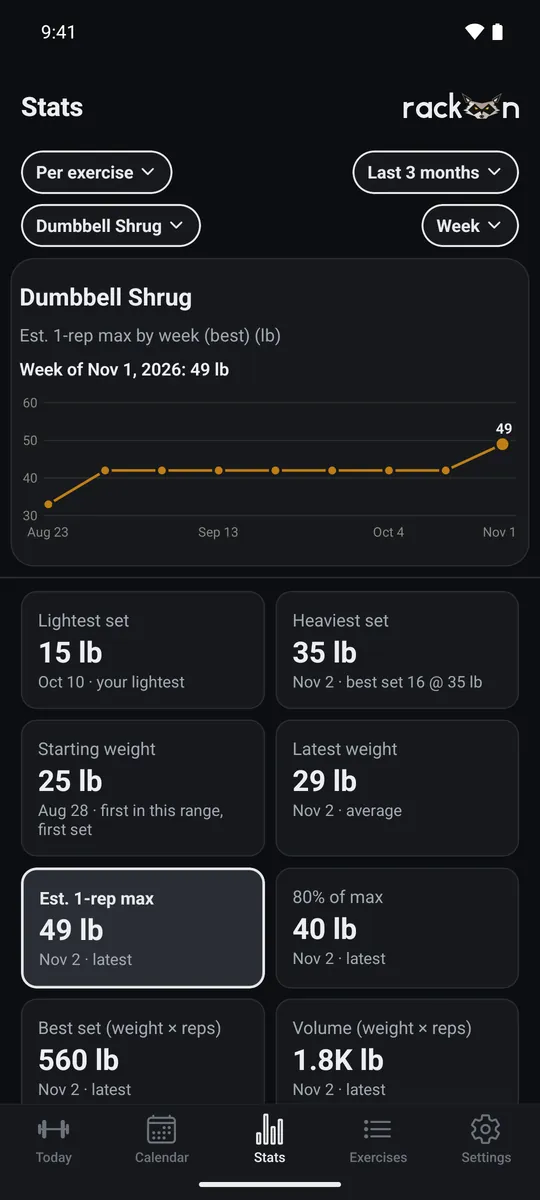
  • Each exercise: estimated 1-rep max, heaviest, latest, and best set.
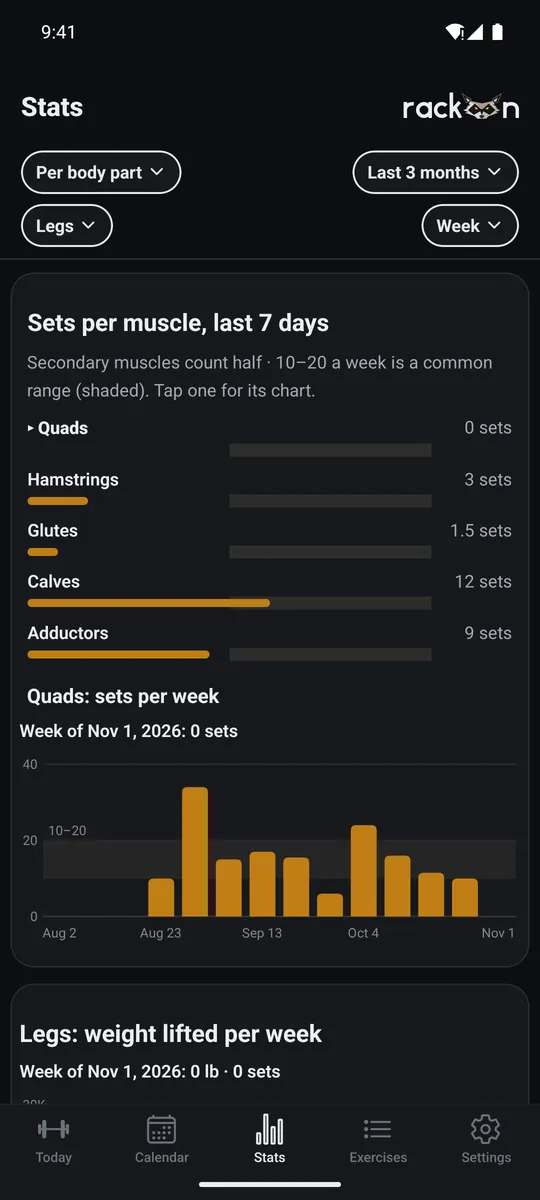
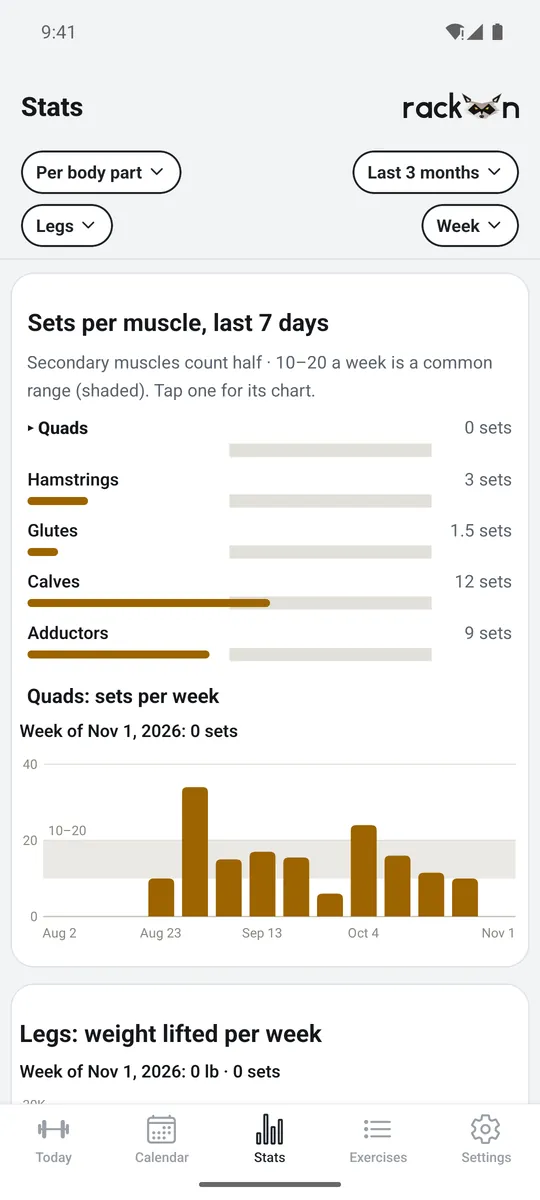
  • Sets per muscle per week, with the common 10–20 range shaded.
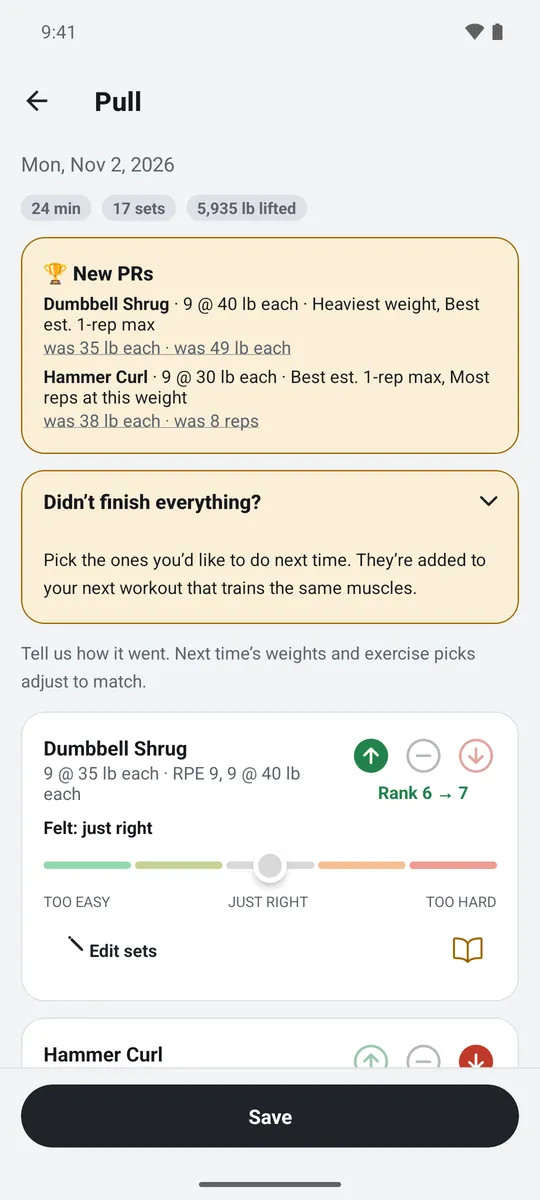
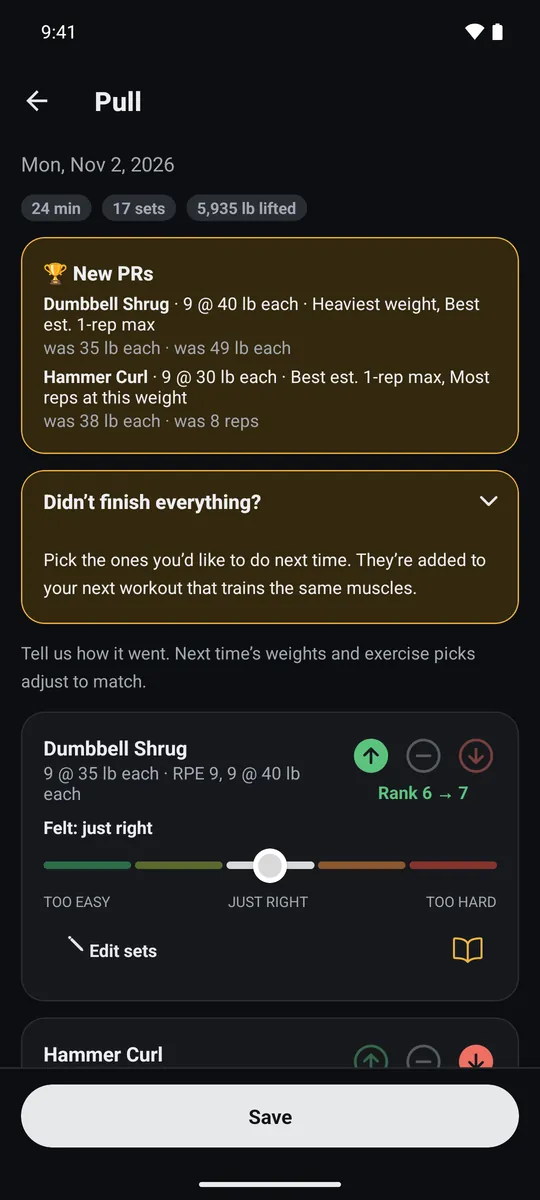
  • Personal records, and what they beat.

See more, with more screens →

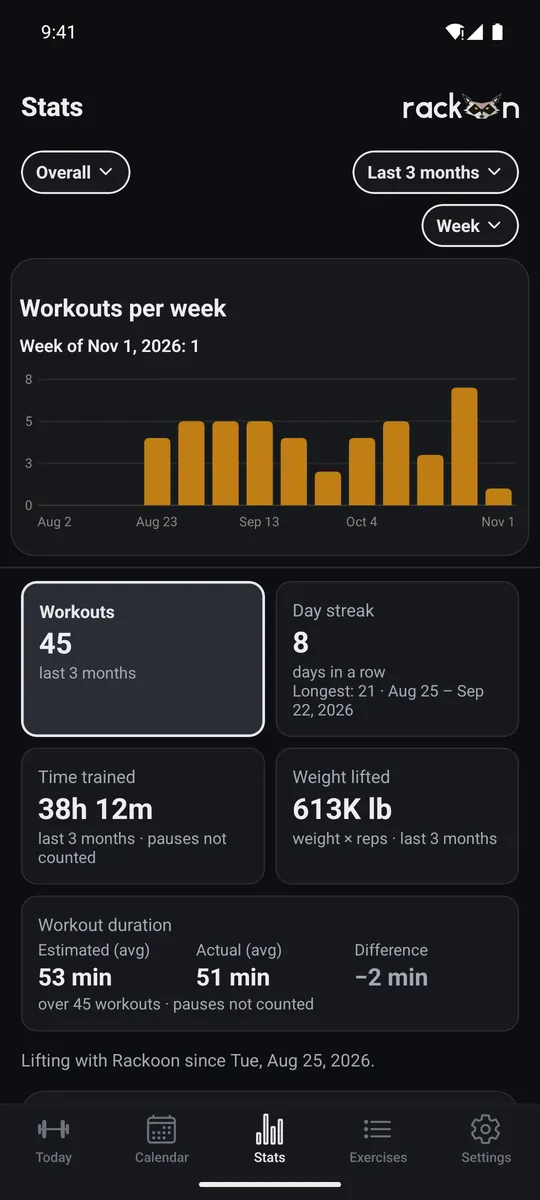
Overall: workouts per week and your totals
One exercise’s estimated 1-rep max
Sets per muscle, last 7 days
New PRs, after a workout

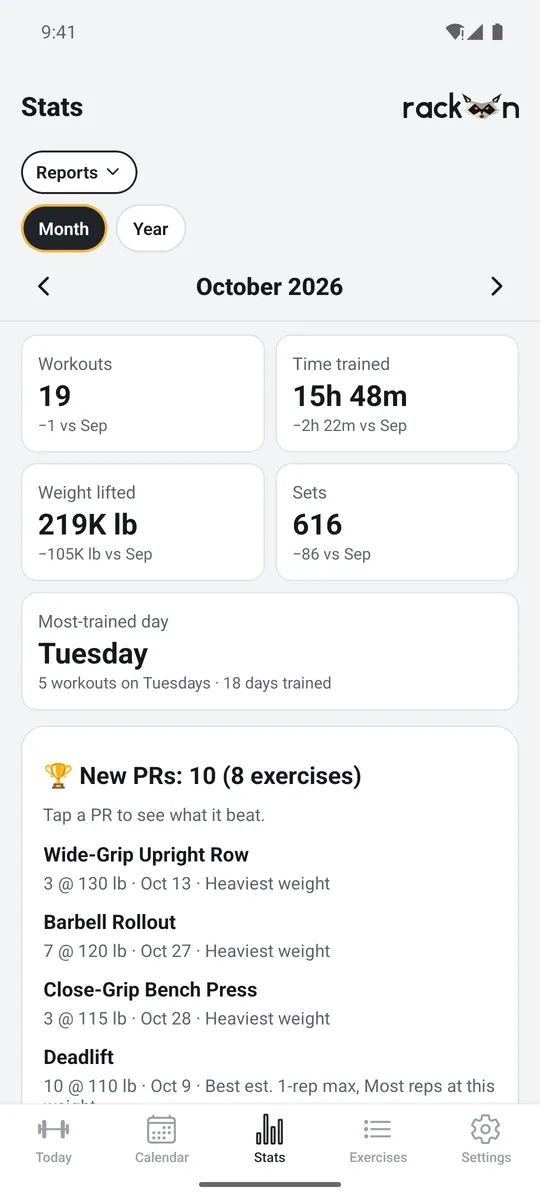
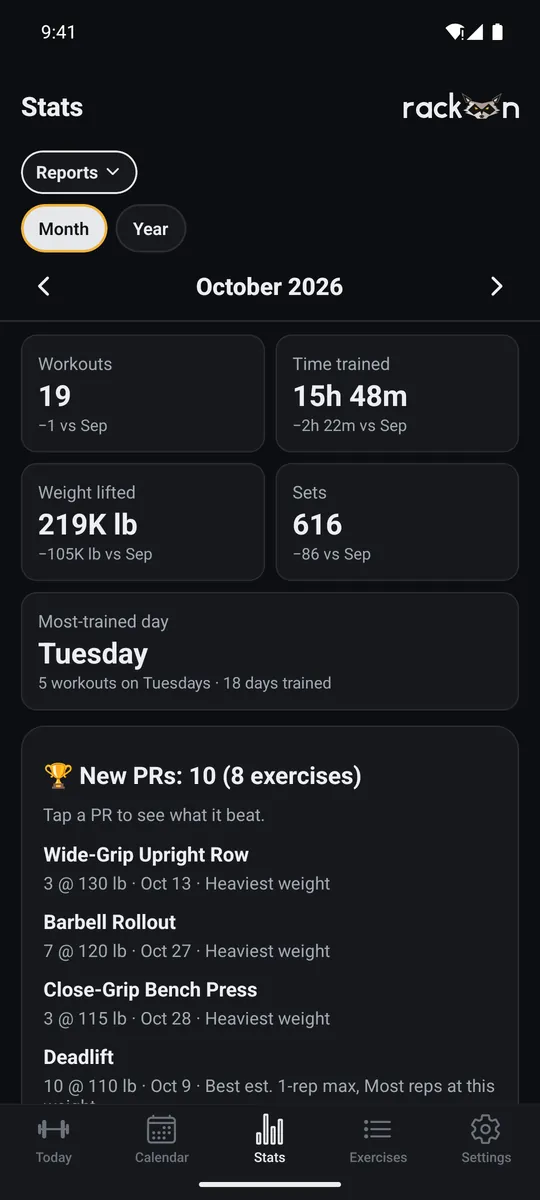
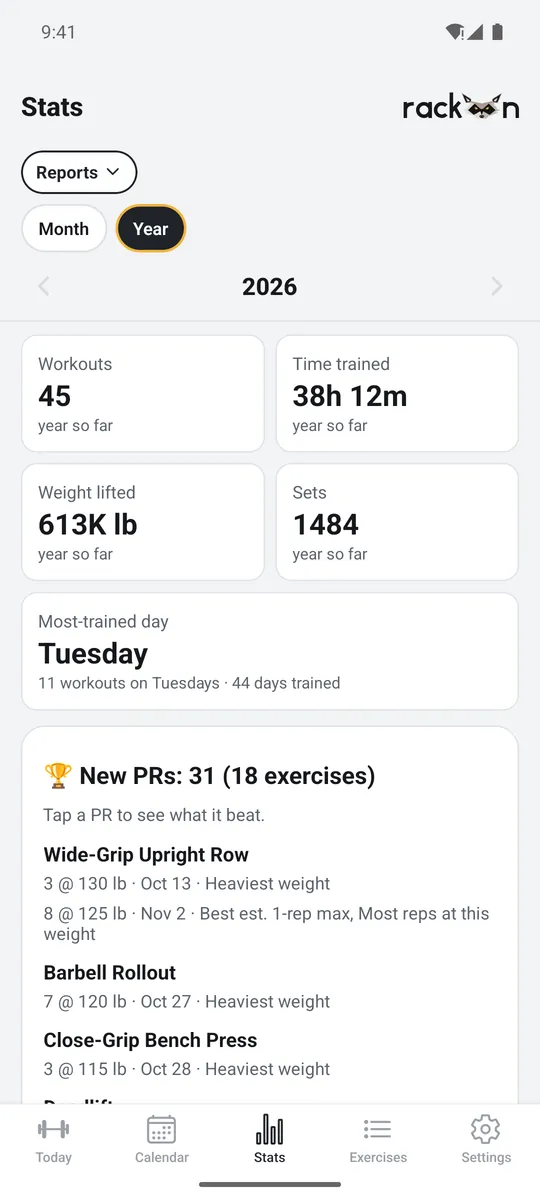
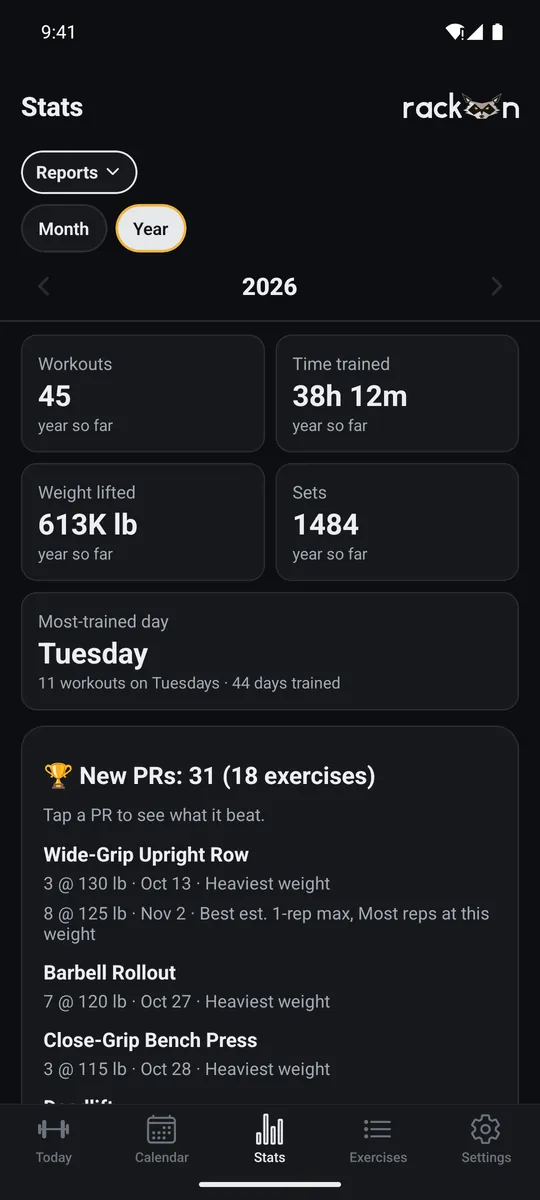
Monthly and yearly reports

A look back at each month and each year, ready on the 1st.

  • Workouts, time, weight lifted, and sets.
  • Your most-trained day, new PRs, top exercises, and sets per muscle.
  • A card on Today when a new report is ready.

See more, with more screens →

October: totals, the most-trained day, and new PRs
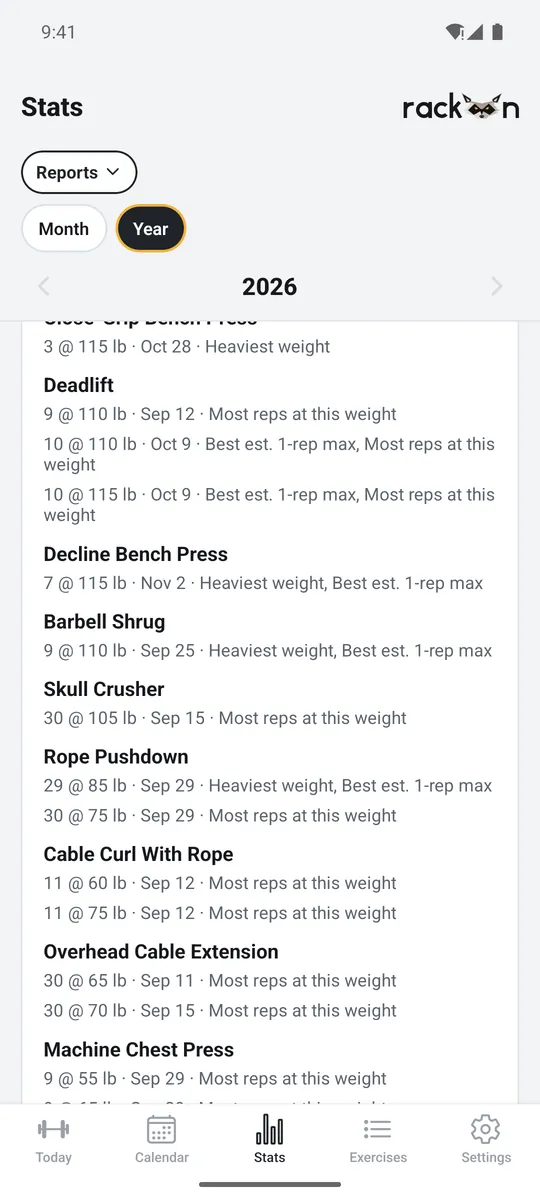
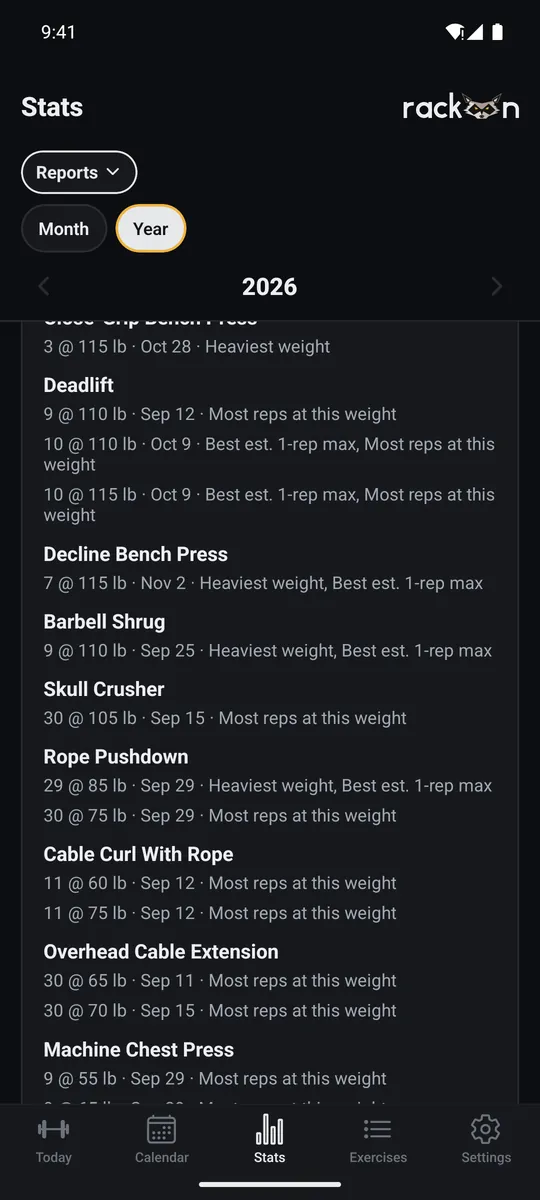
The year so far
The year so far
Every new PR of the year
The report card on Today

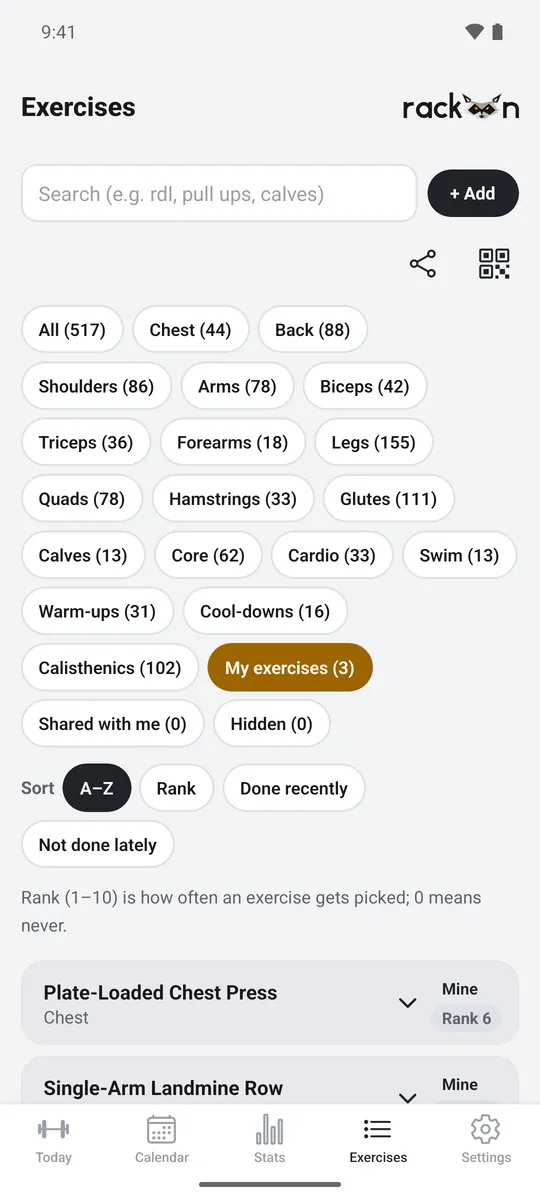
Your own exercises

Missing a move? Add it, share it with a friend, and add theirs.

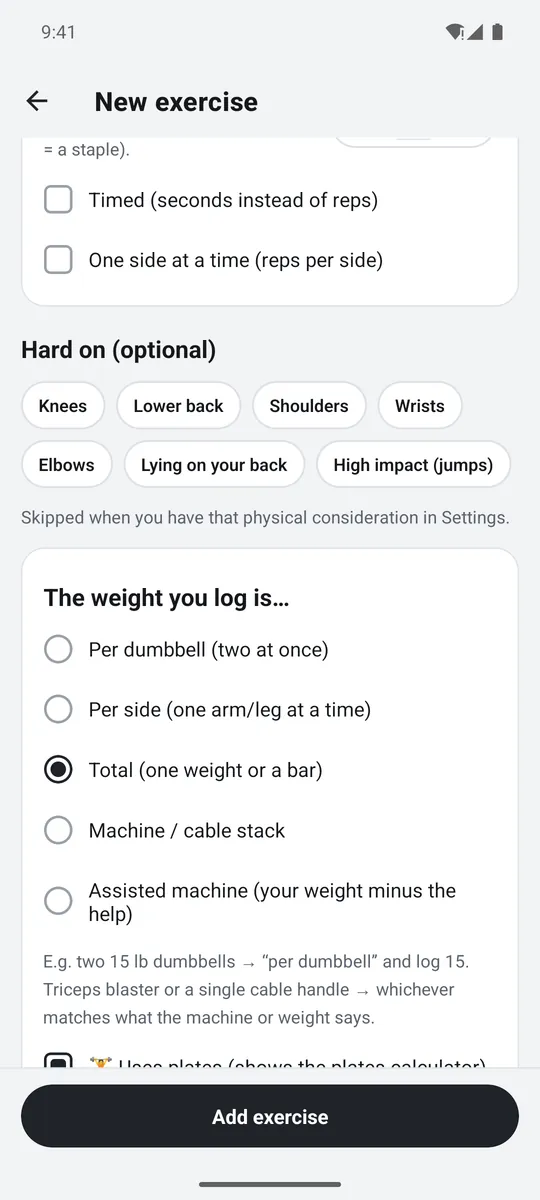
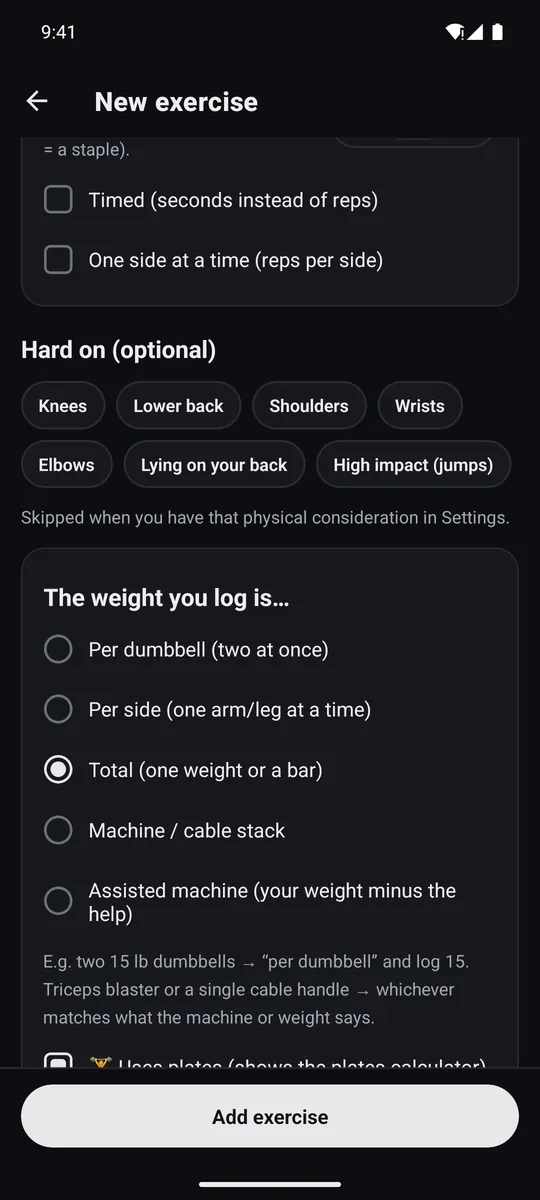
  • Create exercises with their muscles, equipment, difficulty, and how the weight counts.
  • They’re planned, tracked, and charted like the built-in ones.
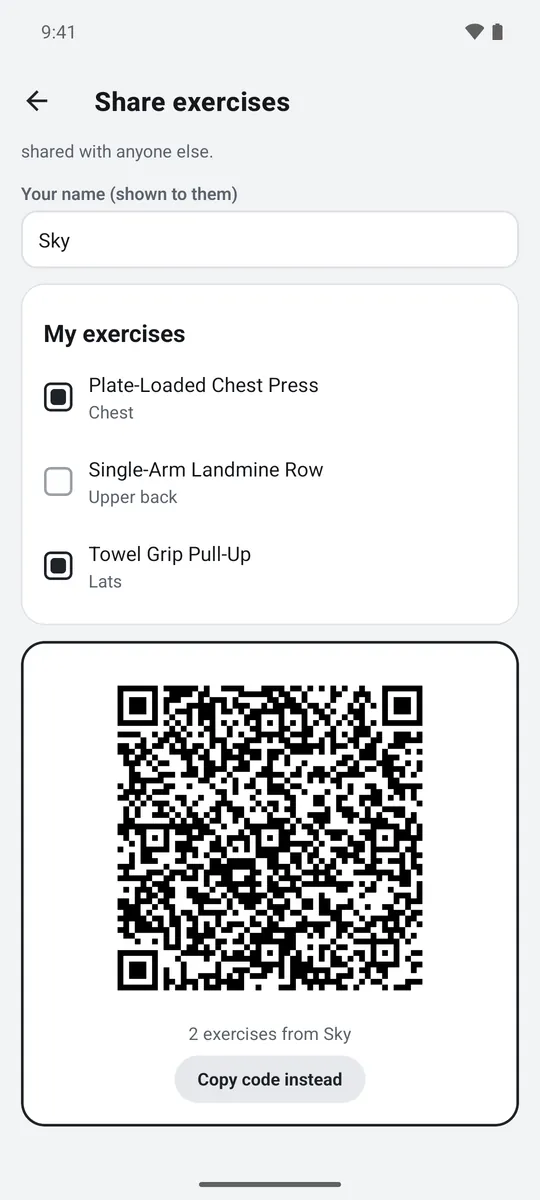
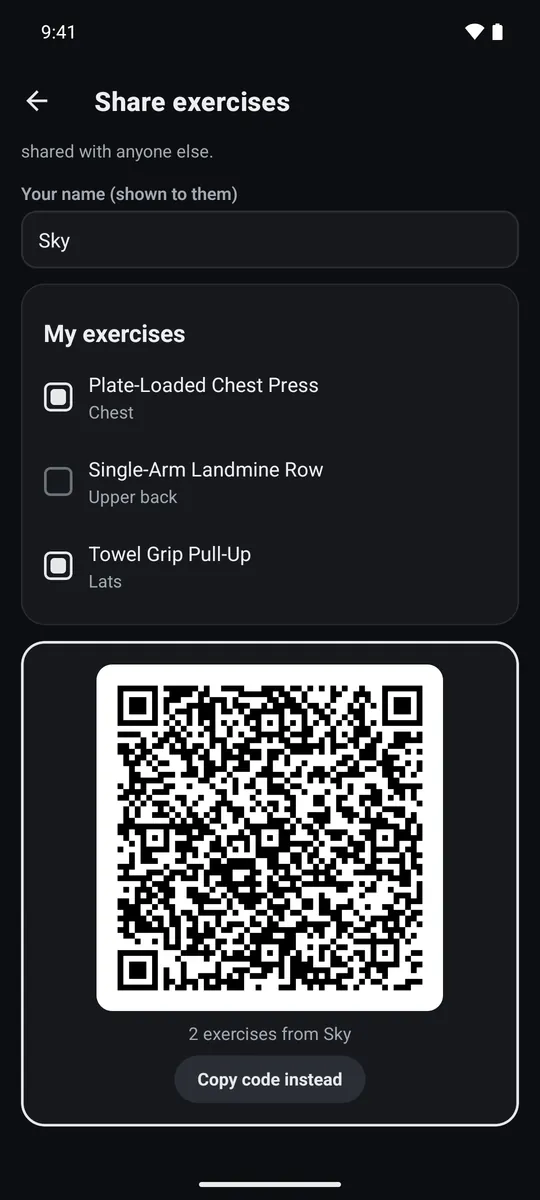
  • Share them with a QR code or a text code, and a friend adds them in one tap.
  • Scan a friend’s code to get their exercises too.

See more, with more screens →

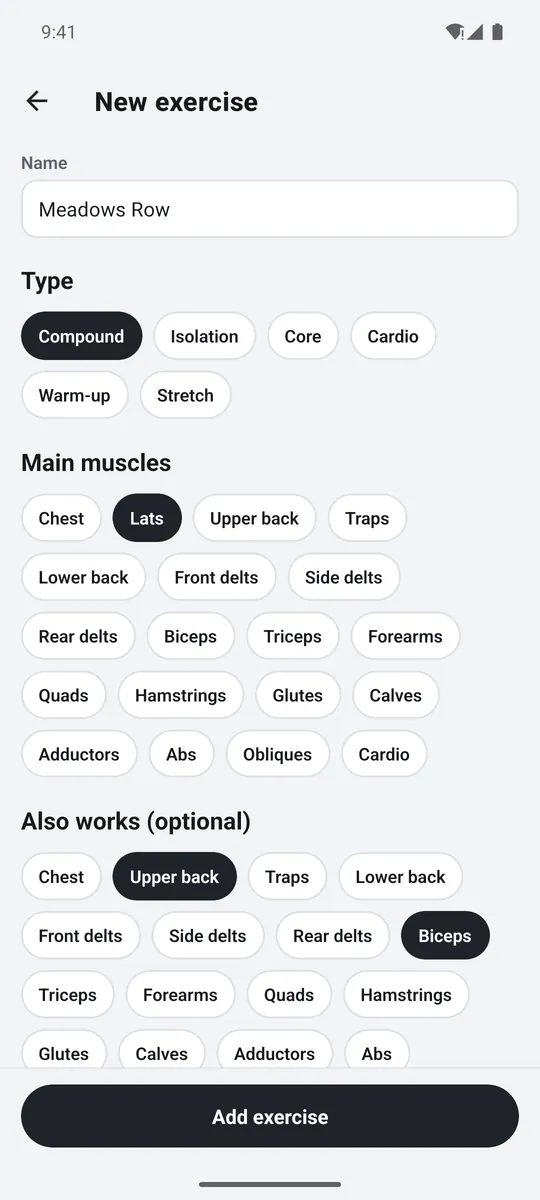
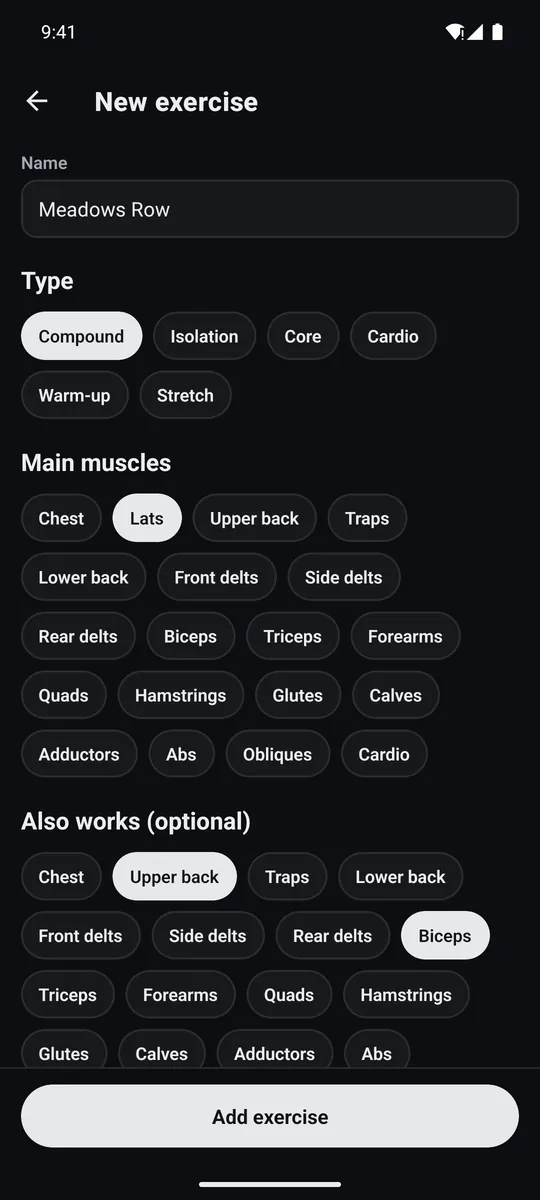
A new exercise: type and muscles
Difficulty, rank, and what it’s hard on
Share them with a QR code
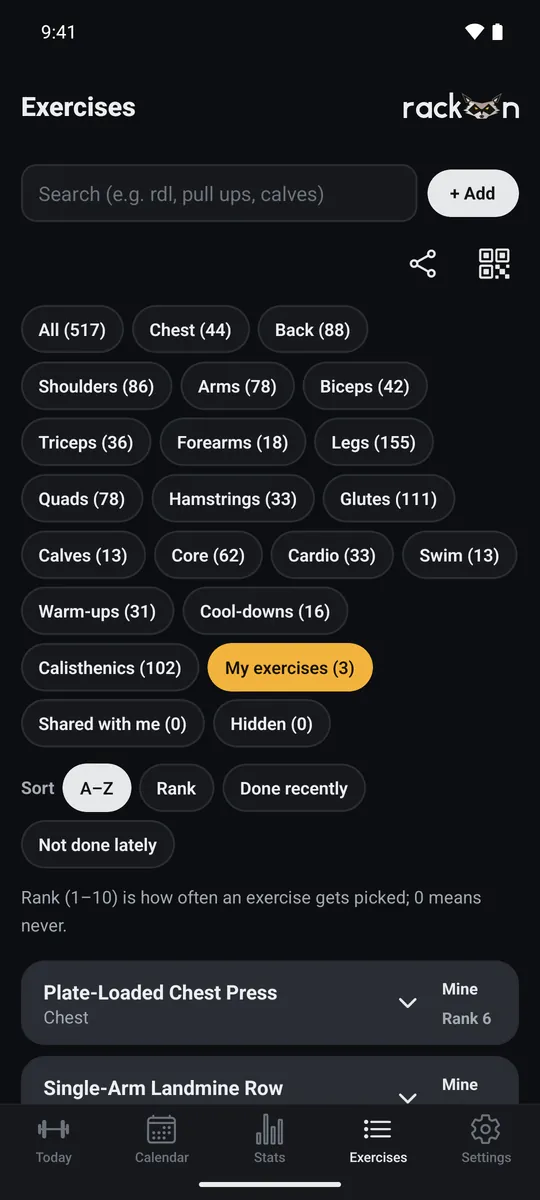
Your exercises next to the 500+ built-in ones

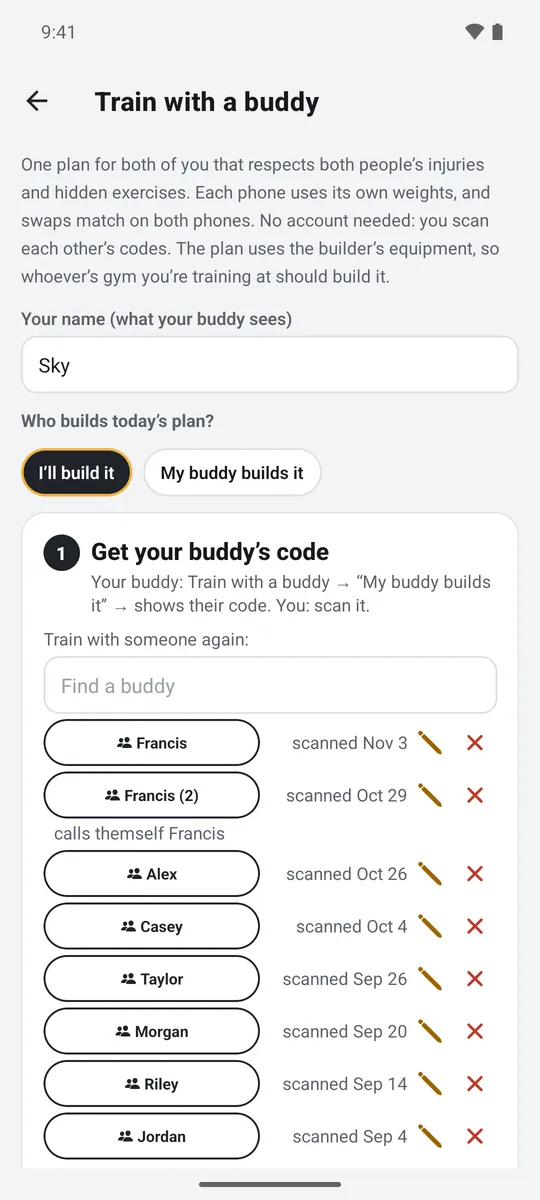
Train with a buddy

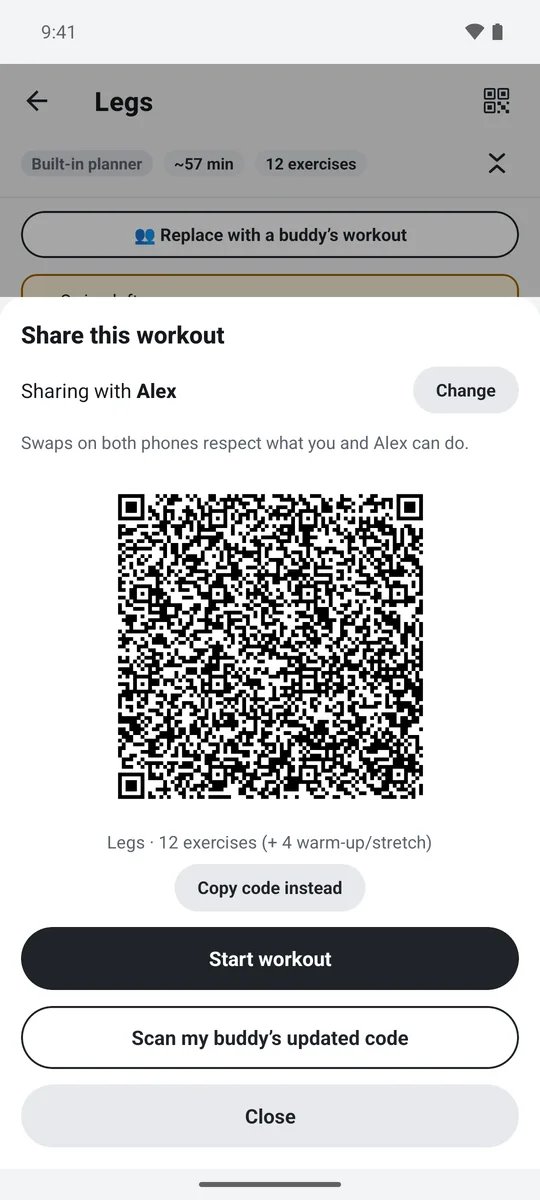
Share a workout, a schedule, or your whole calendar, phone to phone.

  • A QR code or a text code: no account, and it works offline.
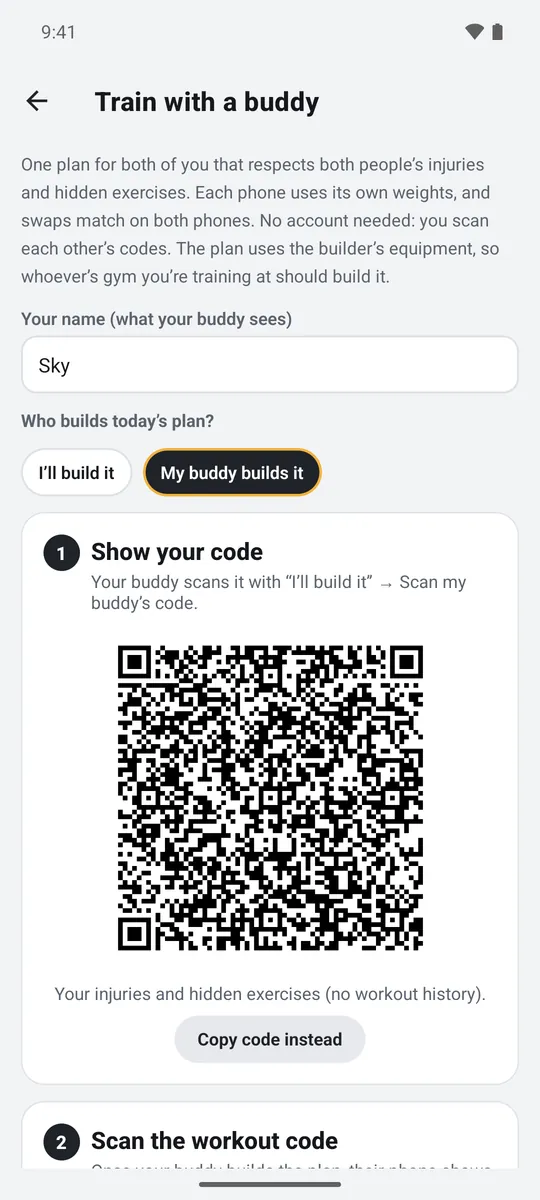
  • One of you builds the workout; the other shares a QR with their preferences, so it leaves out what they can’t or won’t do.
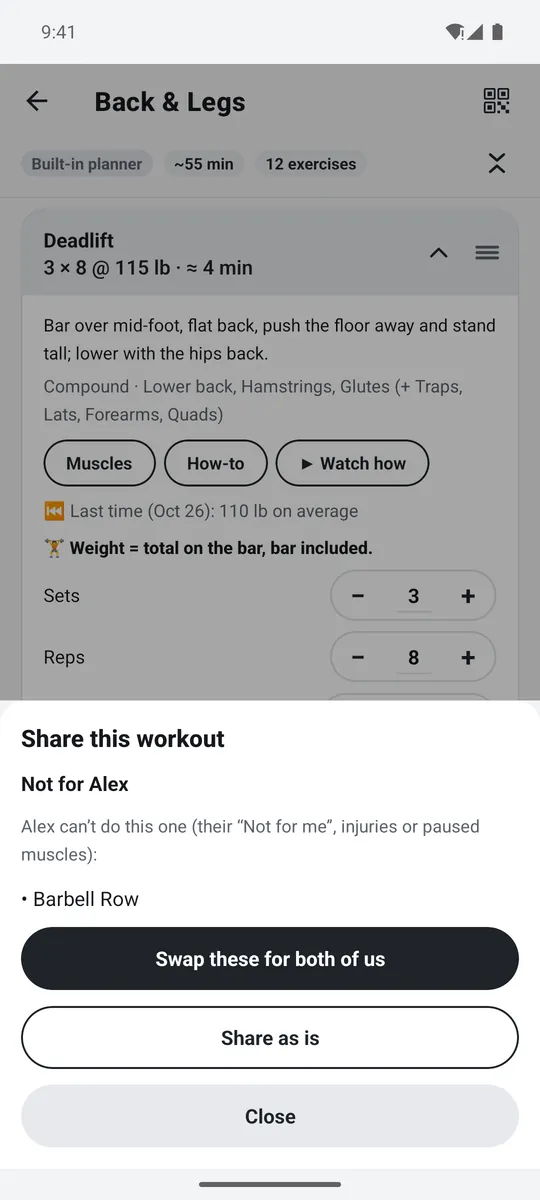
  • Swaps respect what both of you can do.
  • Programs can be shared too, starting at any week.

See more, with more screens →

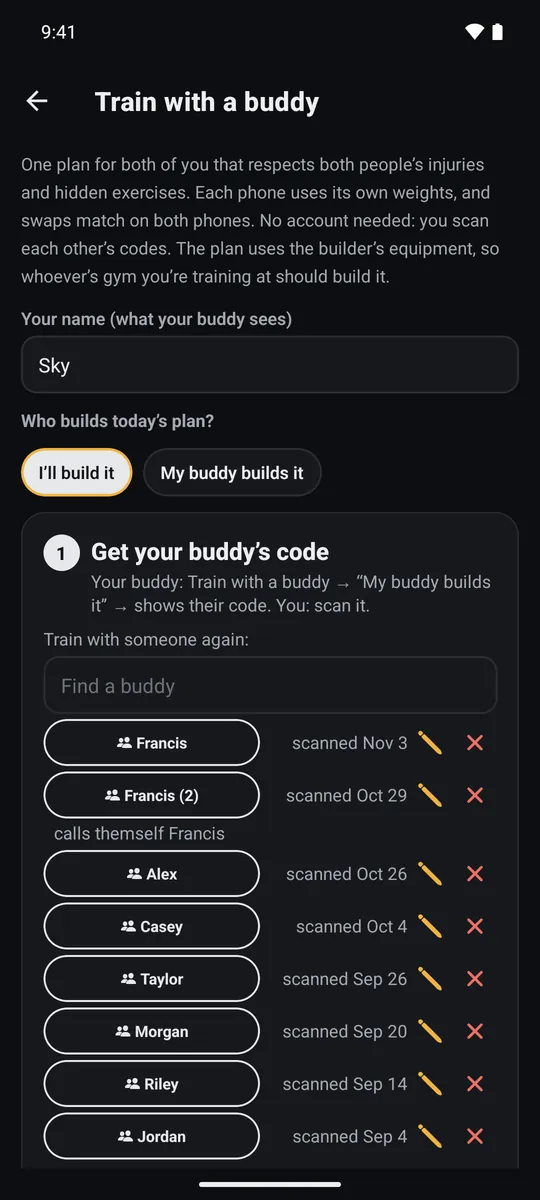
One of you builds it
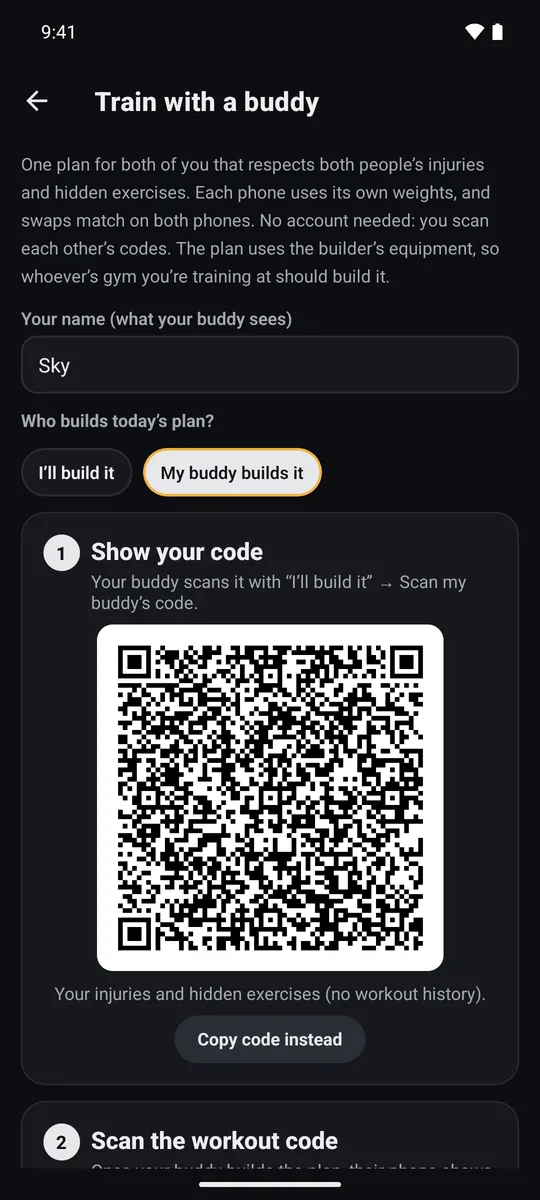
The other shares their preferences as a QR
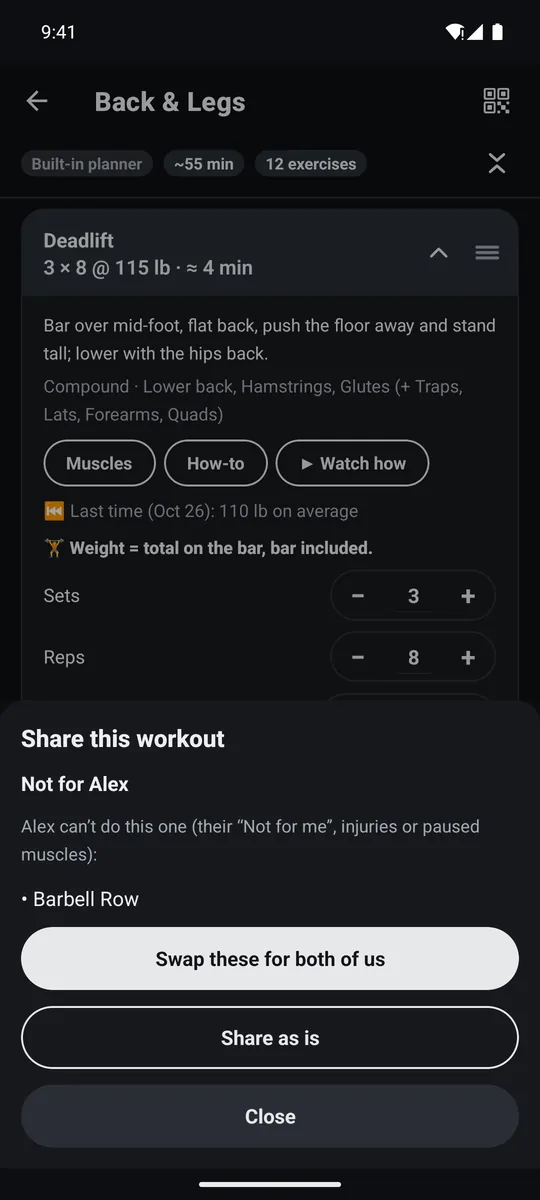
Share as is, or swap for what you both can do
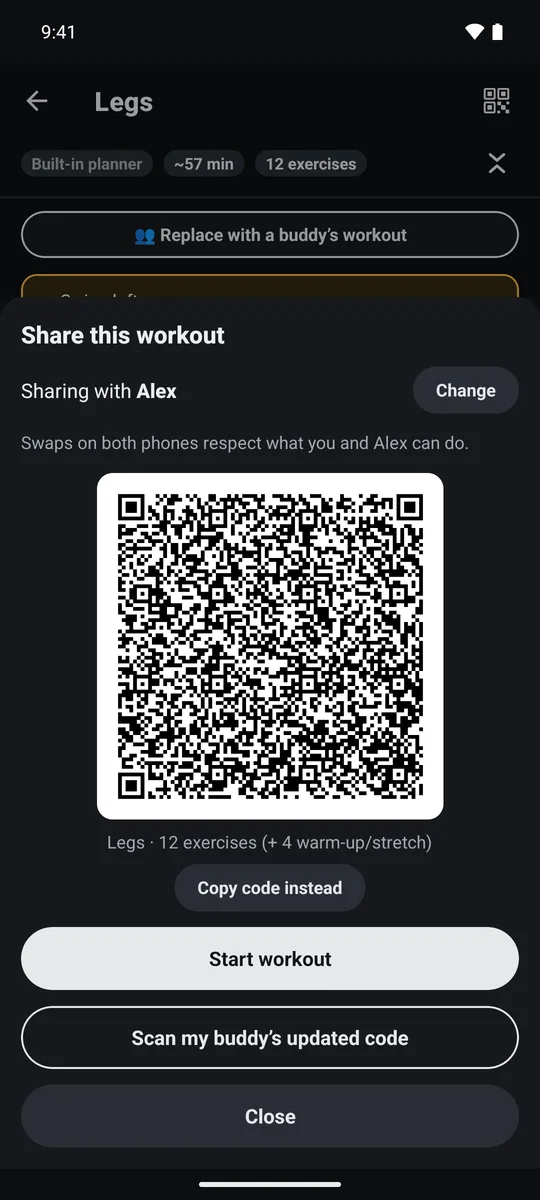
The workout’s QR code

Make it yours

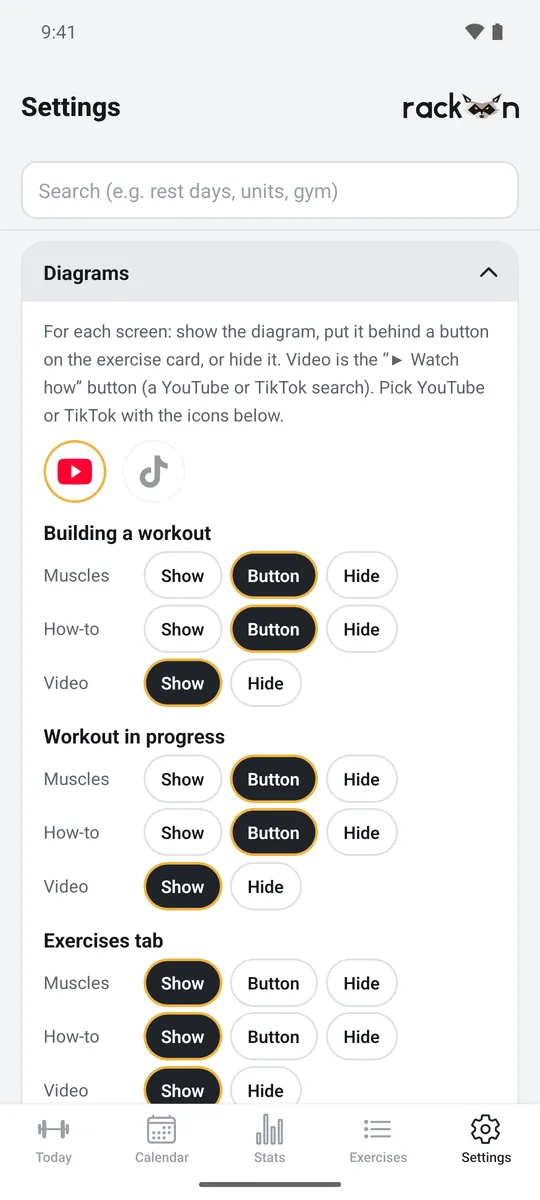
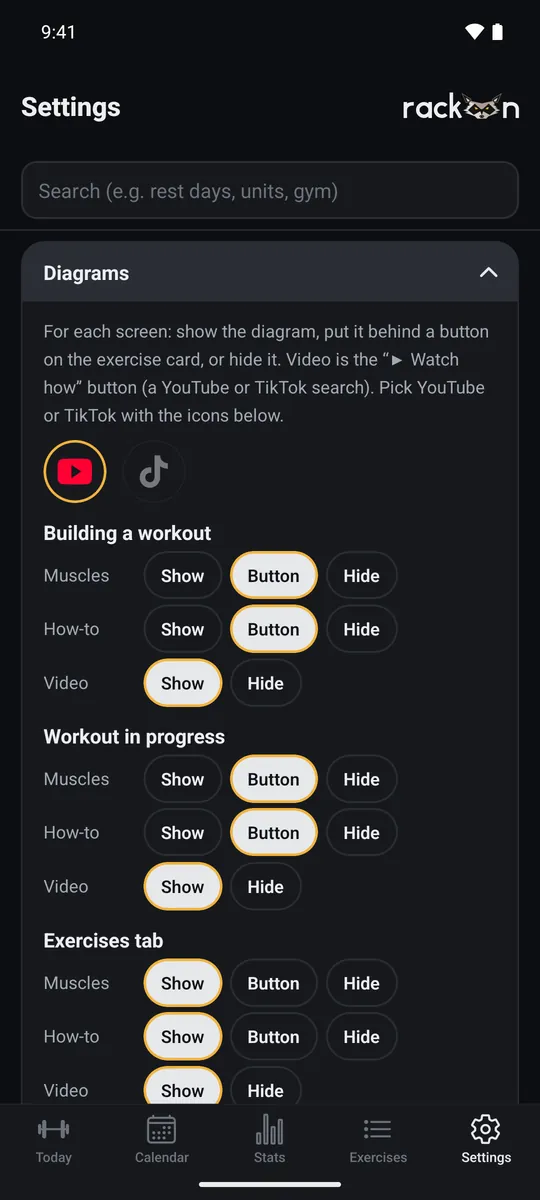
You decide what shows and where. Turn off what you don’t use, and keep what you do.

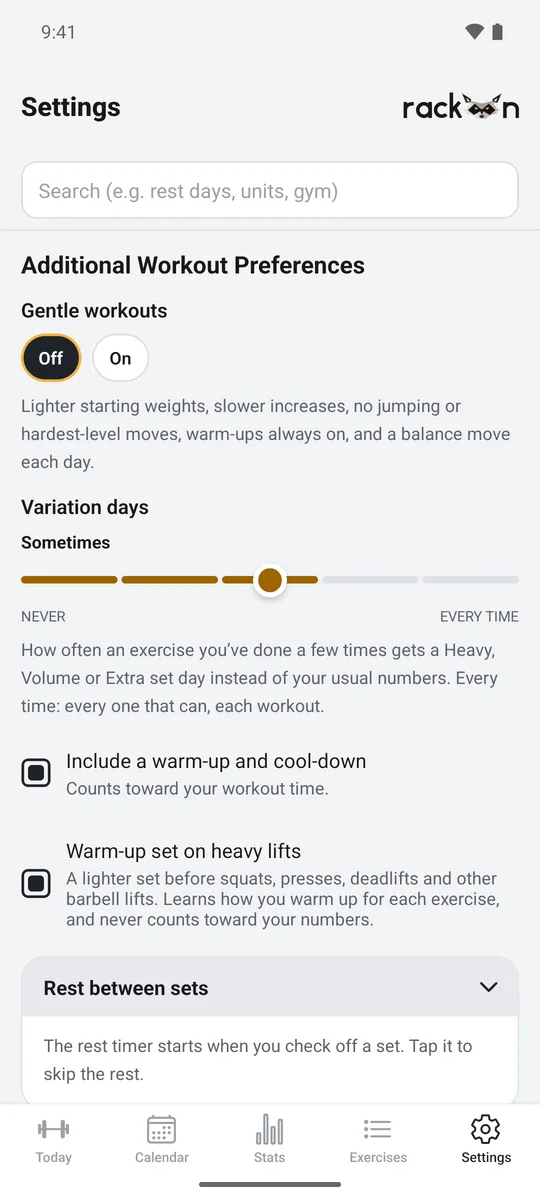
  • Warm-ups and cool-downs, warm-up sets, and the rest timer are all optional.
  • For each screen, show the diagram and muscle map, put them behind a button, or hide them.
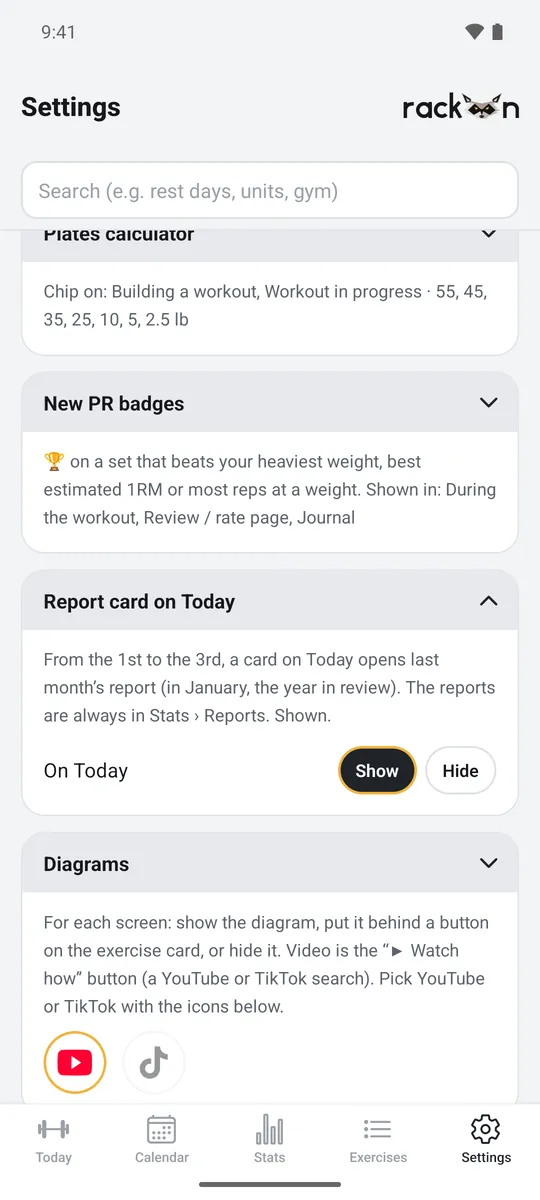
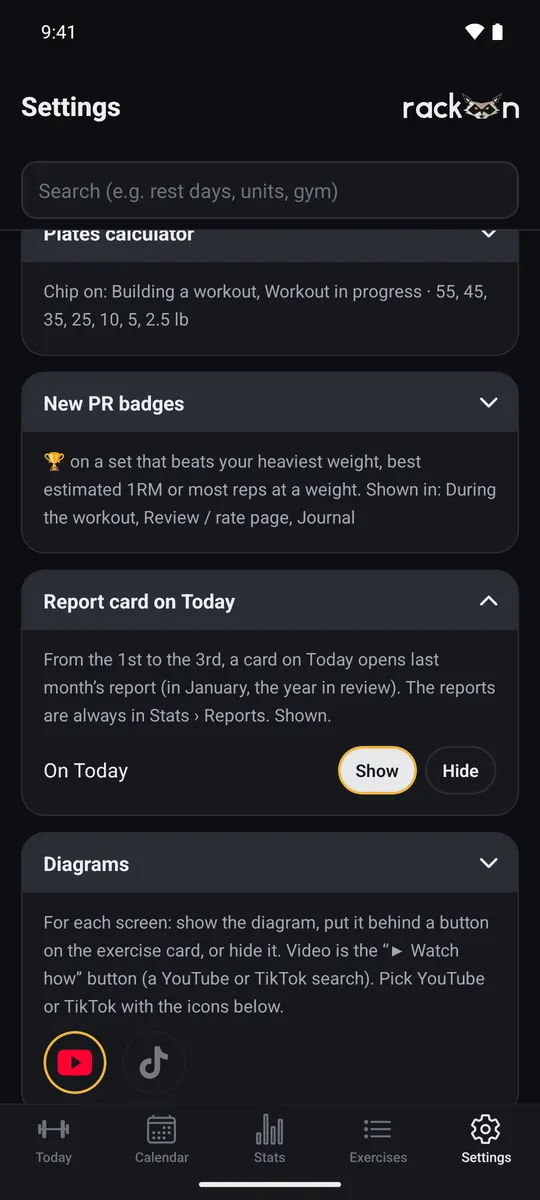
  • Turn the streak, PR badges, the plates calculator, and the report card on or off.
  • Tell it about injuries, your equipment, and what happens when you miss a workout.

See more, with more screens →

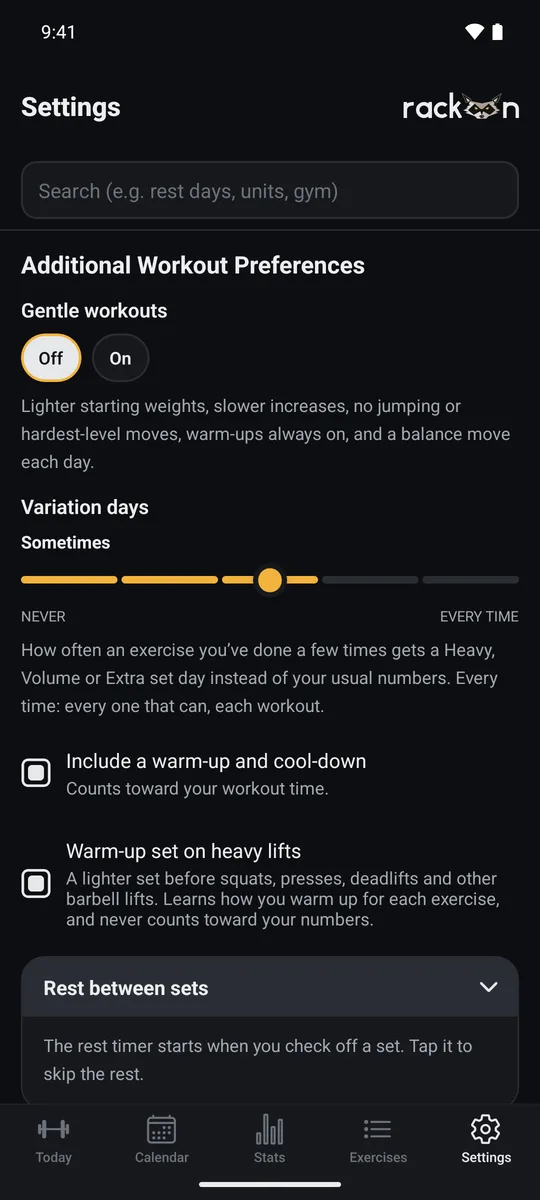
Warm-ups, warm-up sets, and rest between sets
Show, button, or hide, for each screen
Plates, PR badges, and the report card
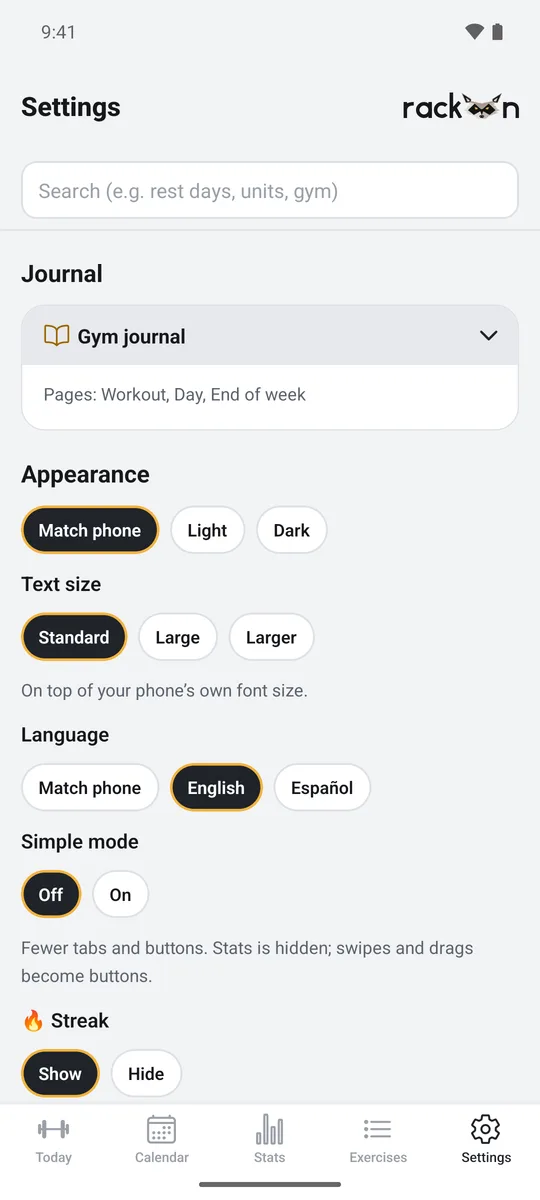
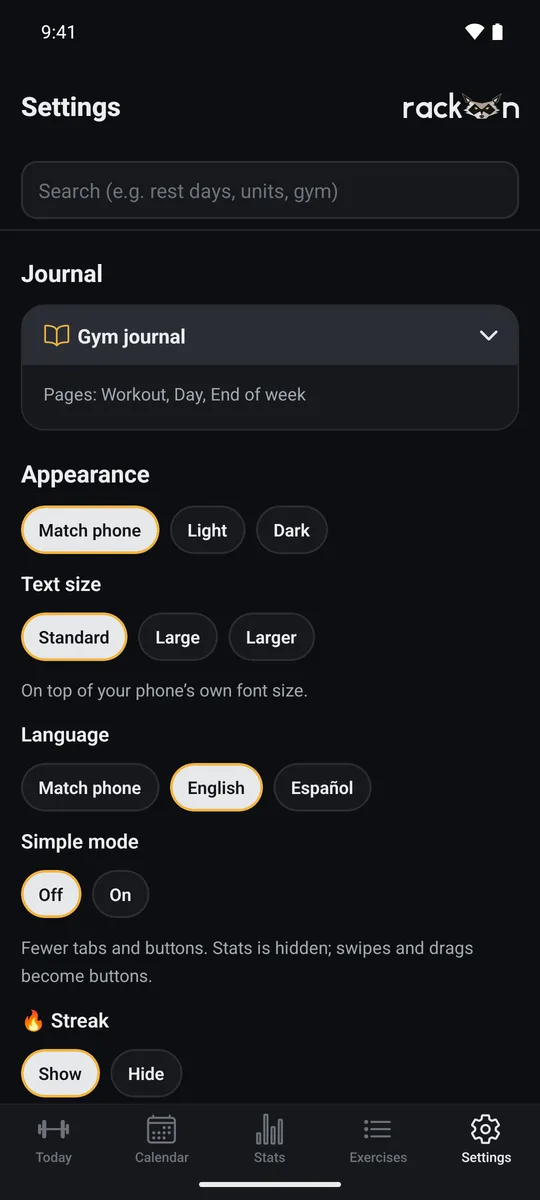
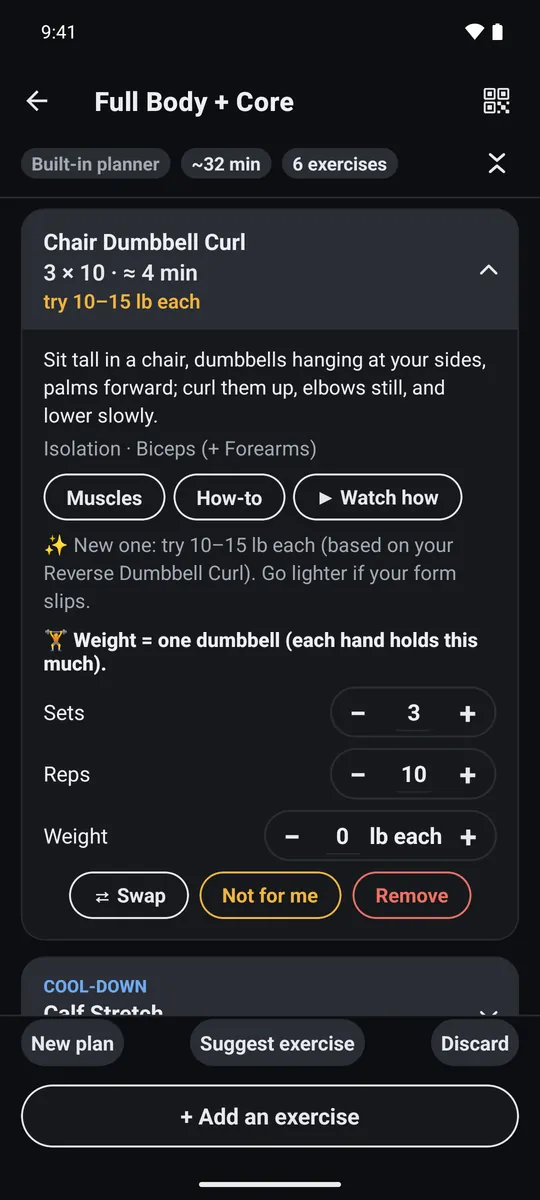
Preferred video engine, light or dark, and the streak

Life happens

Your plan bends instead of breaking.

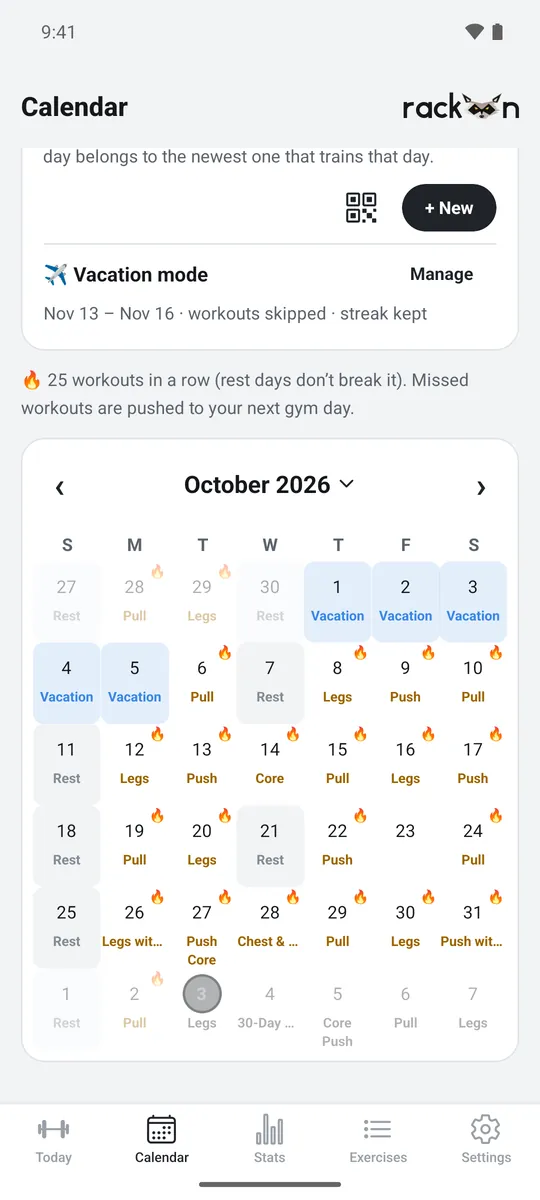
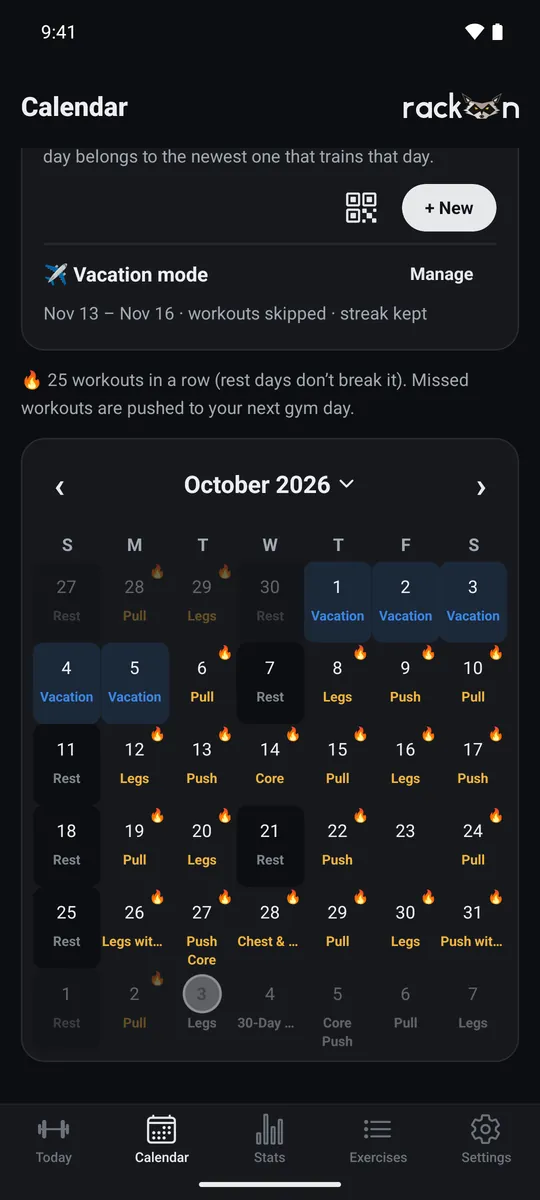
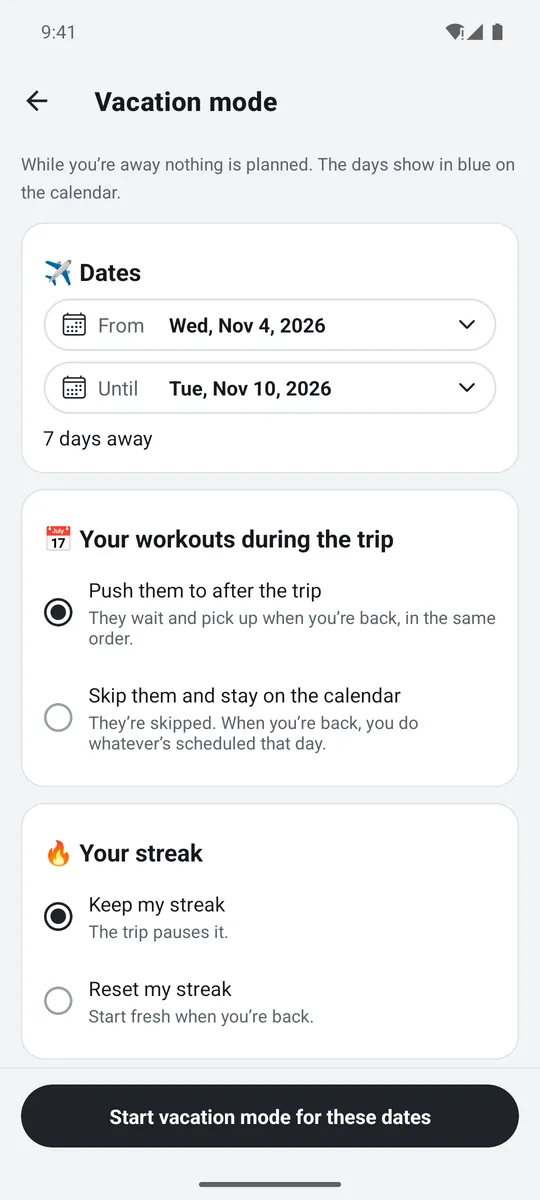
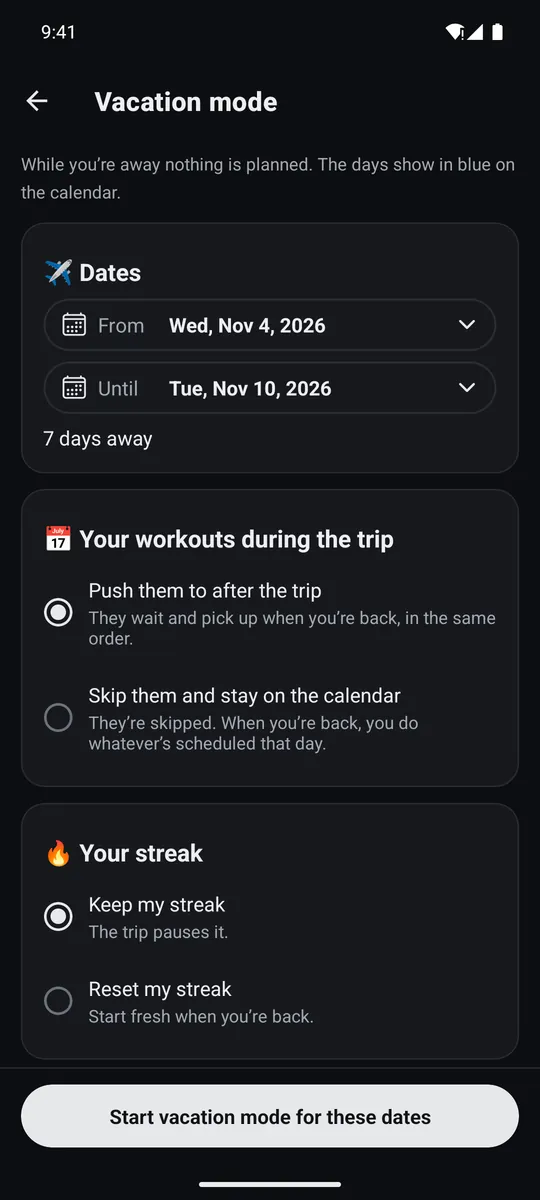
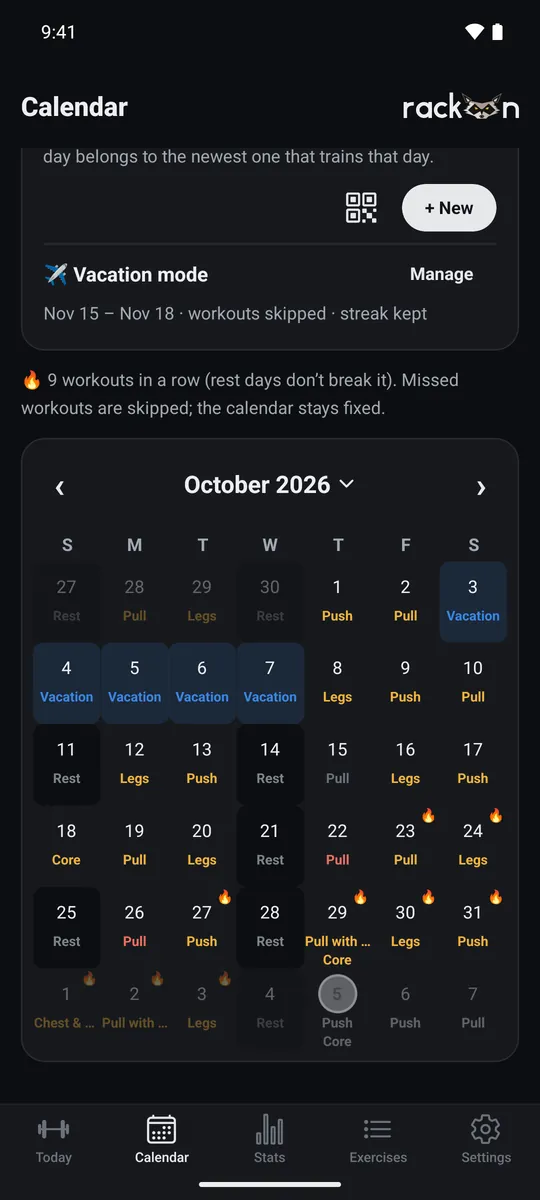
  • Vacation mode: push workouts to after the trip or skip them, and keep your streak.
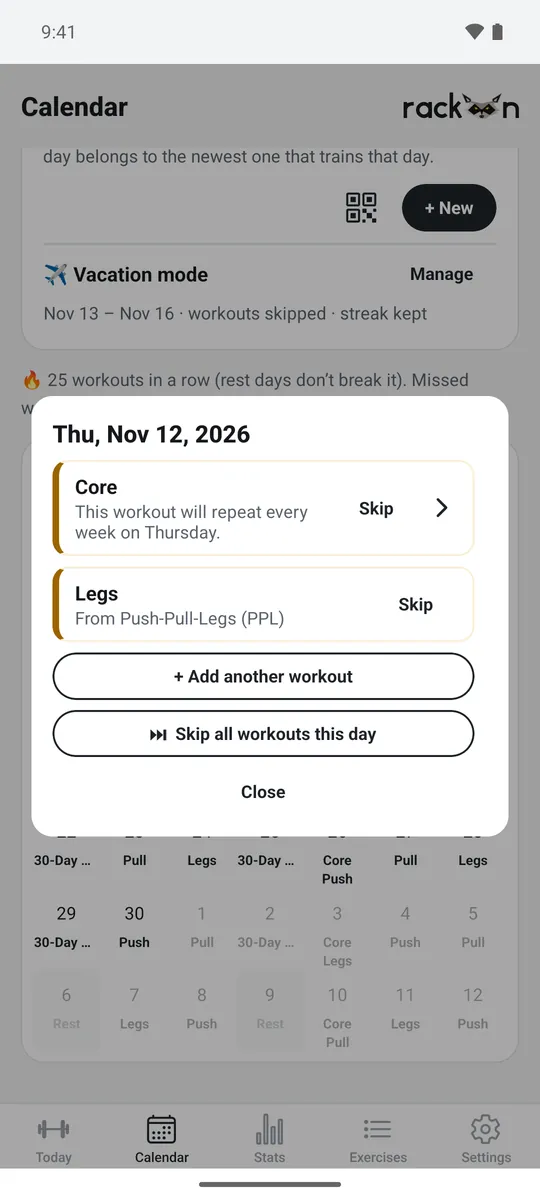
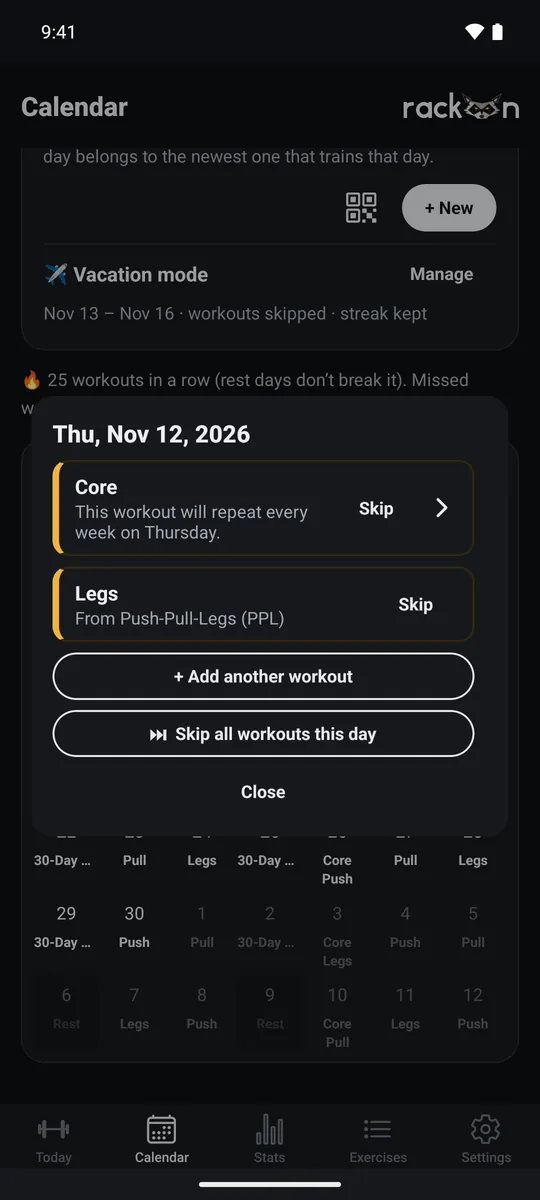
  • Skip one workout or a whole day from the calendar.
  • Missed one? It’s pushed or skipped, the way you chose.
  • Injuries and body parts you’re resting are left out of your workouts.

See more, with more screens →

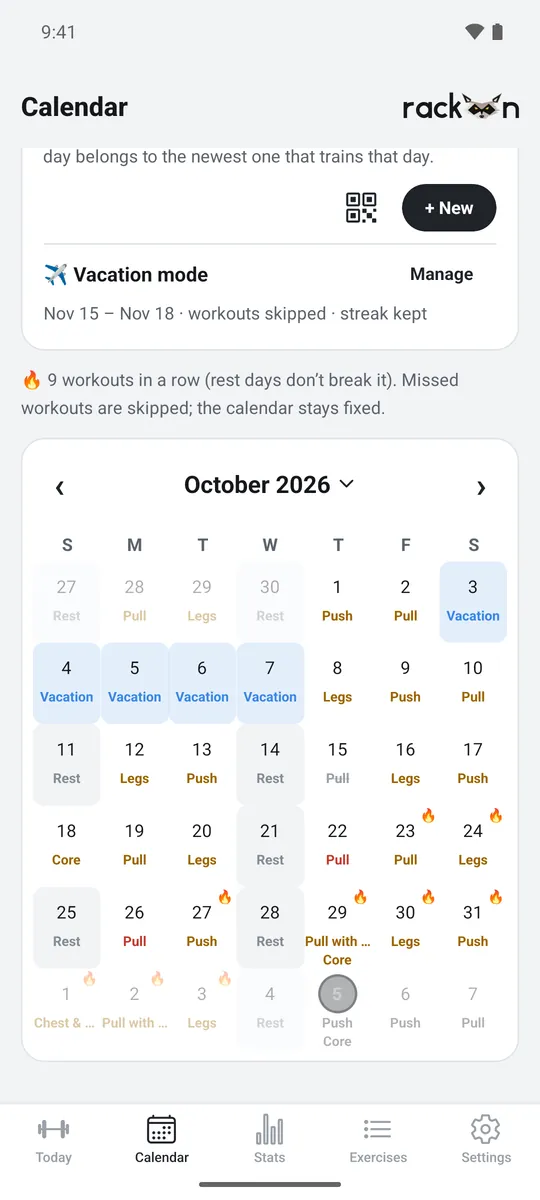
The streak, kept through a vacation
Vacation mode
Vacation mode
Skip one workout, or the whole day

Simple mode

A calmer Rackoon with fewer buttons, bigger text if you want it, and gentle workouts.

  • Fewer tabs and buttons, and nothing that needs a swipe or a drag.
  • Text size: Standard, Large, or Larger, on top of your phone’s own setting.
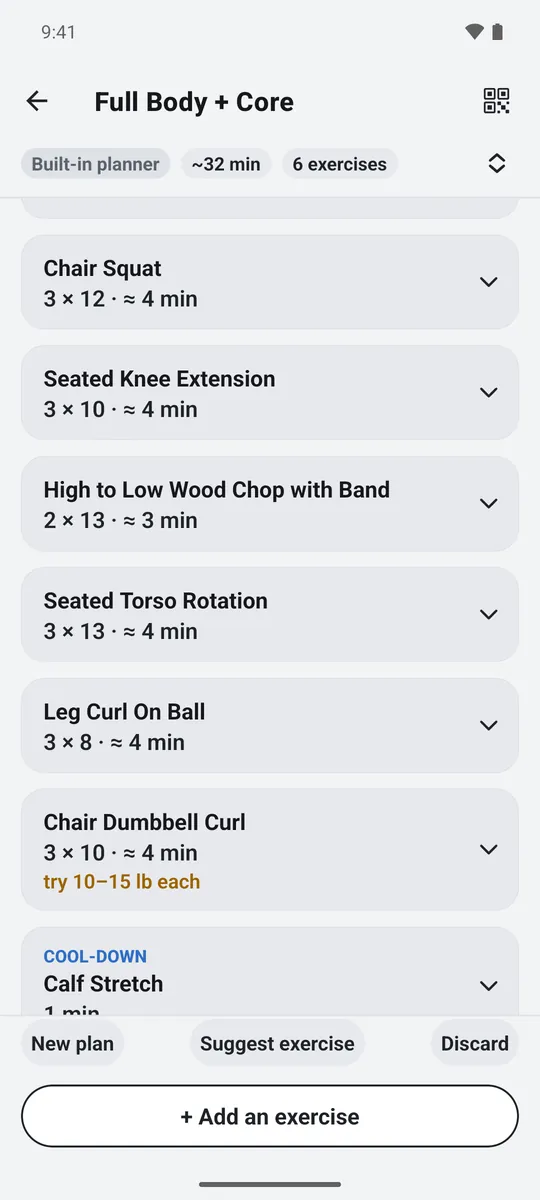
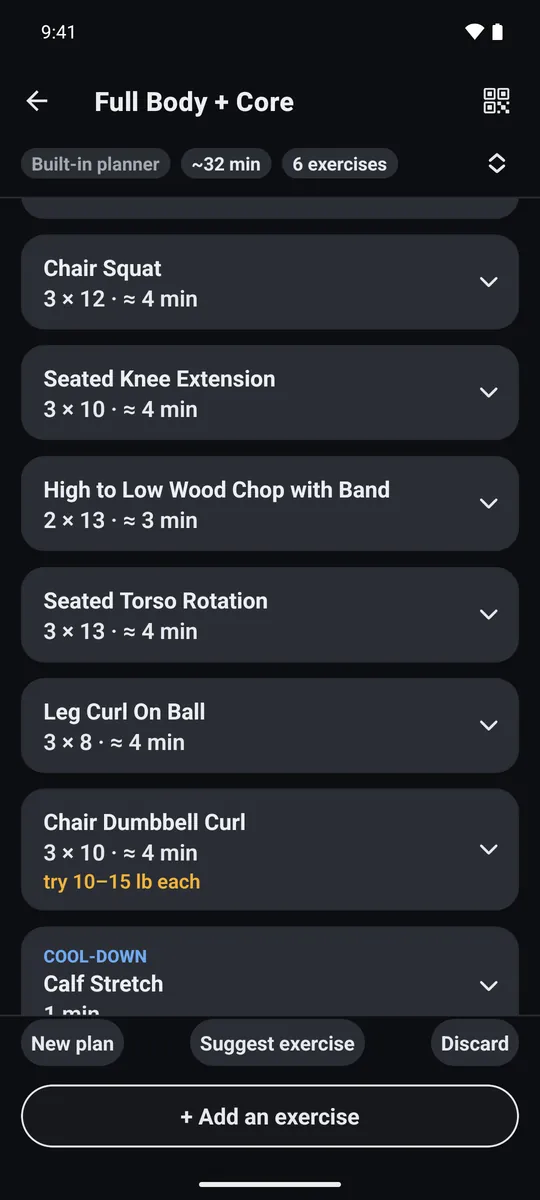
  • Gentle workouts: no jumping, lighter starting weights, and one balance move a day.
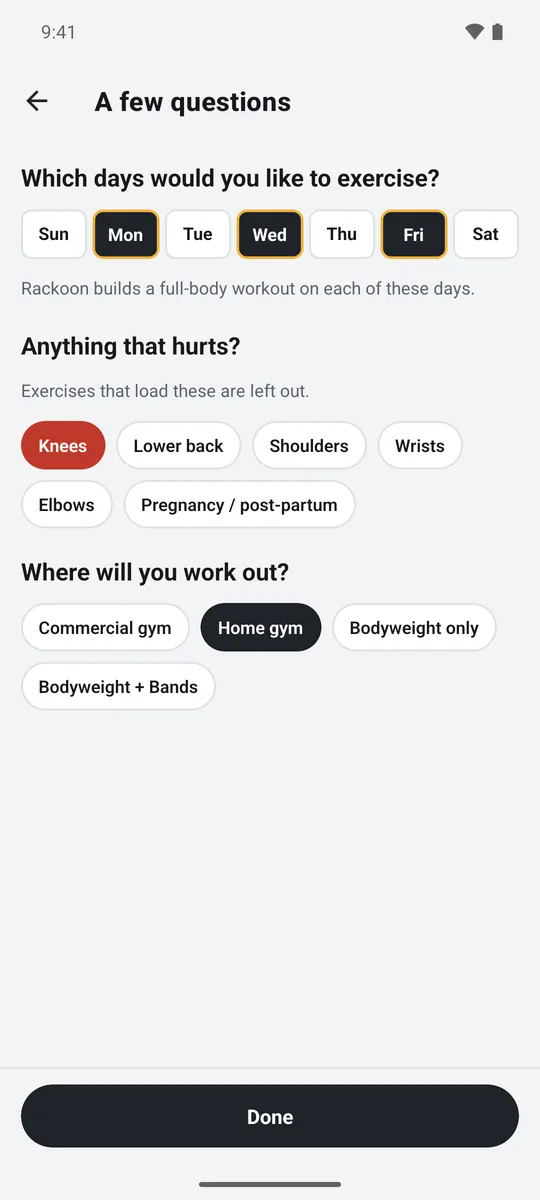
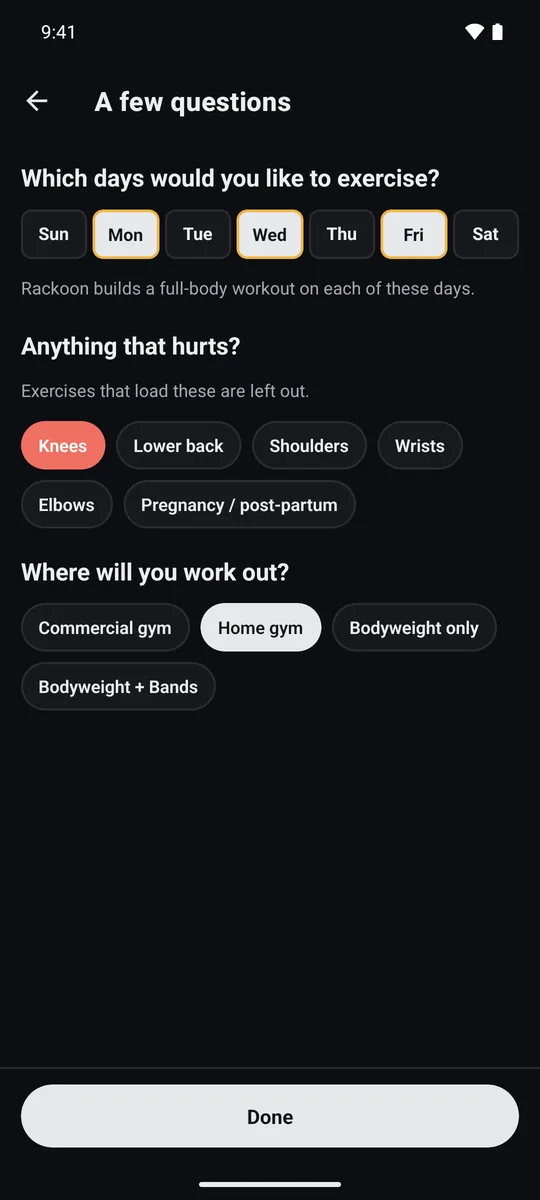
  • A three-question setup: your days, anything that hurts, and where you work out.

See more, with more screens →

Today, with this month’s workouts
A workout: Swap and Remove are buttons
Three questions to get started
Gentle workouts
Gentle workouts
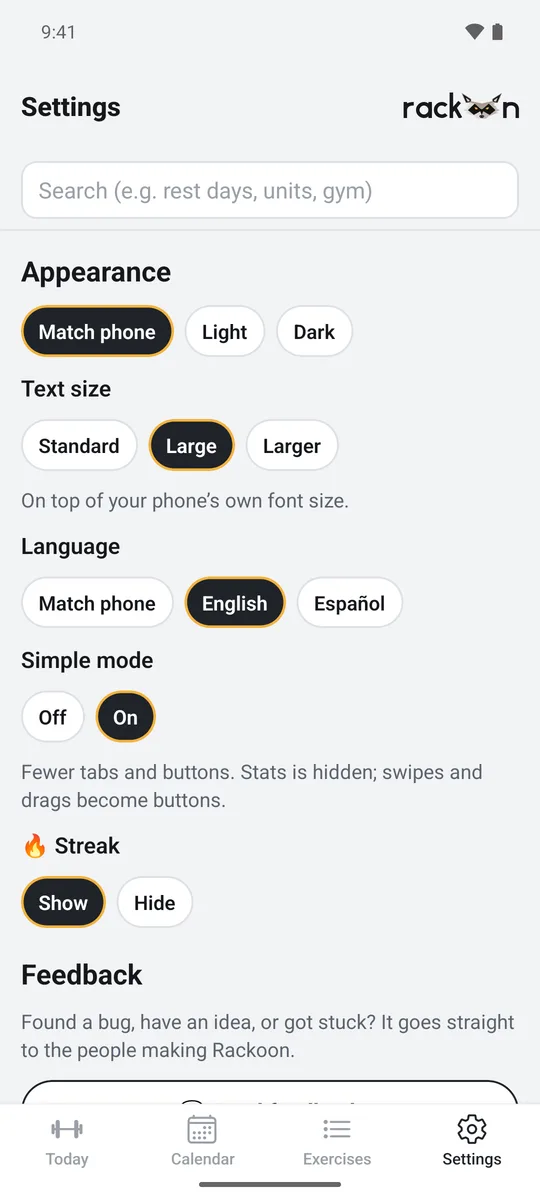
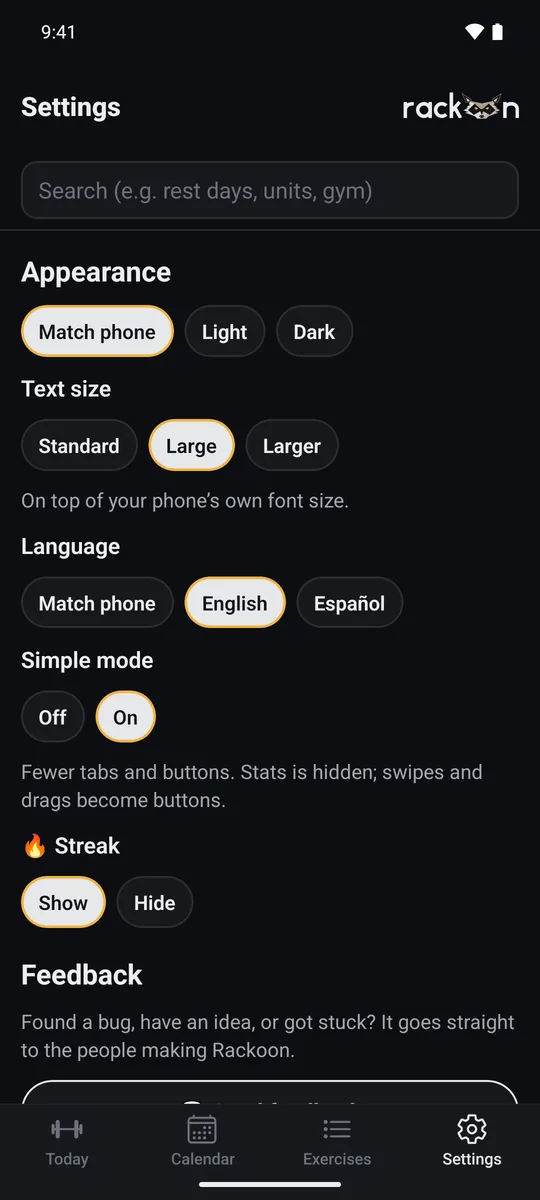
Text size
Text size

See how Rackoon compares with Hevy, Strong, Fitbod, and others →

Private by design

Your training is yours. Rackoon has no accounts and no servers watching you.

  • No account to make
  • Everything stays on your phone
  • Backups you control
  • Works offline, even in a basement gym
  • Pounds or kilograms, switch any time

More

Review your data on a big screen

Open a backup from the app to look over your stats, your monthly and yearly reports, and your journal on a computer. The file is read in your browser and never uploaded.

The exercise library

Over 500 built-in exercises for gyms, home, and outdoors, each with its muscles, equipment, and a one-line how-to. Search them before you download.

Coming soon to Android and iPhone

Rackoon is in testing now. It will be on the Play Store and the App Store.

Join early: the first 100 people on Android and the first 100 on iPhone get Rackoon’s full, unlimited version free, for life.

Help us pick a fair price →

Your phone

We’ll email you when Rackoon is out, and tell you if you got a free-for-life spot. Nothing else.