
Make it yours
Rackoon has a lot in it, and almost all of it can be turned off, moved behind a button, or tuned.
What shows on each screen
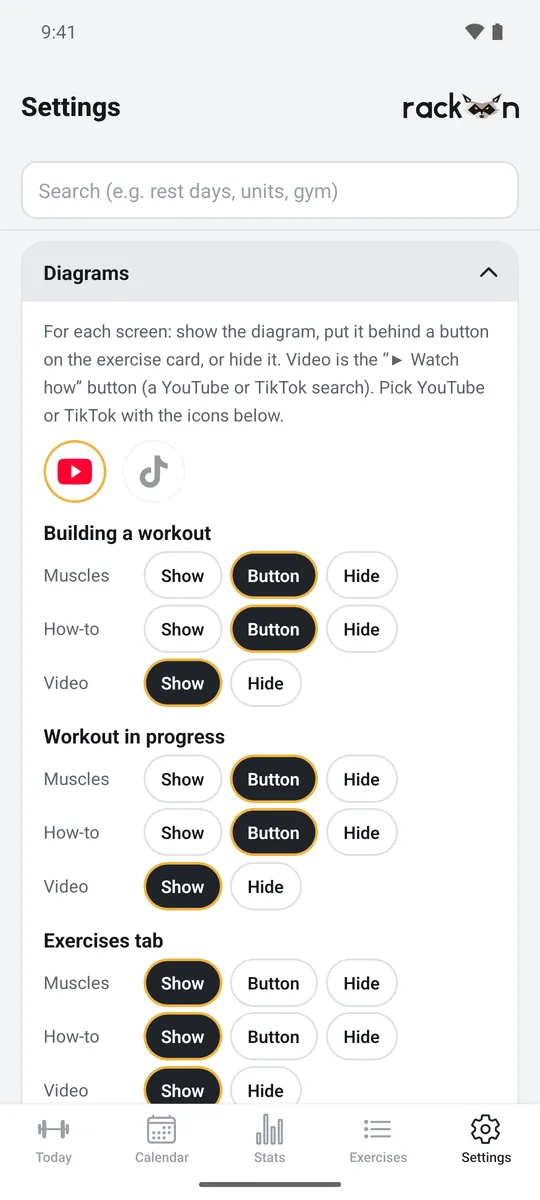
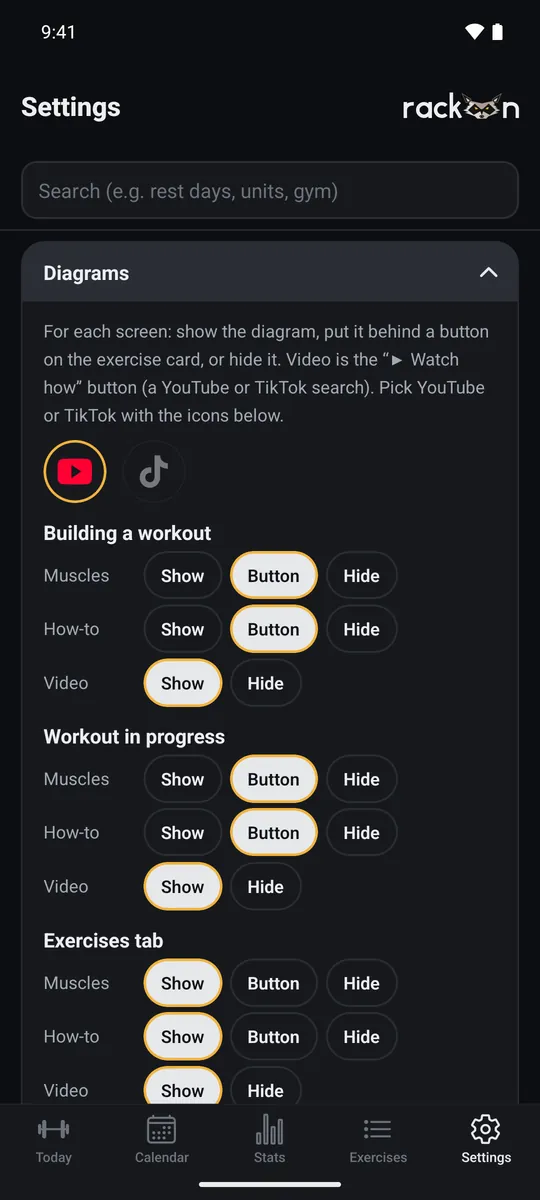
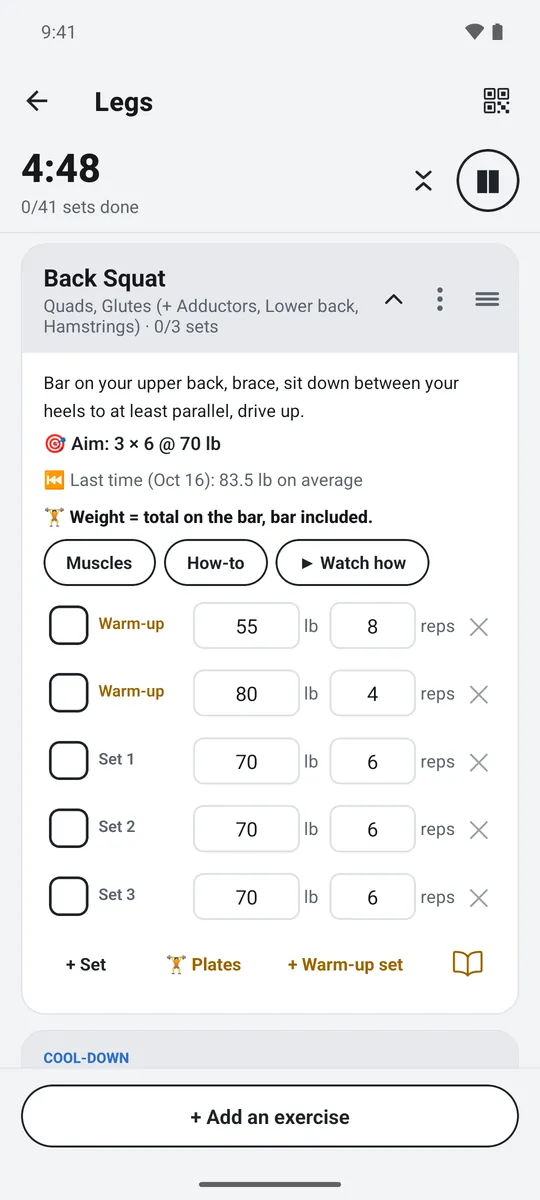
For building a workout, the workout in progress, and the Exercises tab: show the muscle map and how-to, put them behind a button, or hide them. “▶ Watch how” can search YouTube or TikTok.
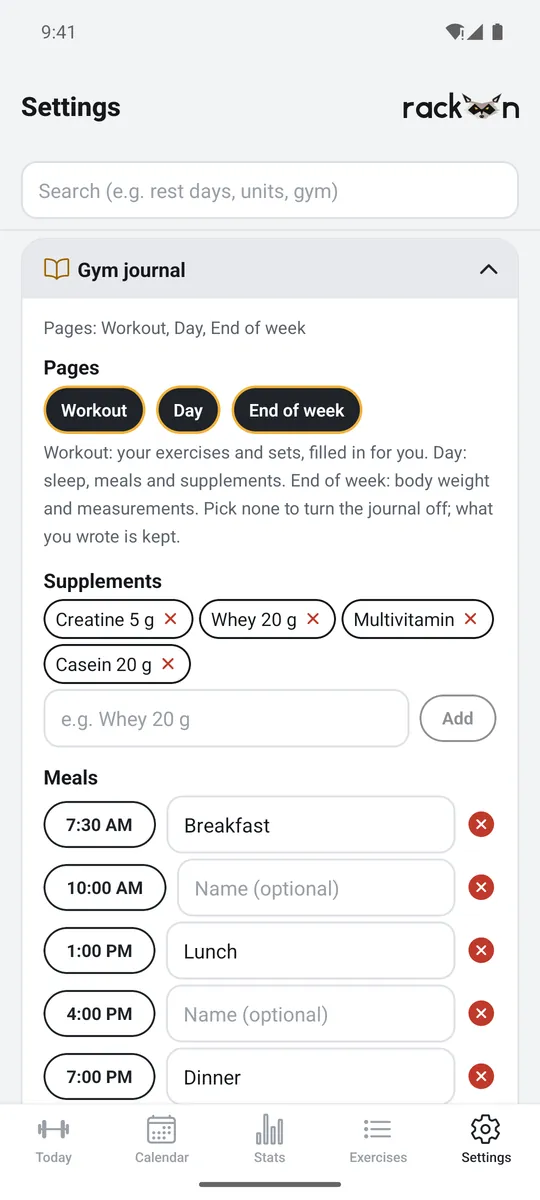
The journal has its own choice too: which pages, if any, it keeps (workout, day, and end of week).
Features on or off
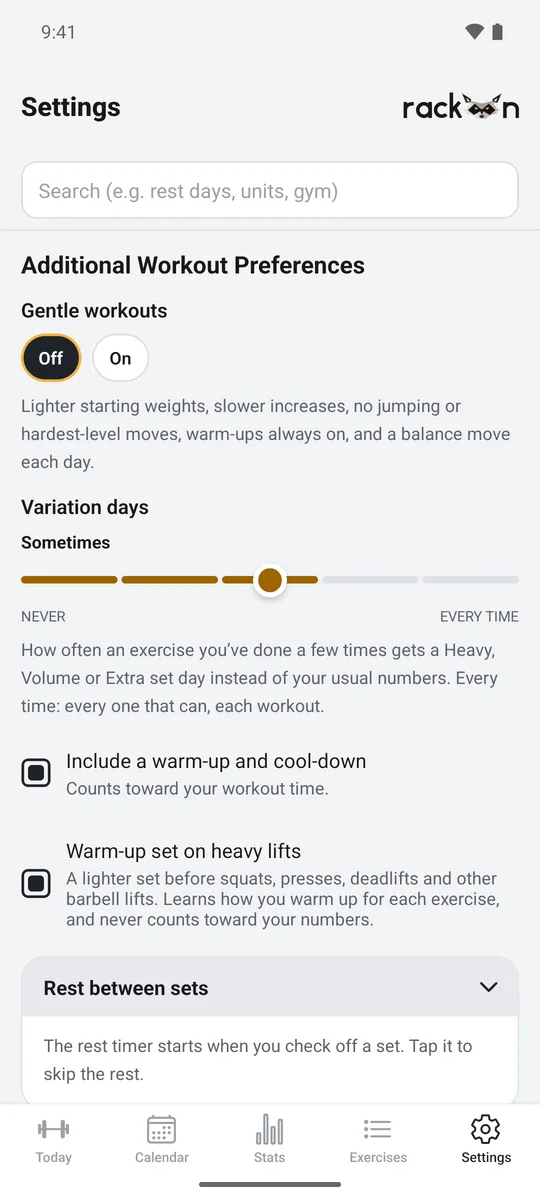
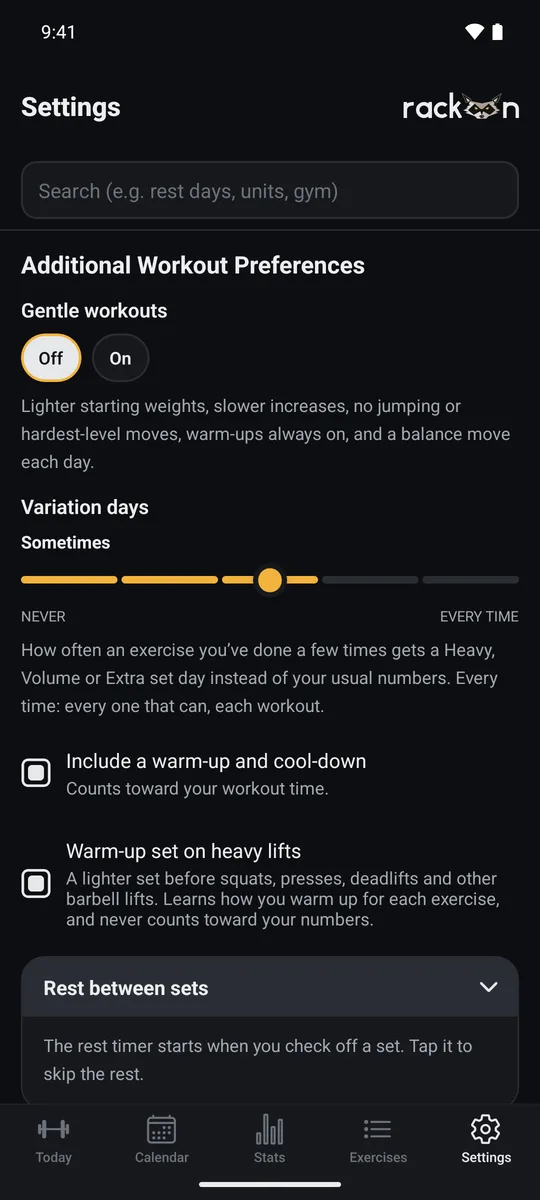
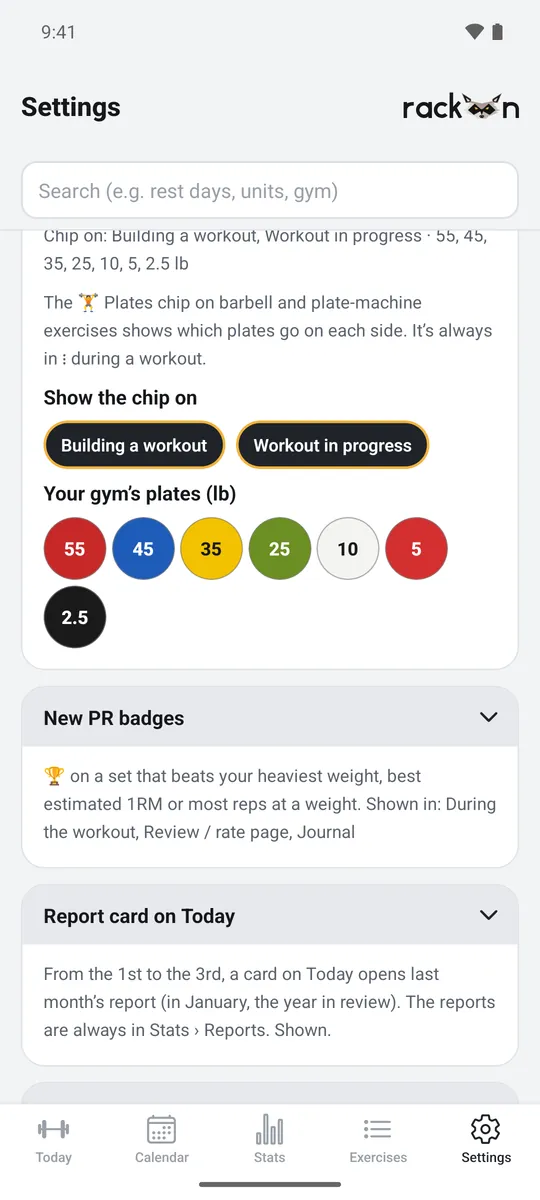
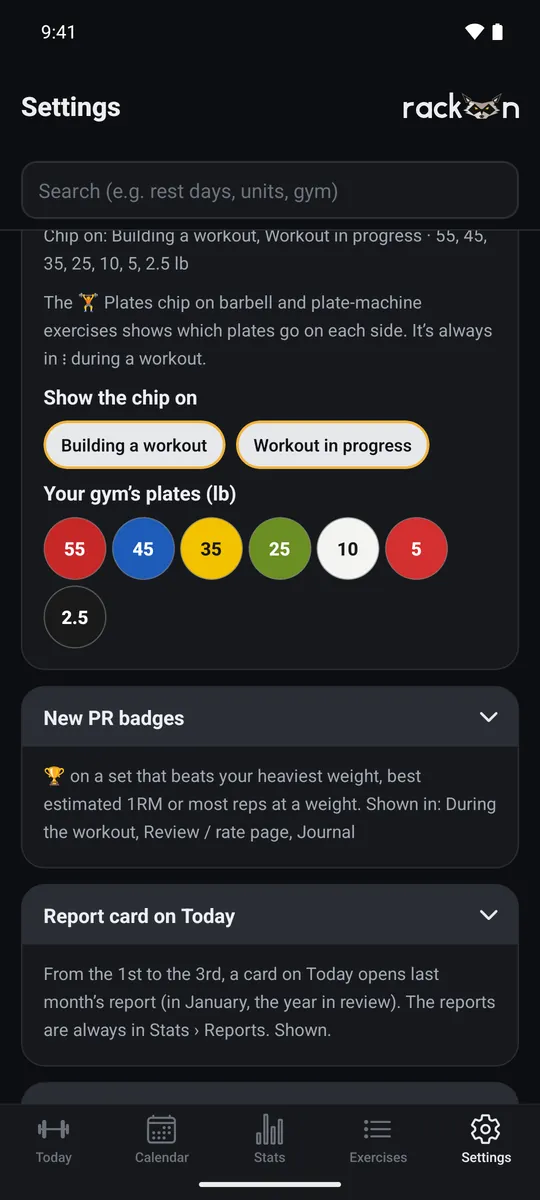
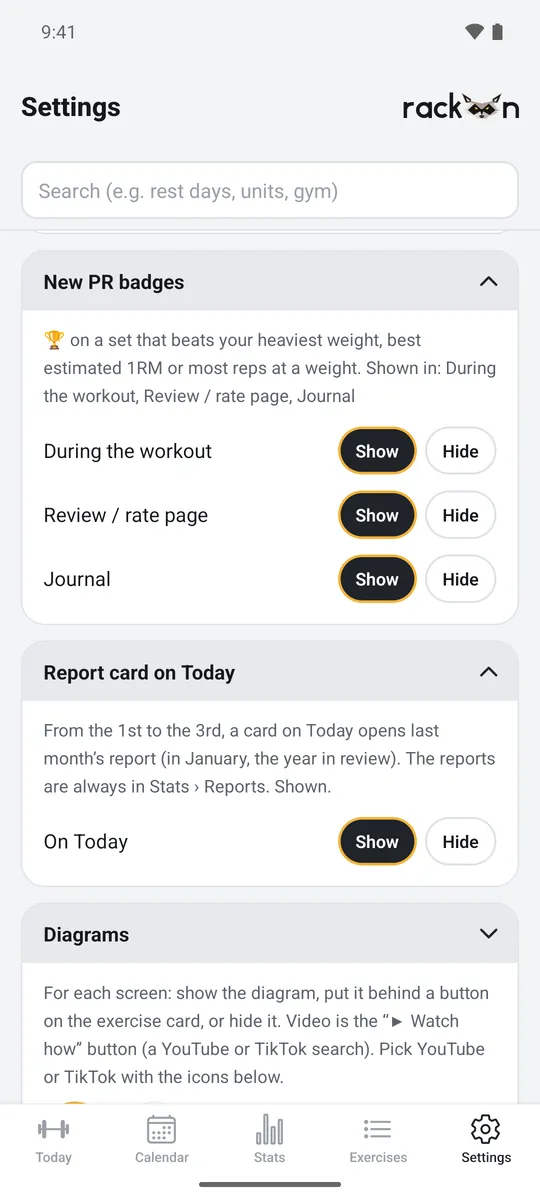
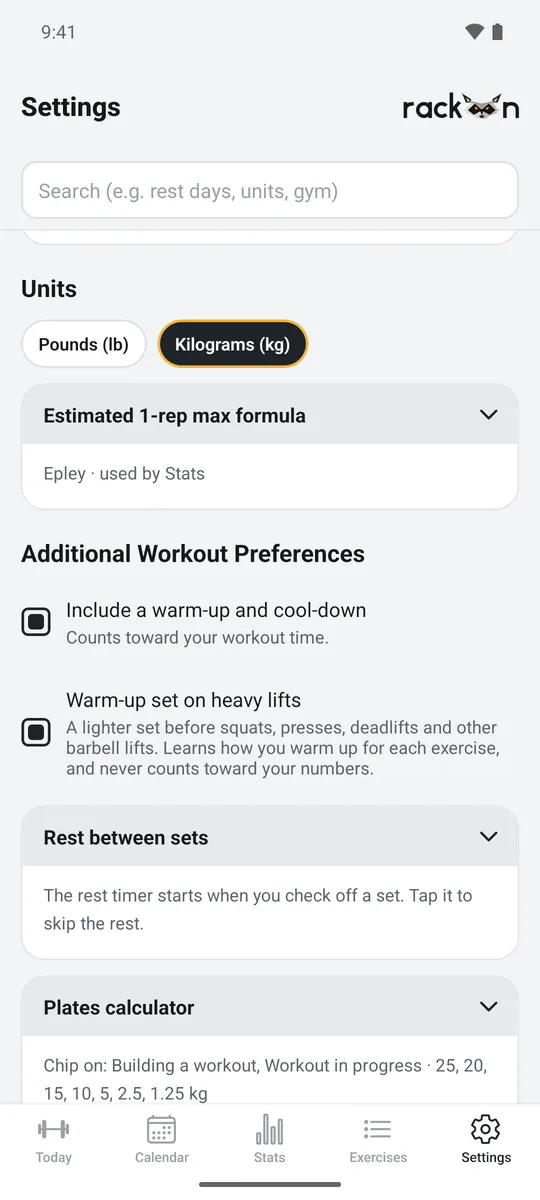
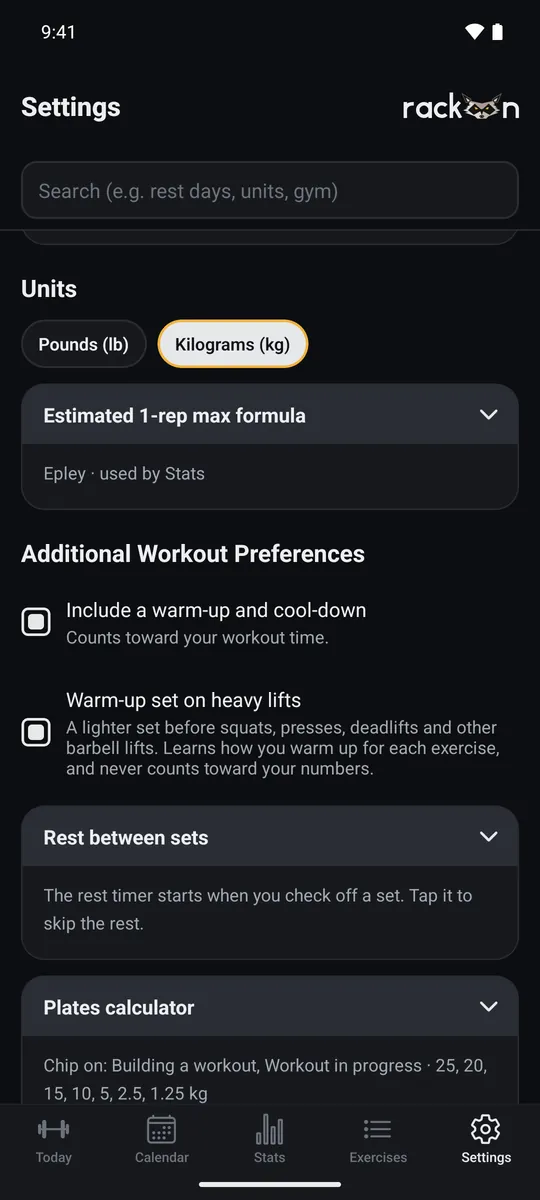
Warm-ups and cool-downs, warm-up sets on heavy lifts, and the rest timer are all optional, and each kind of exercise has its own rest. PR badges (during the workout, on the review page, and in the journal), the plates calculator and your gym’s plates, and the report card on Today can each be turned off.
If you miss a workout
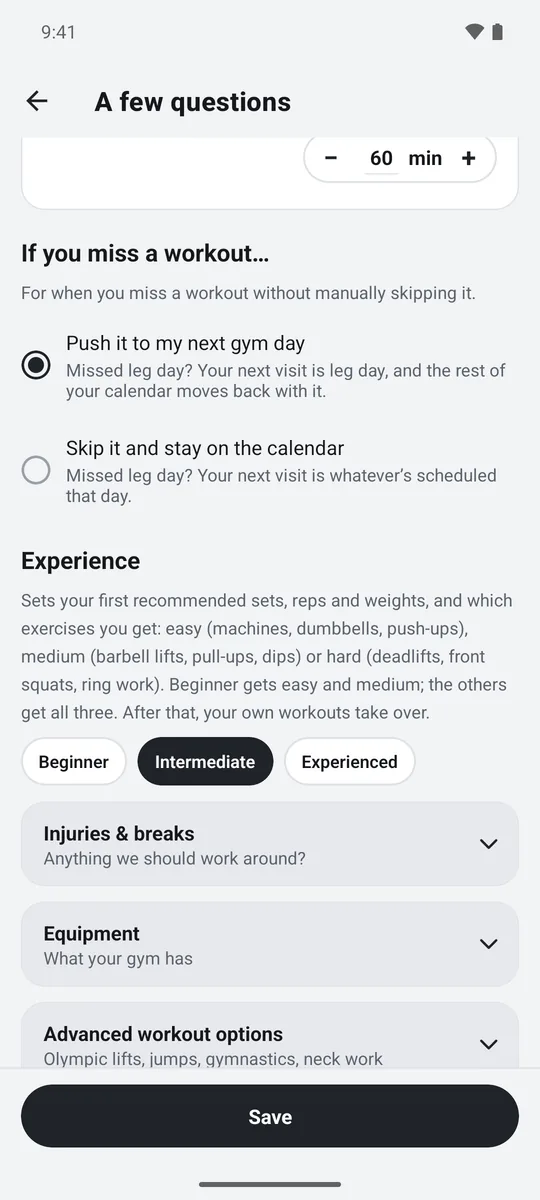
Push it to your next gym day (missed leg day? your next visit is leg day), or skip it and stay on the calendar.
Injuries and breaks
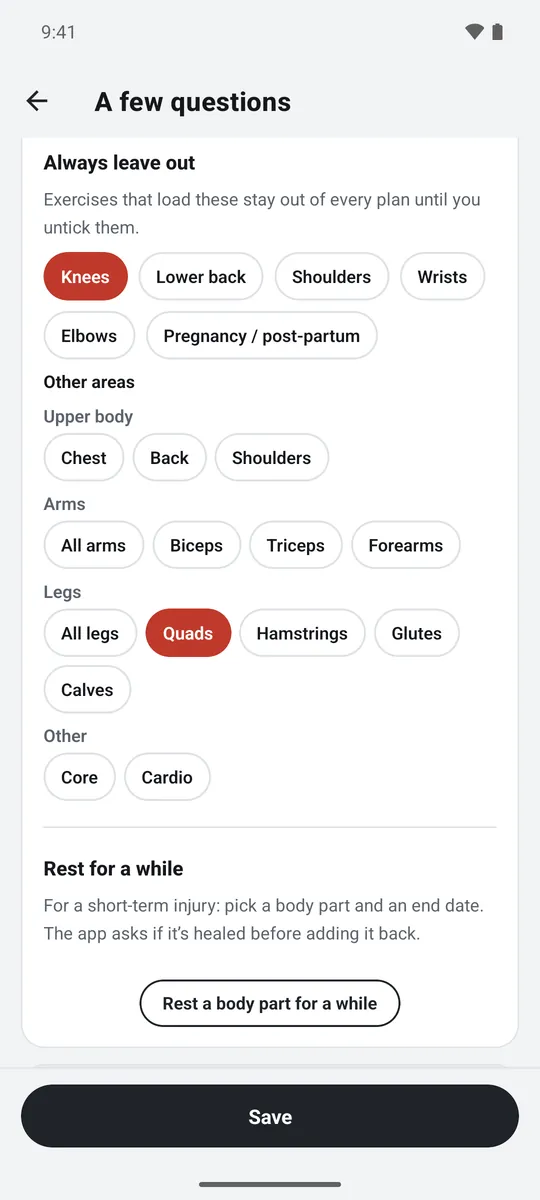
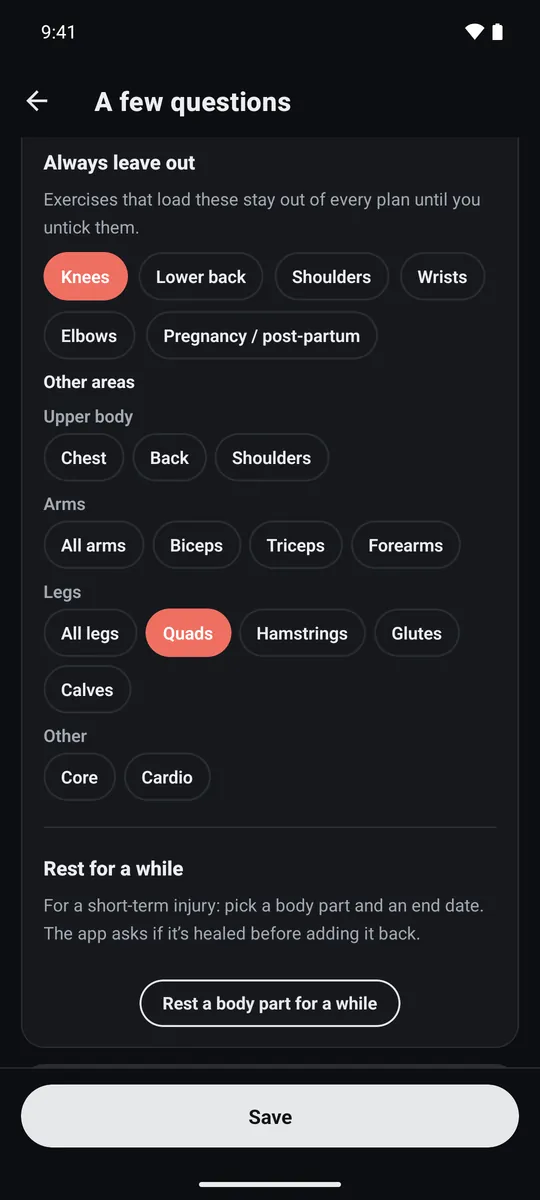
Always leave out: pick ongoing problem areas (knees, lower back, shoulders, wrists, elbows, or pregnancy) and any other body part, and exercises that load them stay out of every plan until you untick them.
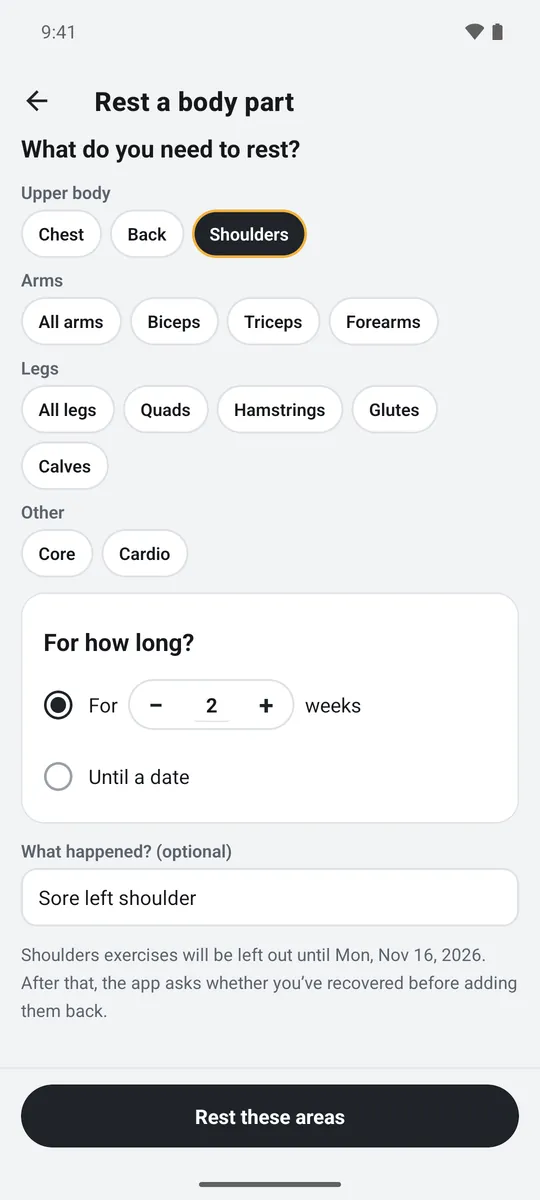
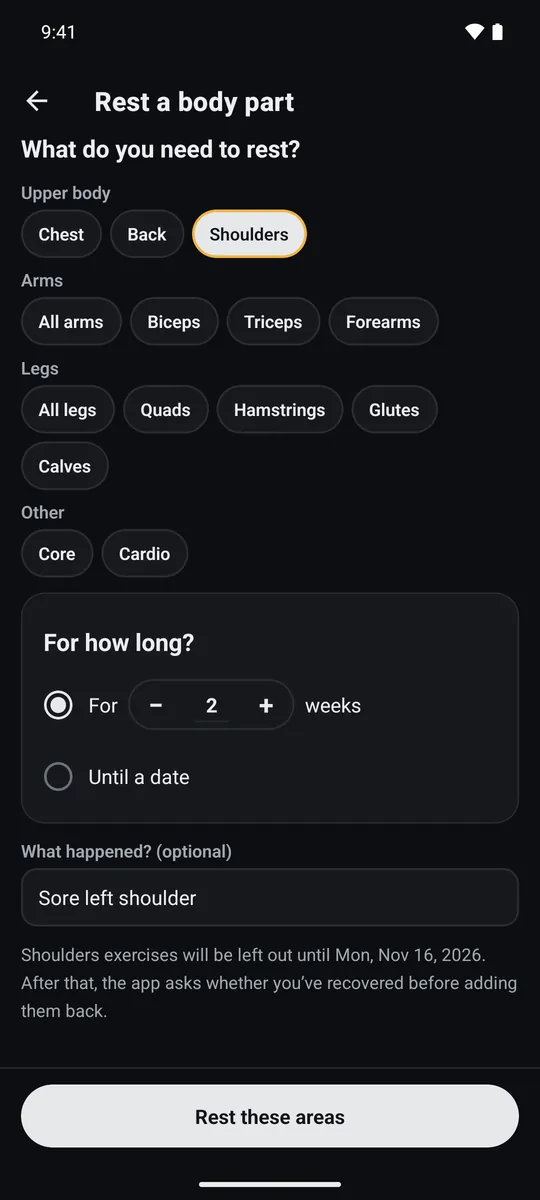
Rest for a while: for a short-term injury, rest a body part until a date you pick. Rackoon asks if it’s healed before bringing it back.
Equipment
Start from a commercial gym, a home gym, or calisthenics (bodyweight), then open a group to untick anything yours doesn’t have.
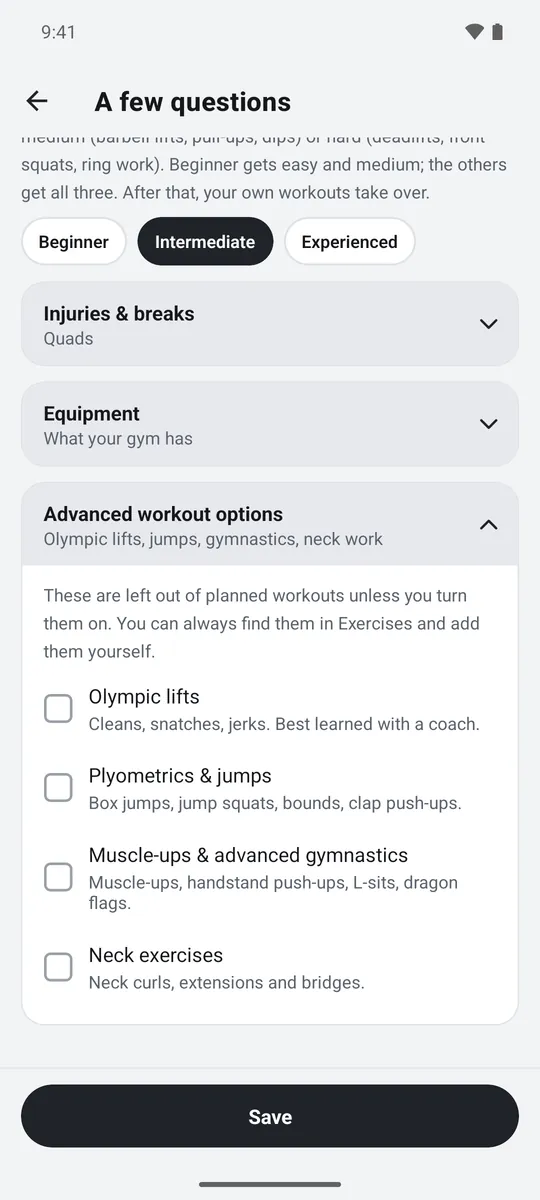
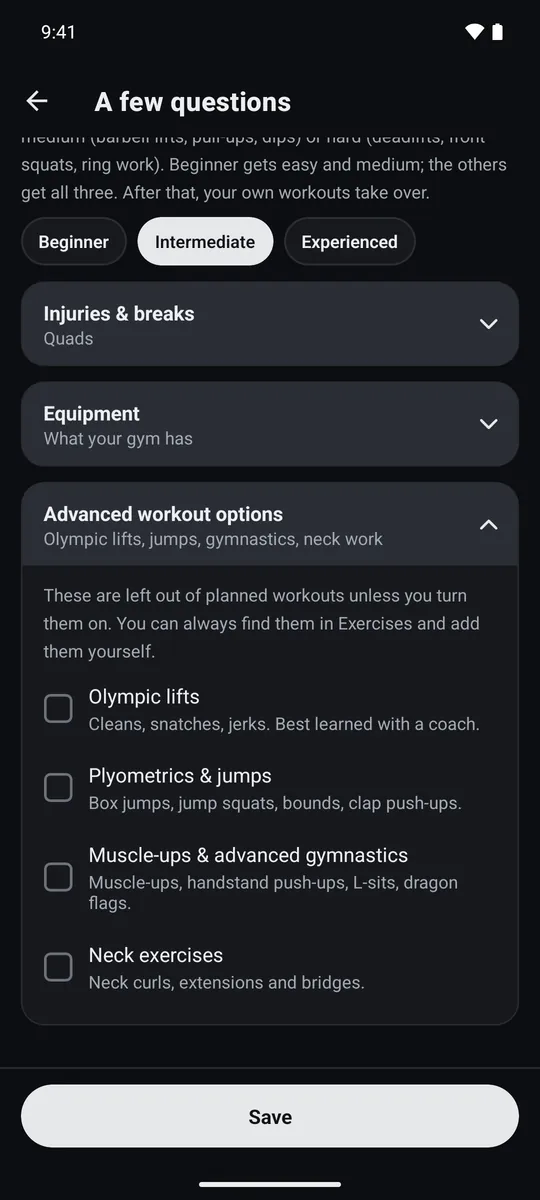
Advanced workout options
Olympic lifts, plyometrics and jumps, muscle-ups and advanced gymnastics, and neck exercises stay out of planned workouts unless you turn them on. You can always add them yourself.
Look and feel
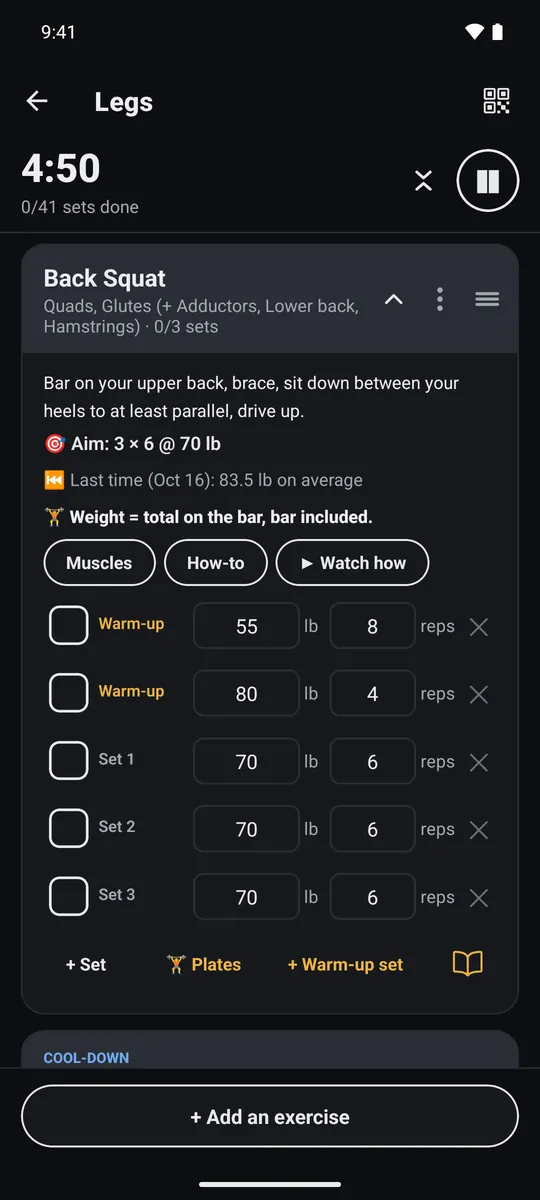
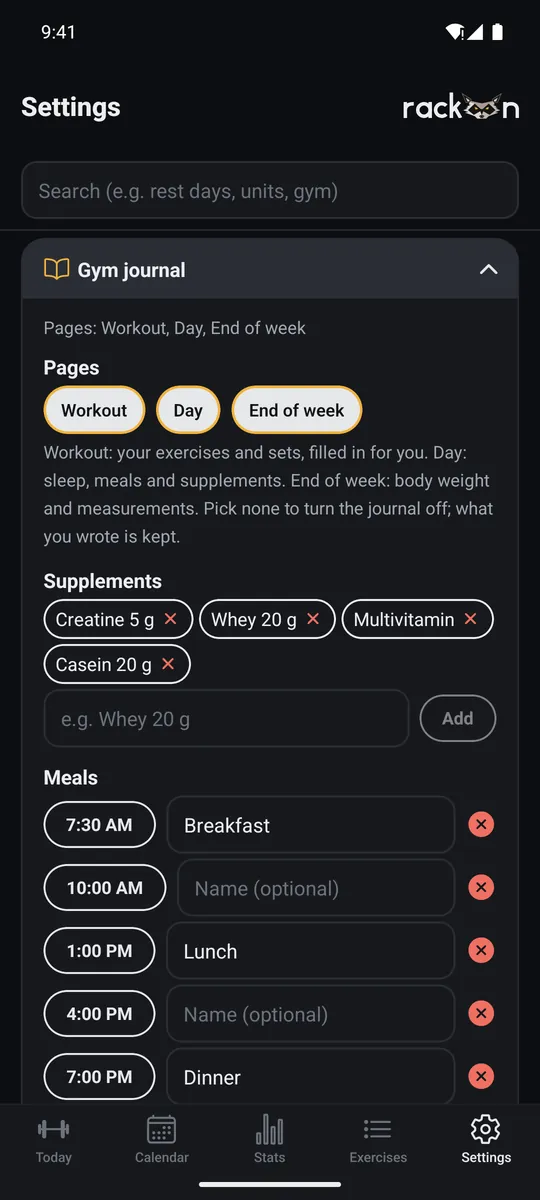
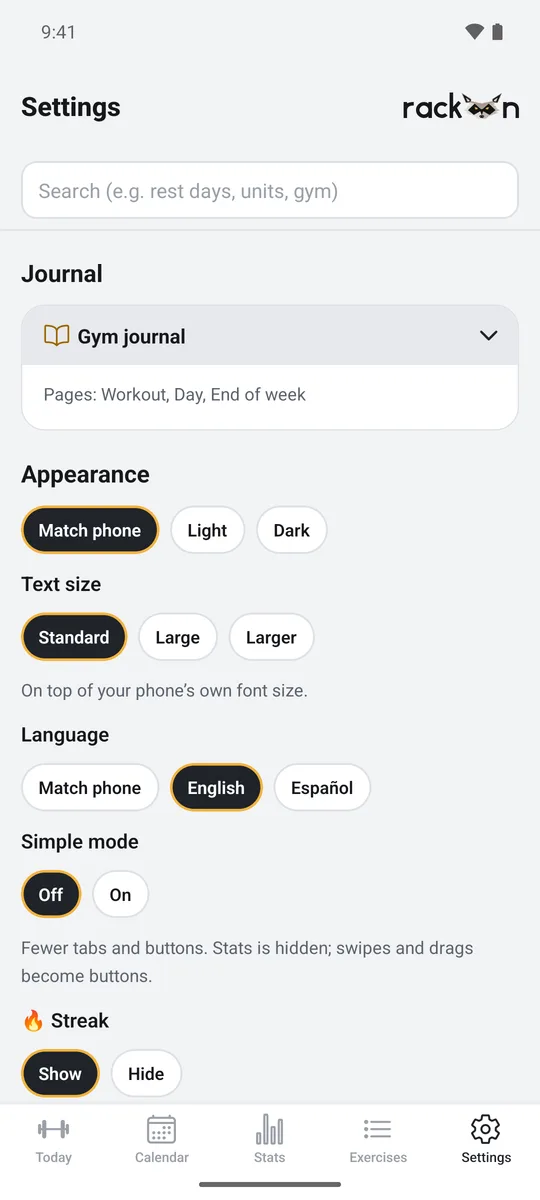
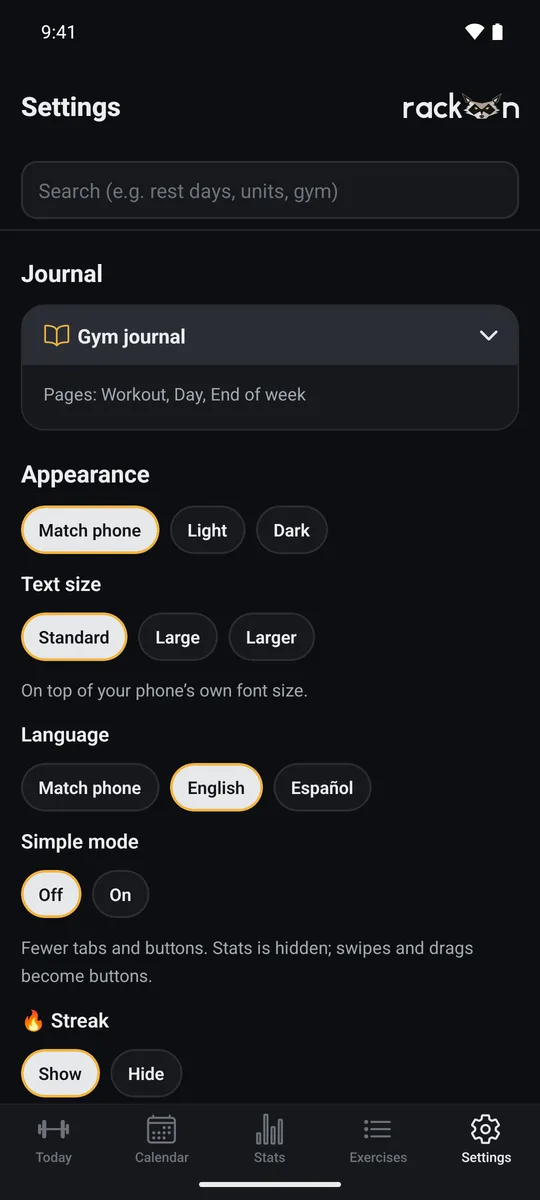
Light, dark, or match your phone. Pounds or kilograms, switch any time: every weight in the app is converted. Pick the formula for your estimated 1-rep max. Show or hide the streak.
What gets picked
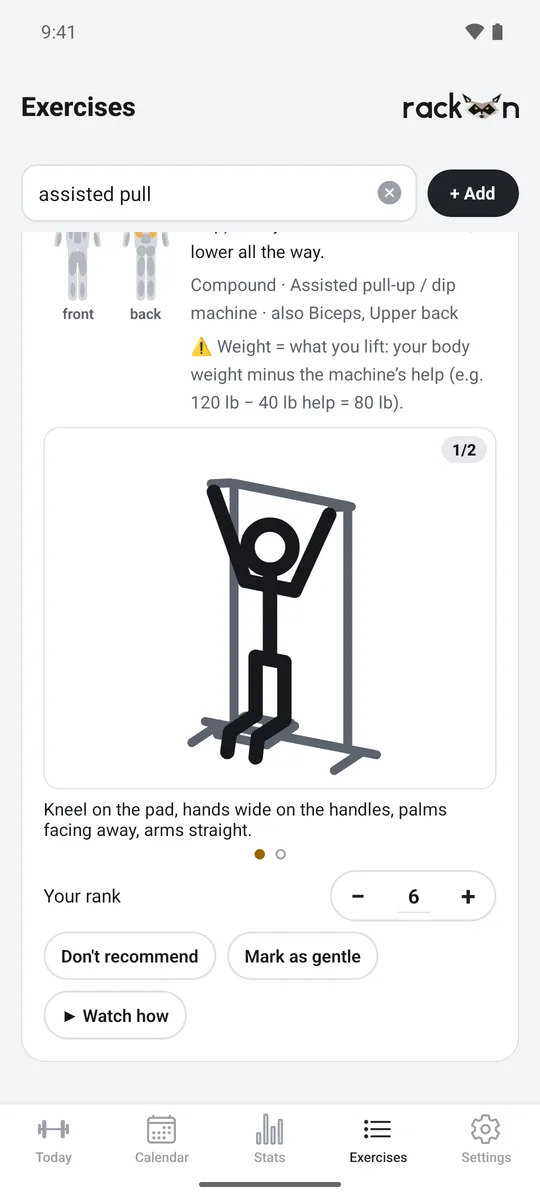
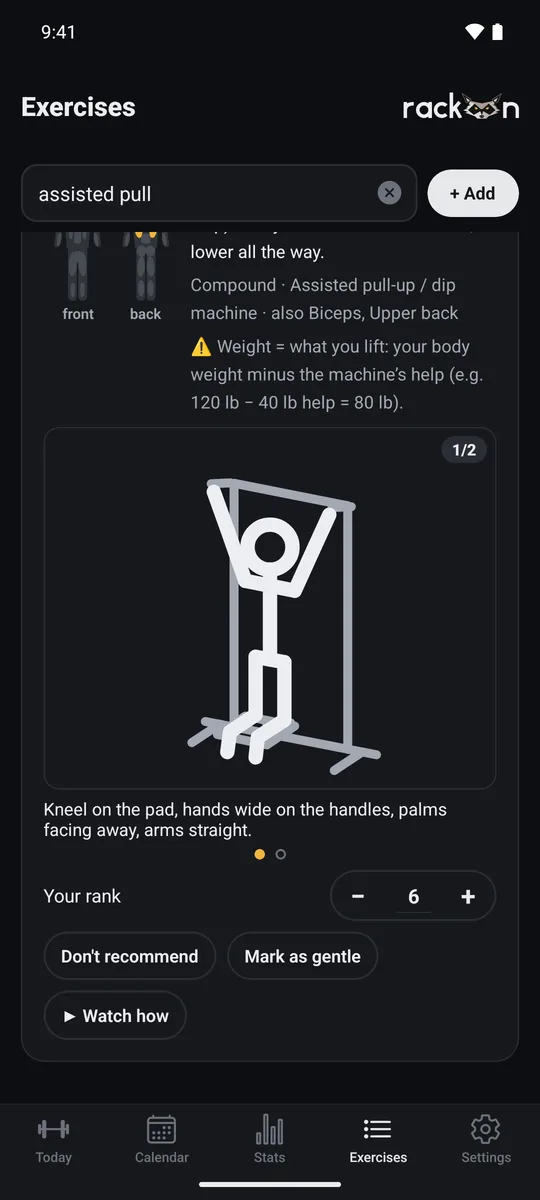
Each exercise has a rank from 1 to 10 for how often it’s picked; 0 means never. Or tap “Don’t recommend”.