
In the gym
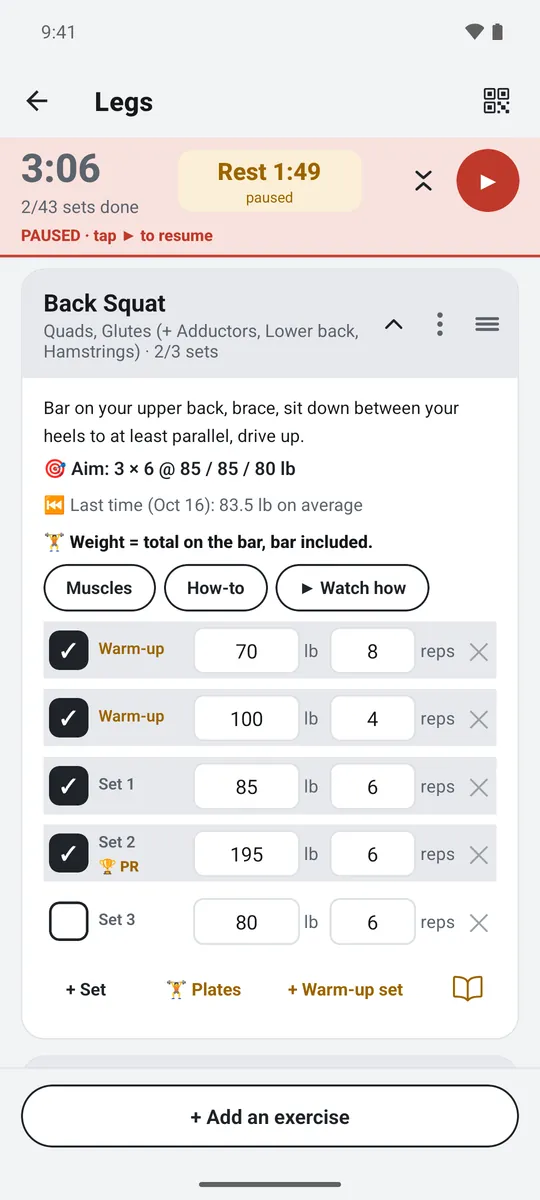
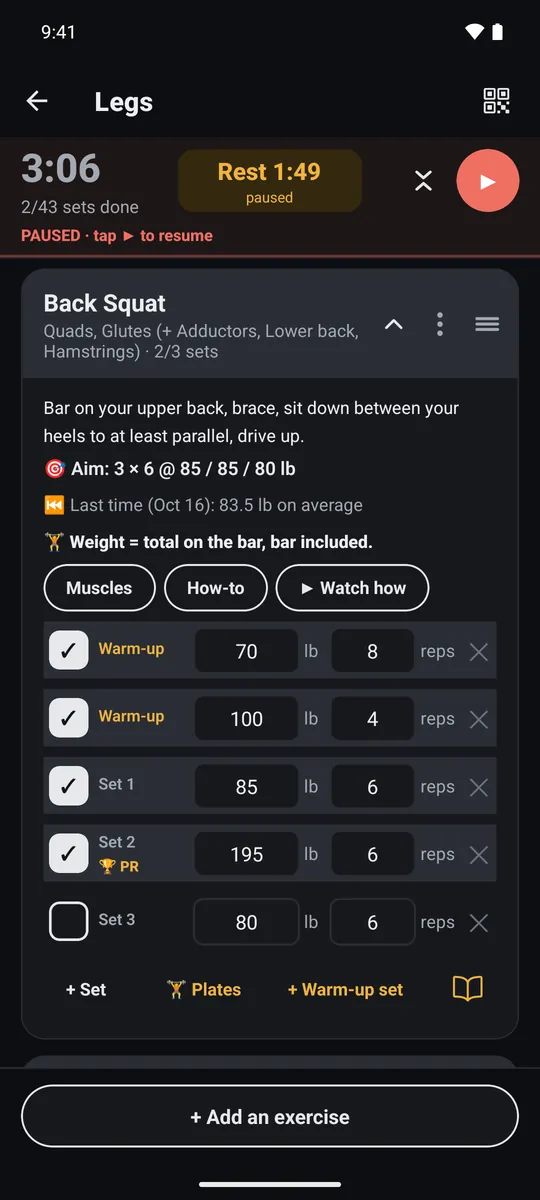
Once a workout starts, Rackoon keeps everything on one screen: the clock, your sets, the rest timer, and a way out when a machine is taken.
The clock and the rest timer
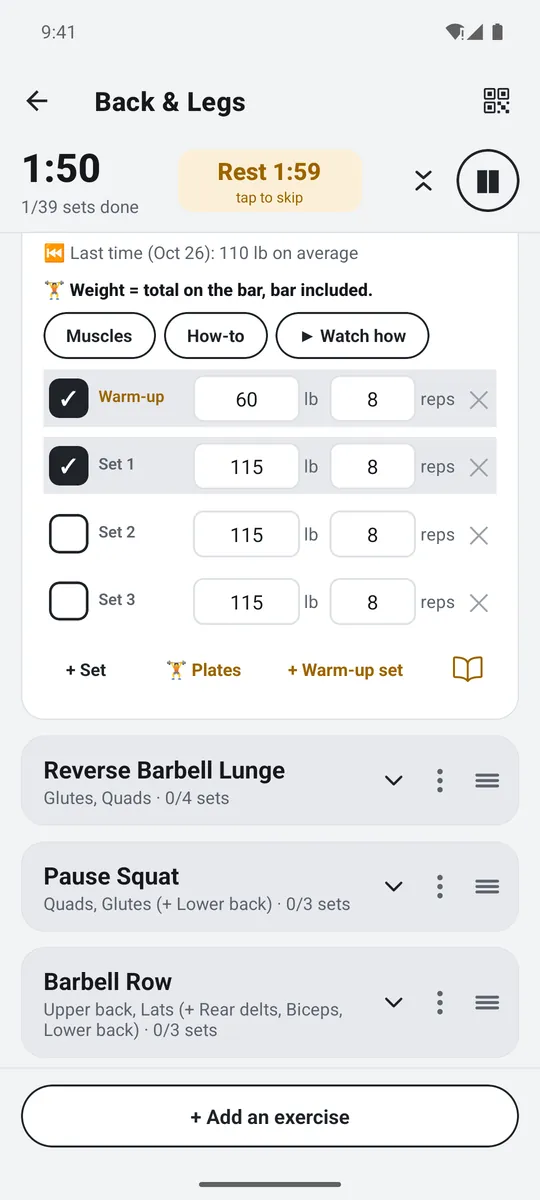
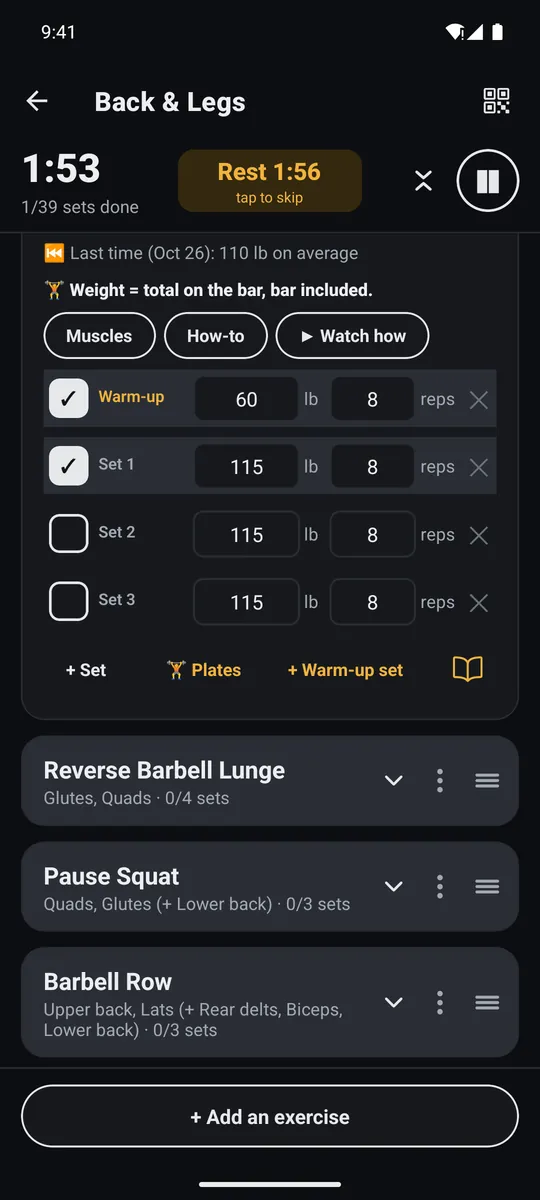
The clock runs from the first tap and can be paused. Tick a set and the rest timer starts, with a different rest for big lifts, smaller moves, and core; tap it to skip the rest.
Change it on the fly
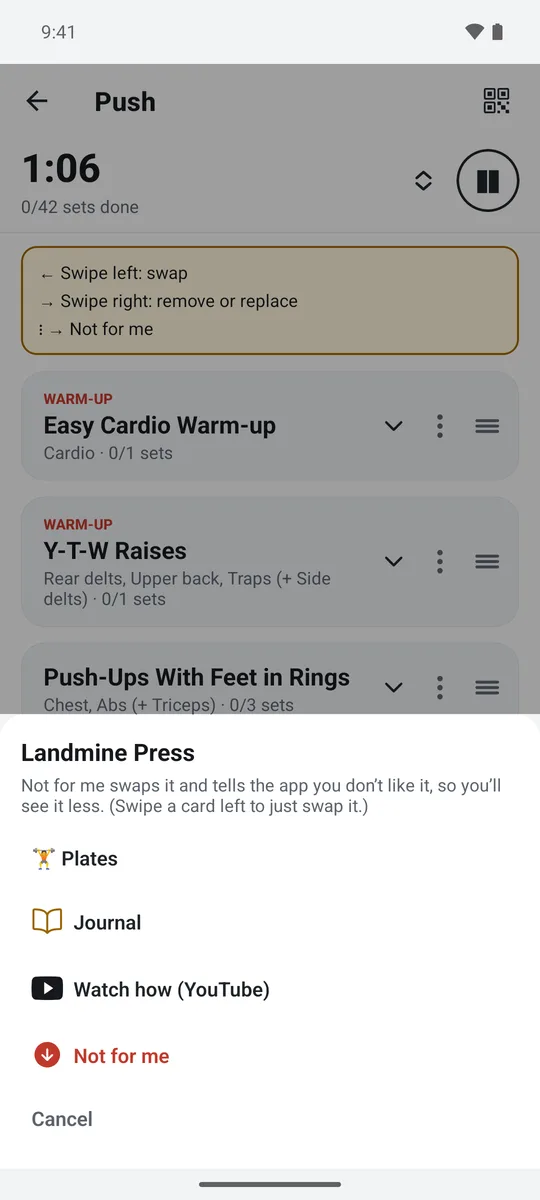
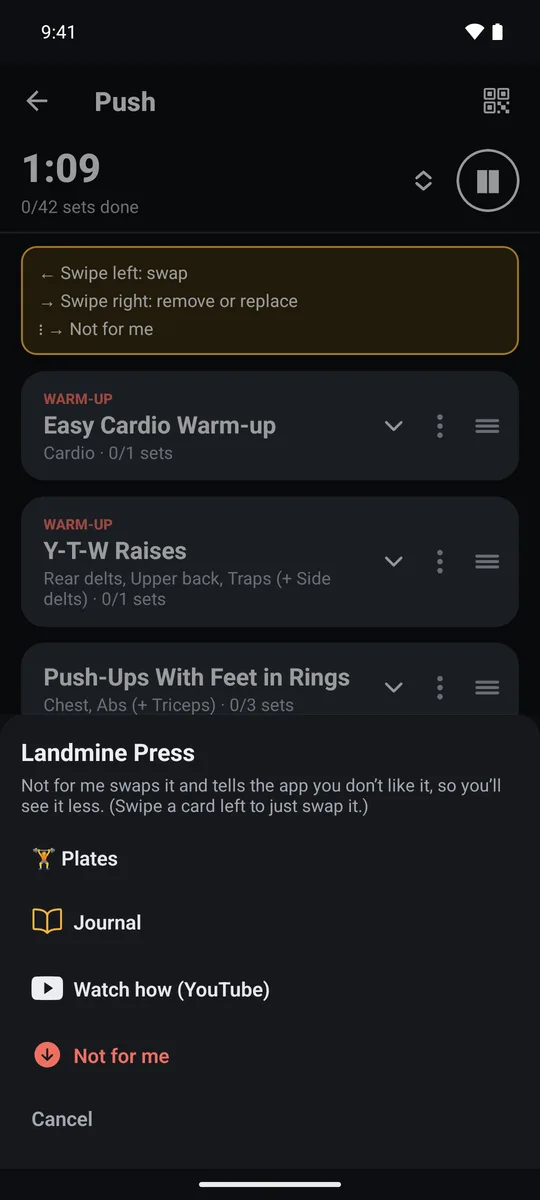
Swipe a card left to swap it for something similar, or right to remove it or replace it with one you pick or create. It works the same while you build a workout. Hold ≡ to drag it to another spot. “Not for me” swaps it and tells the planner you don’t like it, and Undo brings the last one back.
Your journal, one tap away
Mid-workout, the 📖 on any card opens the journal right at that exercise, where you can rate each set (RPE) or add a note. The ← at the top takes you straight back to the workout, where you left off.
Add what you want
“+ Add an exercise” searches the whole library, or creates a new one right there. Exercises already in the workout are marked, so you can add one again on purpose. A warm-up set can be added to any lift.
When you finish
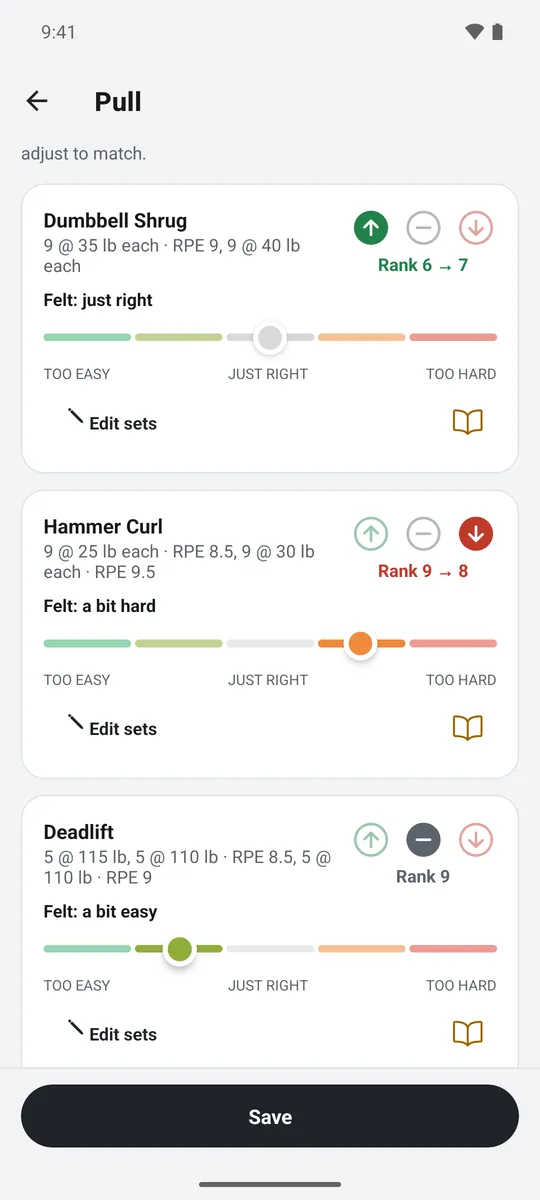
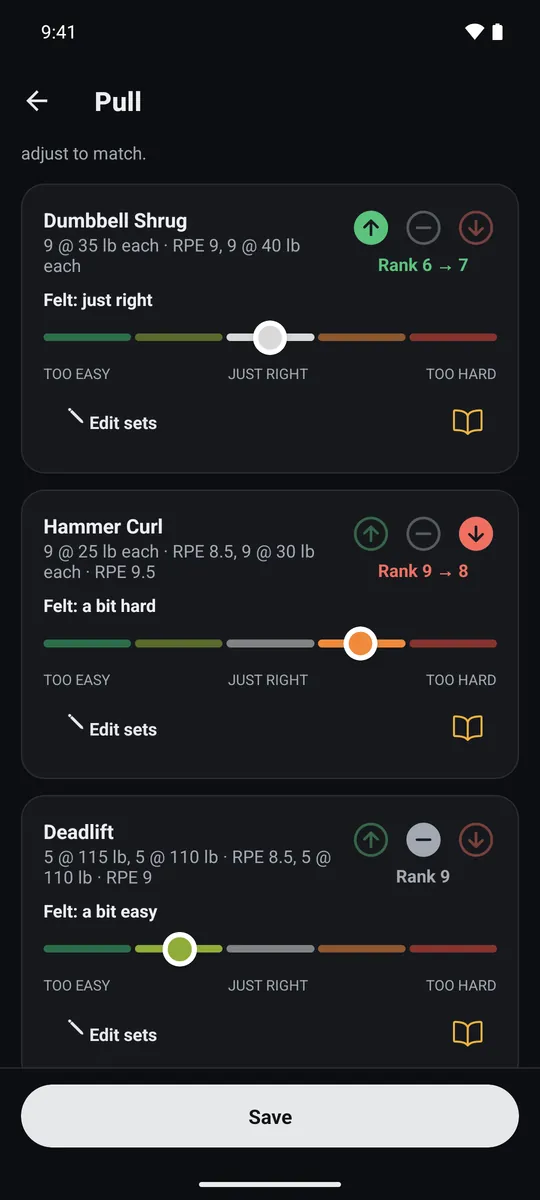
The review lists new PRs and asks how each exercise felt, so the next workout adjusts.