

How to do it
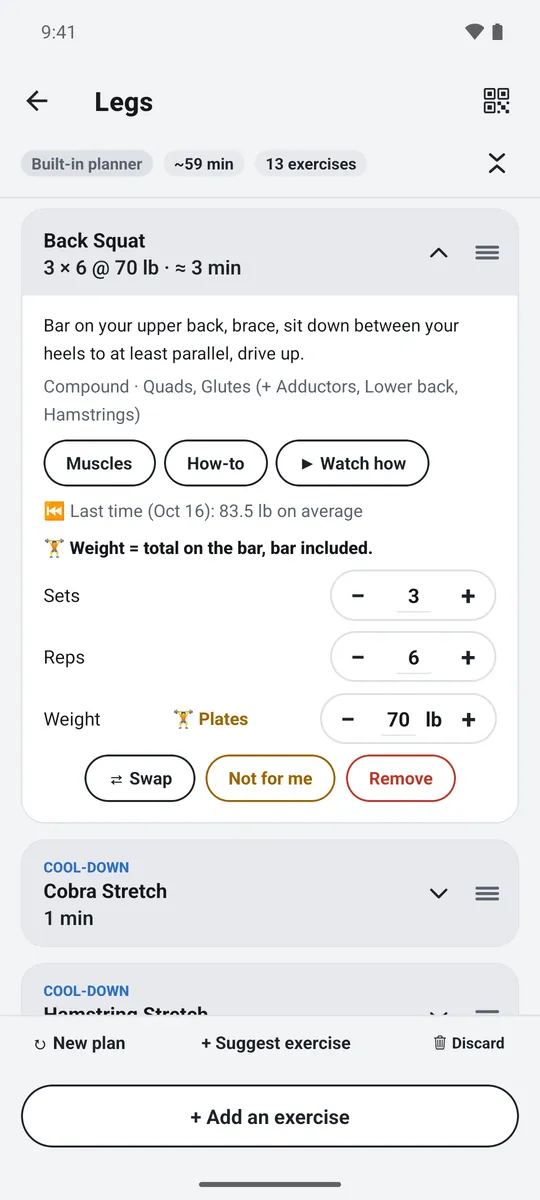
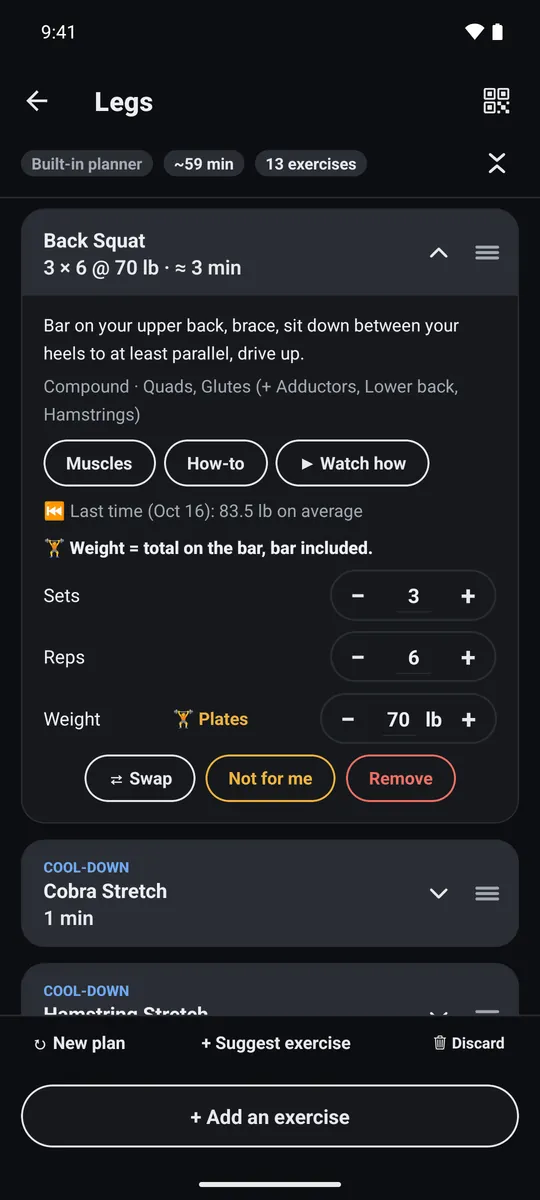
Every exercise card carries its own help, so you don’t have to leave the app mid-set.
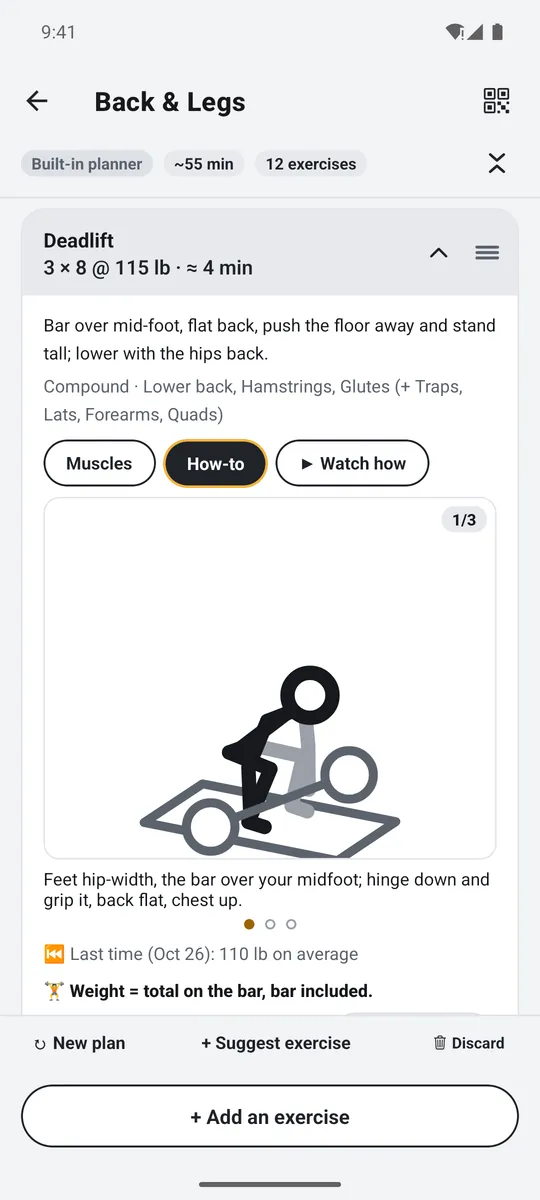
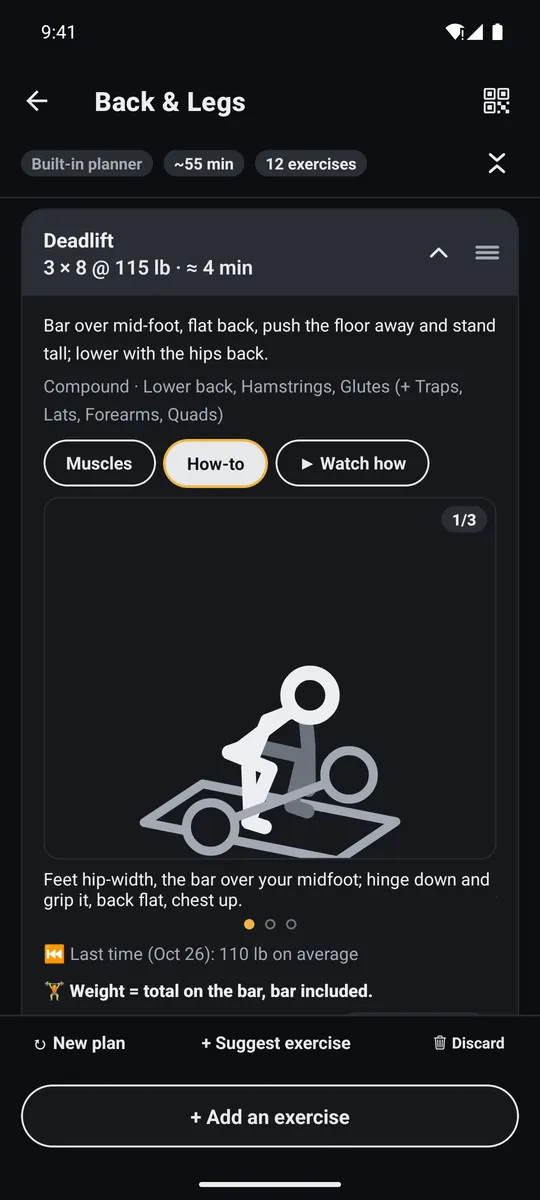
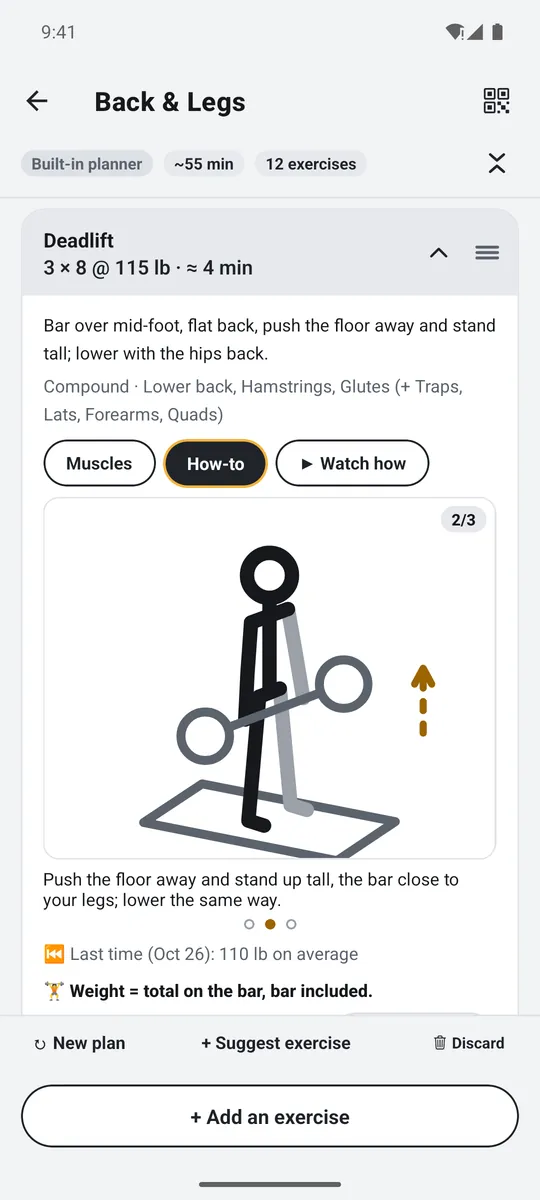
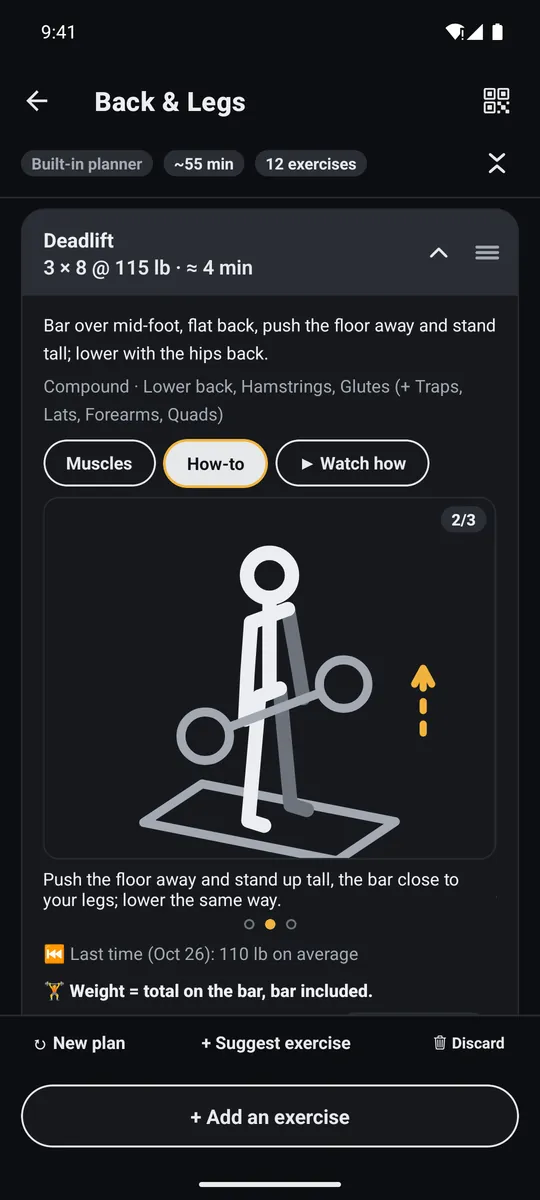
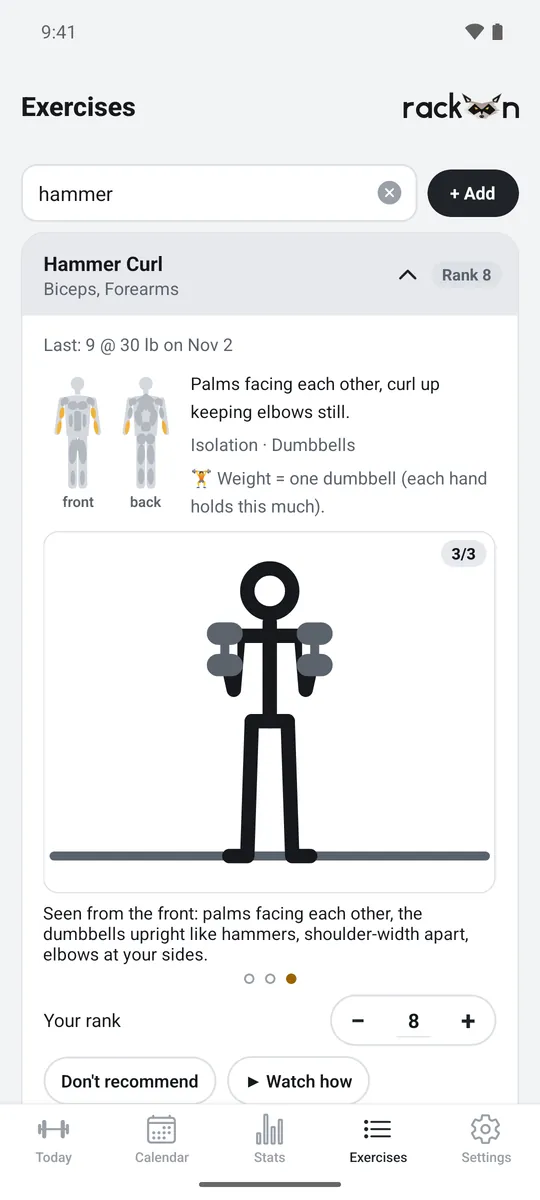
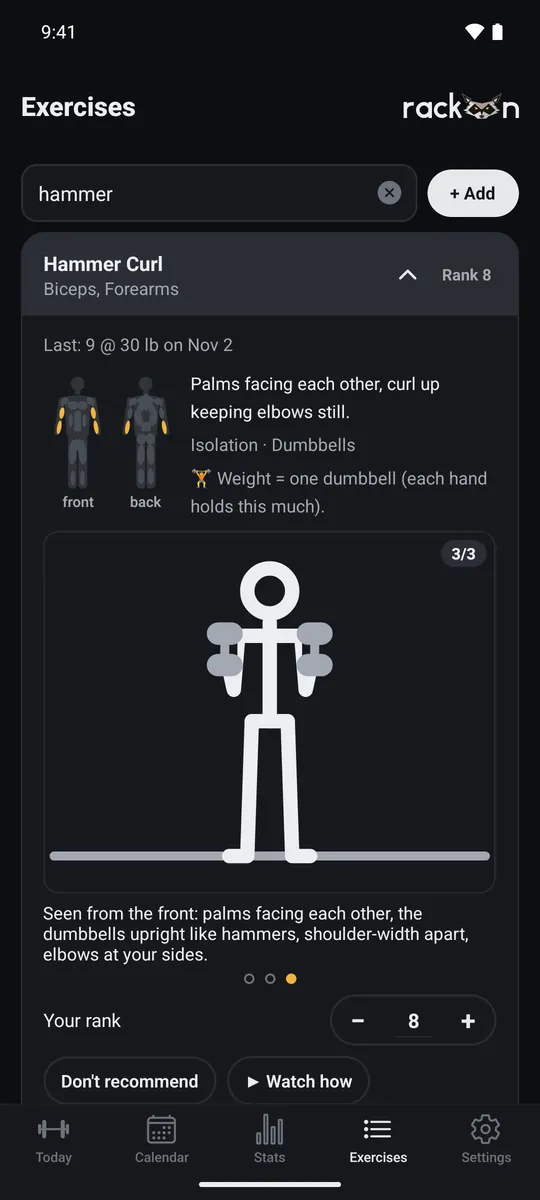
Step-by-step diagrams
Swipe through each exercise’s steps. Each picture has a caption, and many exercises can be seen side-on, at an angle, or from the front. Pictures of the grip or the stance say how to hold the bar or where to put your feet.
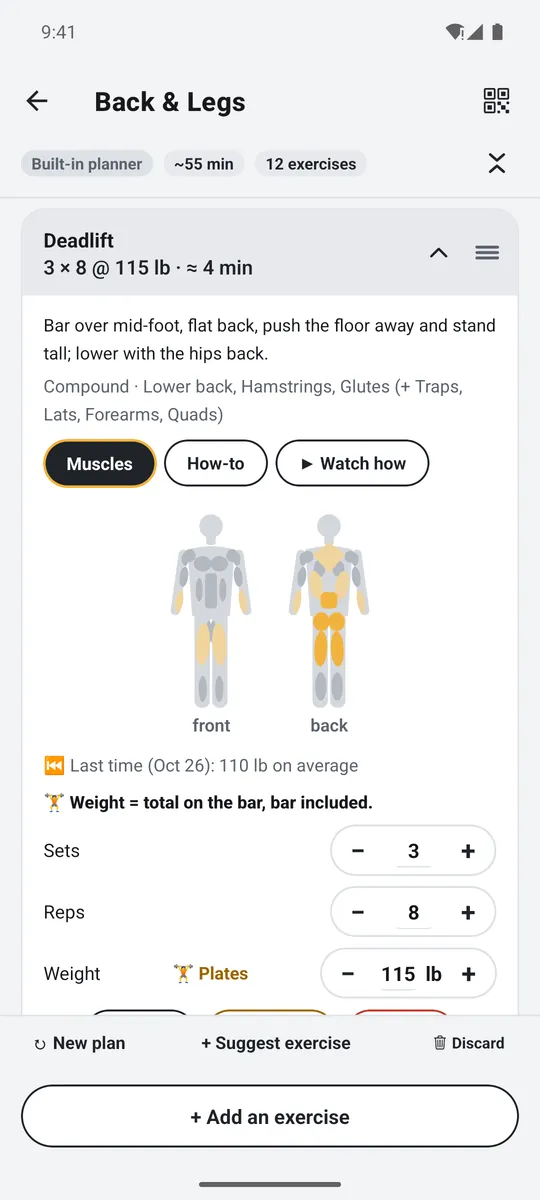
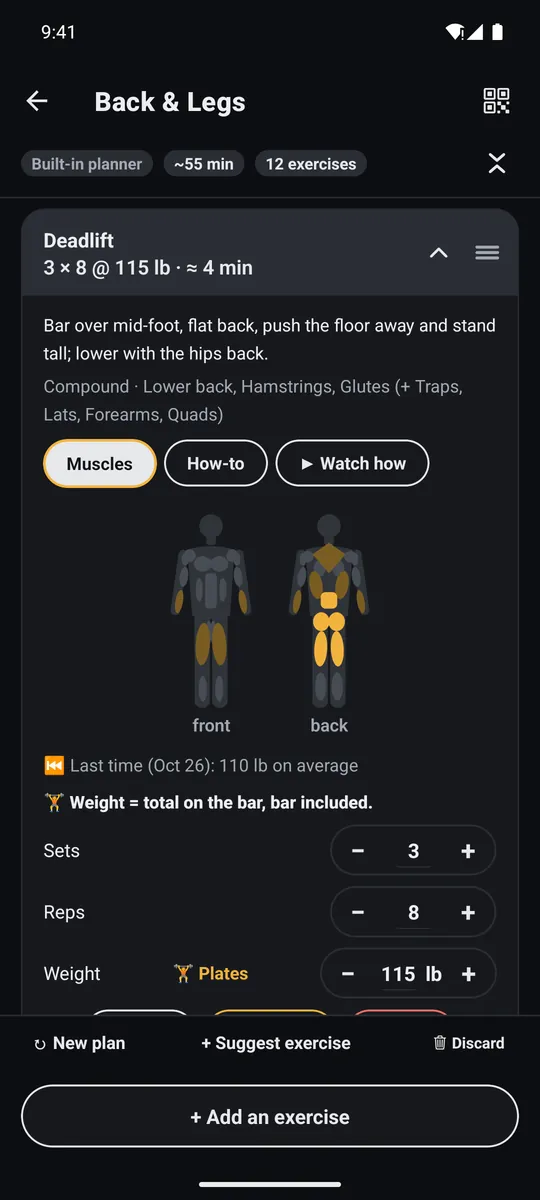
The muscle map
See the main muscles in amber and the ones it also works in a lighter shade, front and back.
Watch how
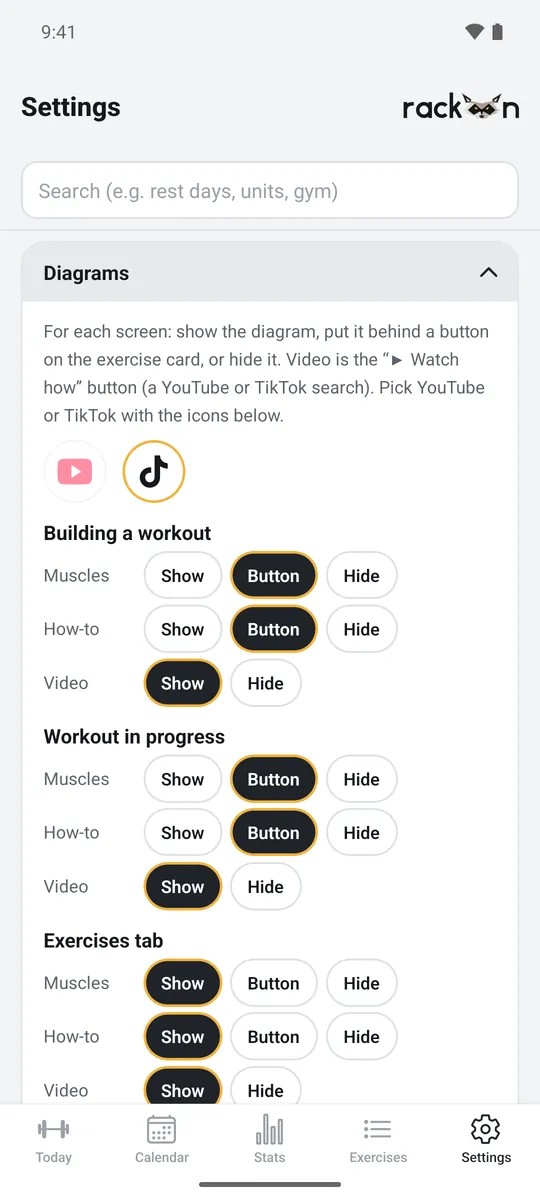
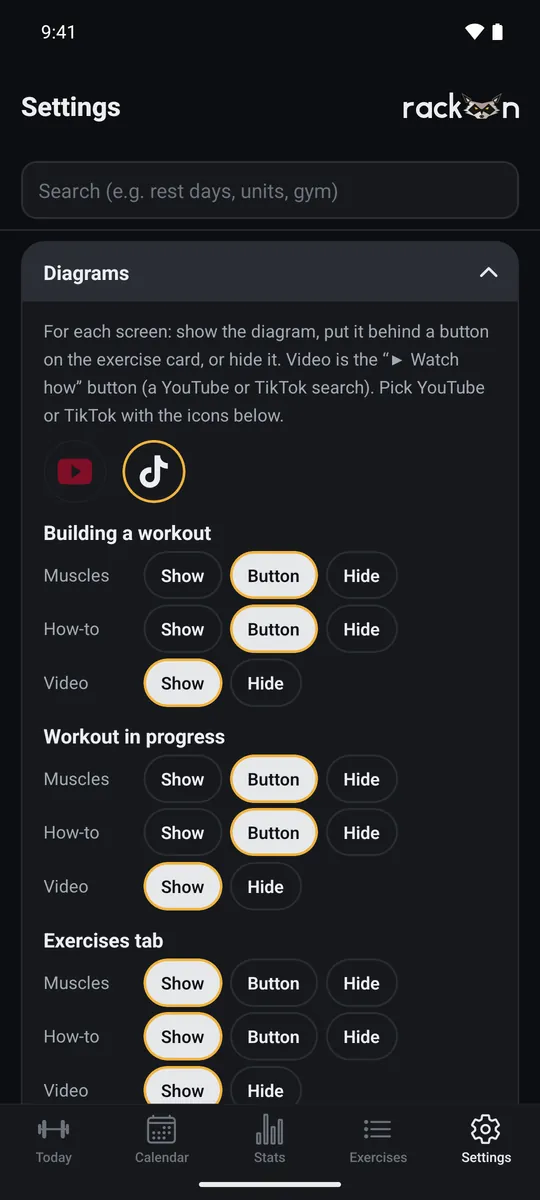
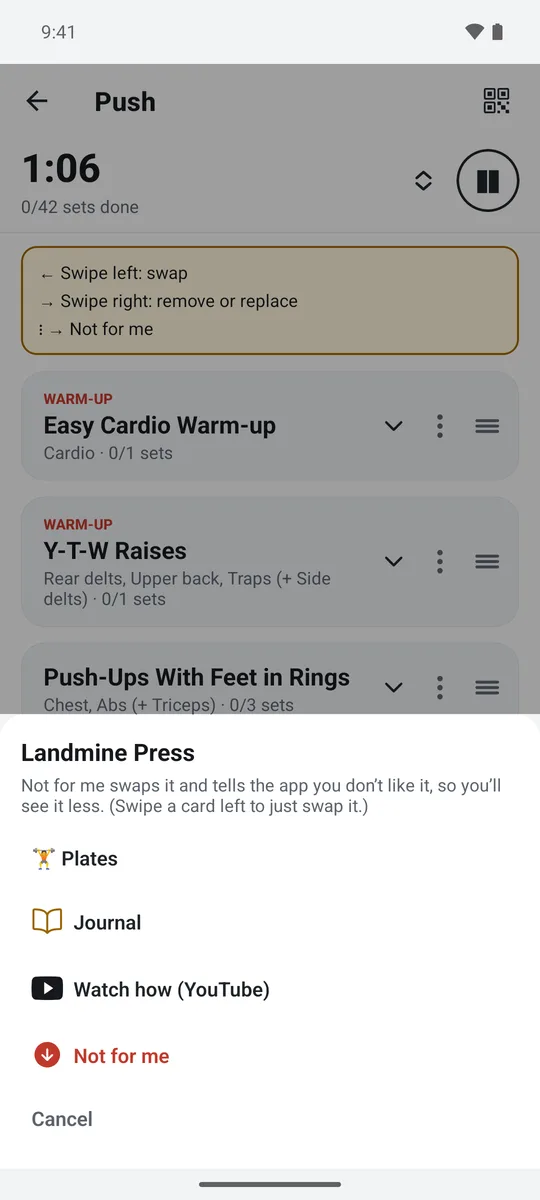
“▶ Watch how” opens a search for that exercise on YouTube or TikTok. Choose either one in Settings.
The plates calculator
Pick the plates and it adds them up, or enter a weight and it shows what goes on each side of the bar, using the plates your gym has (set them in Settings). Then use it for the next set, or for all the sets left.