

Simple mode
Simple mode is for anyone who wants Rackoon to be easy to use, like someone starting to exercise in retirement. It keeps the plan that adapts to you and leaves out the rest.
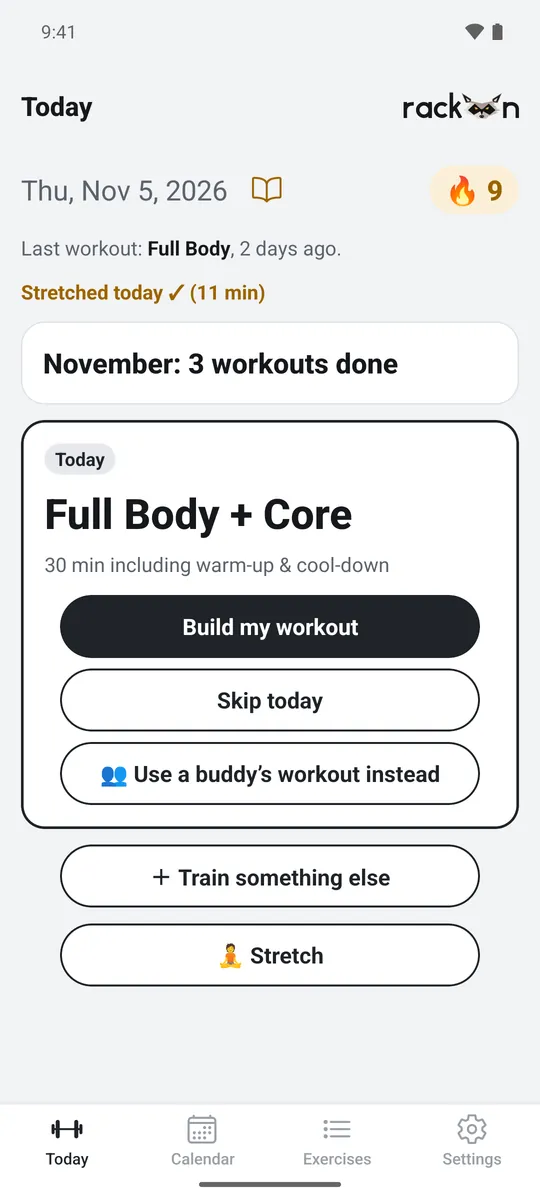
Fewer buttons
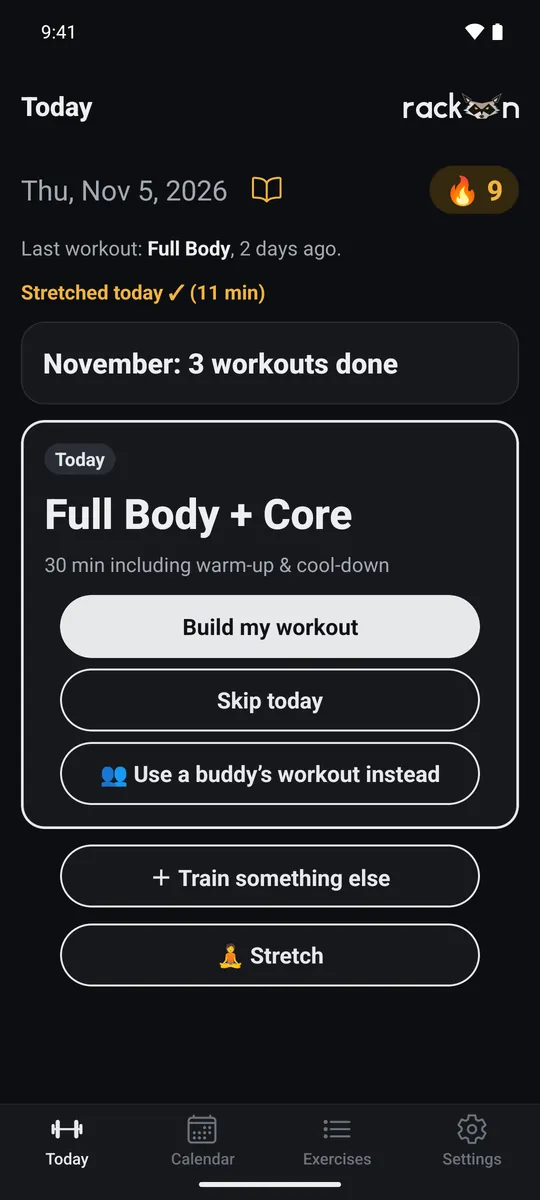
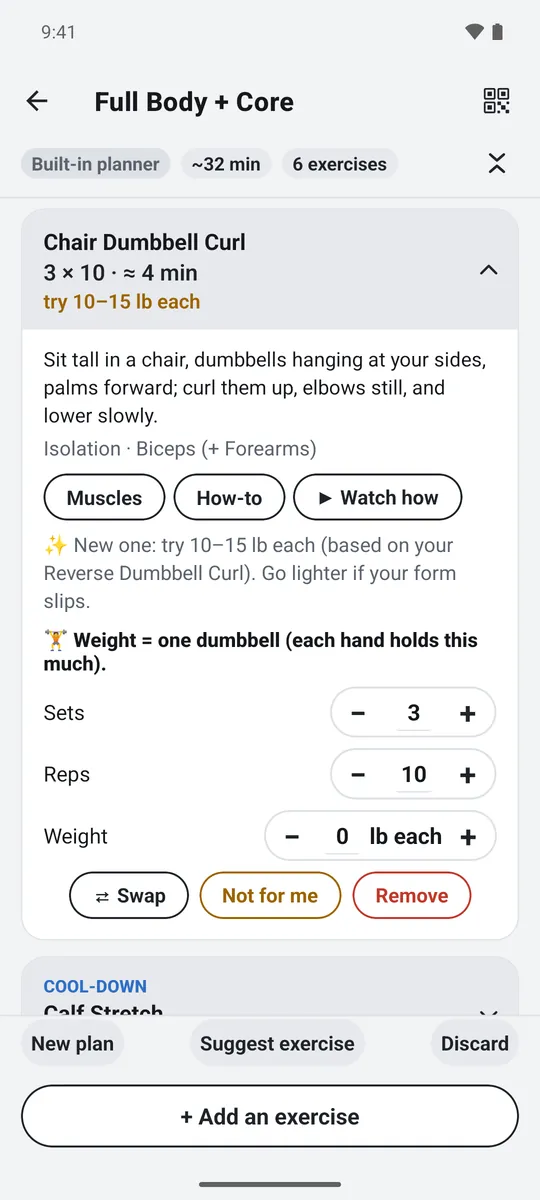
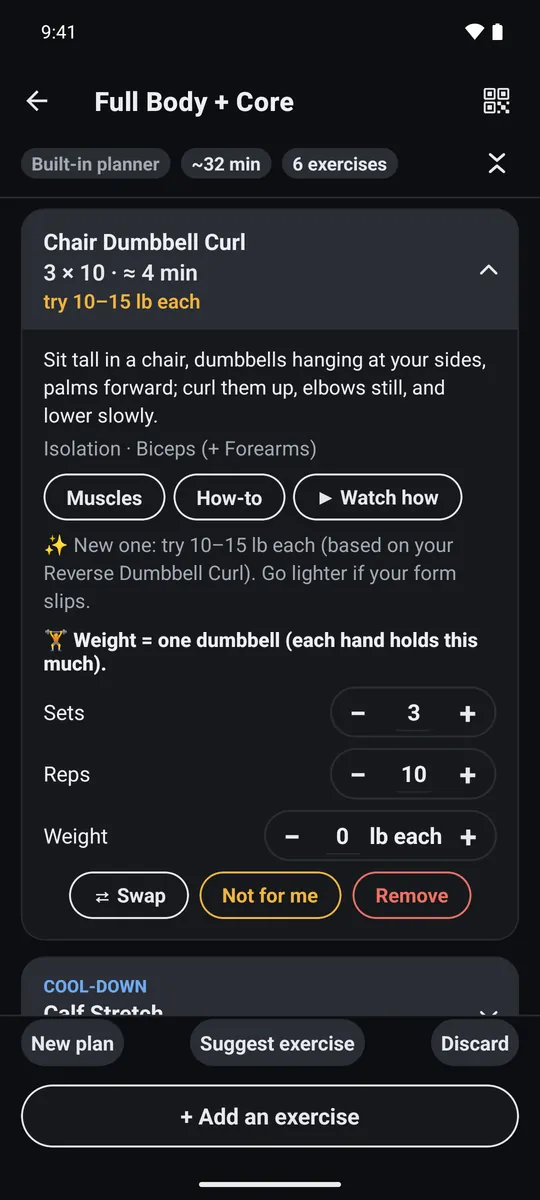
Four tabs: Today, Calendar, Exercises, and Settings. Swap and Remove are buttons on each exercise, so nothing needs a swipe or a drag. Settings shows the main choices first, and the rest sit under More settings.
Bigger text
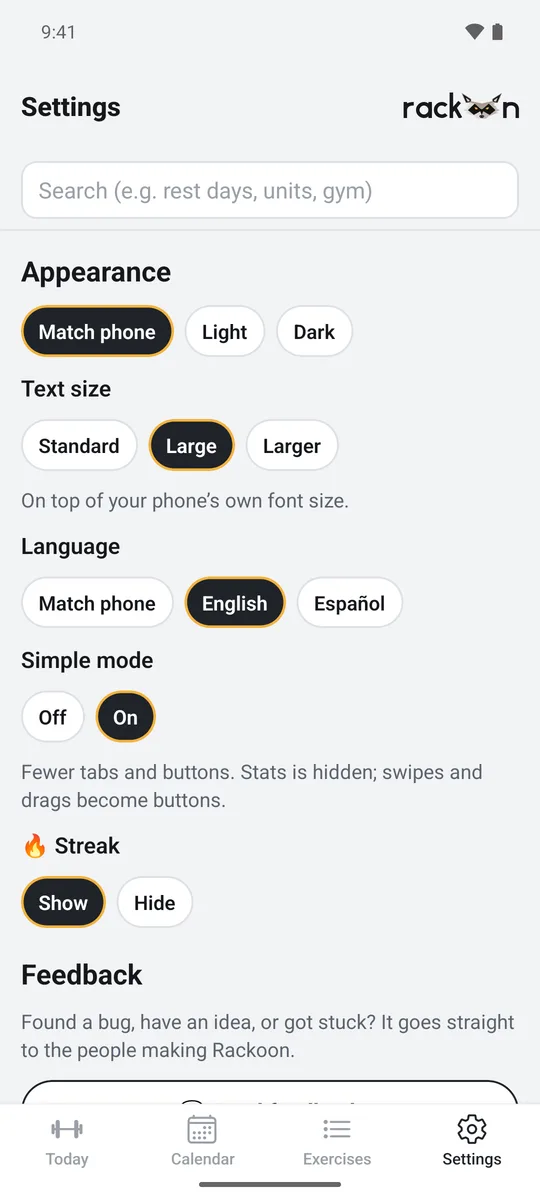
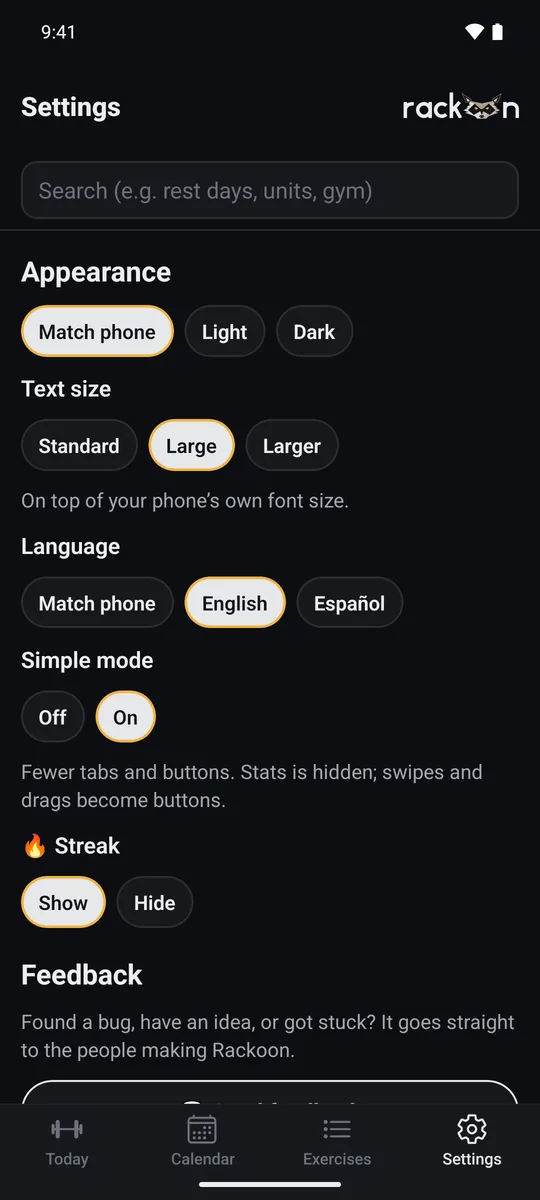
Text size makes everything in Rackoon larger, on top of your phone’s own text size. It’s in Settings and on the first screen of the setup.
Gentle workouts
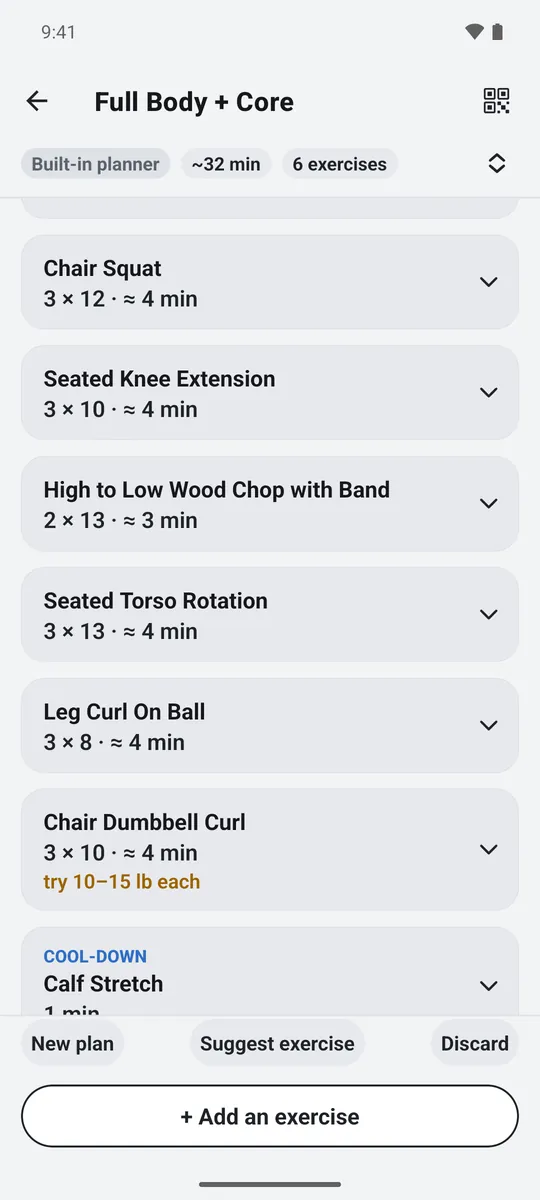
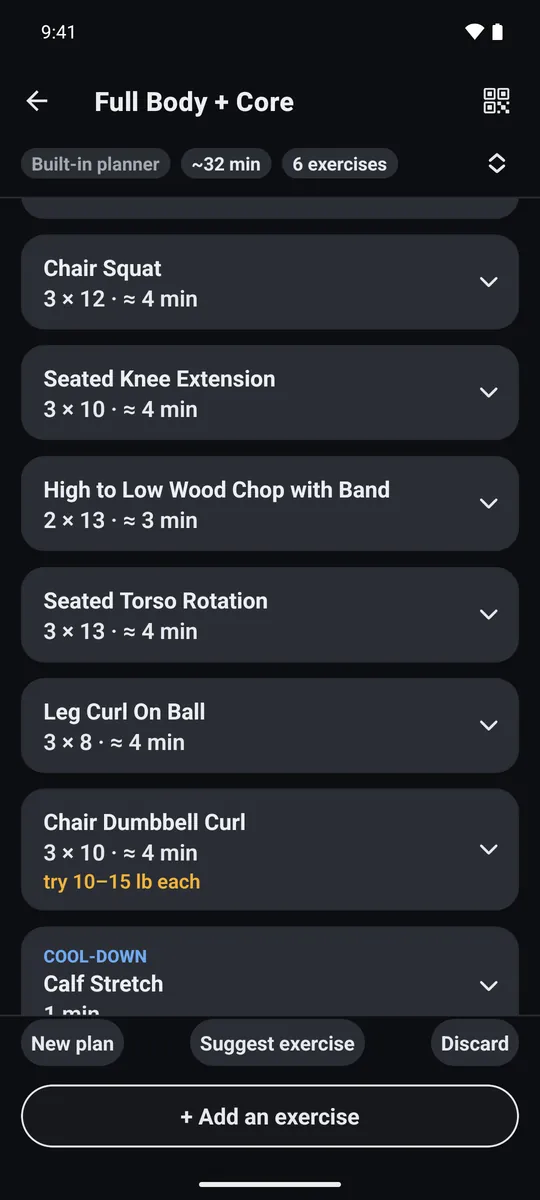
No jumping and no hard-level moves, lighter starting weights, and slower increases. Warm-ups are always on, every workout has a balance move, and mobility moves start and finish it. Over 70 balance, chair, and mobility exercises are in the library, and you can mark any exercise as gentle.
A short setup
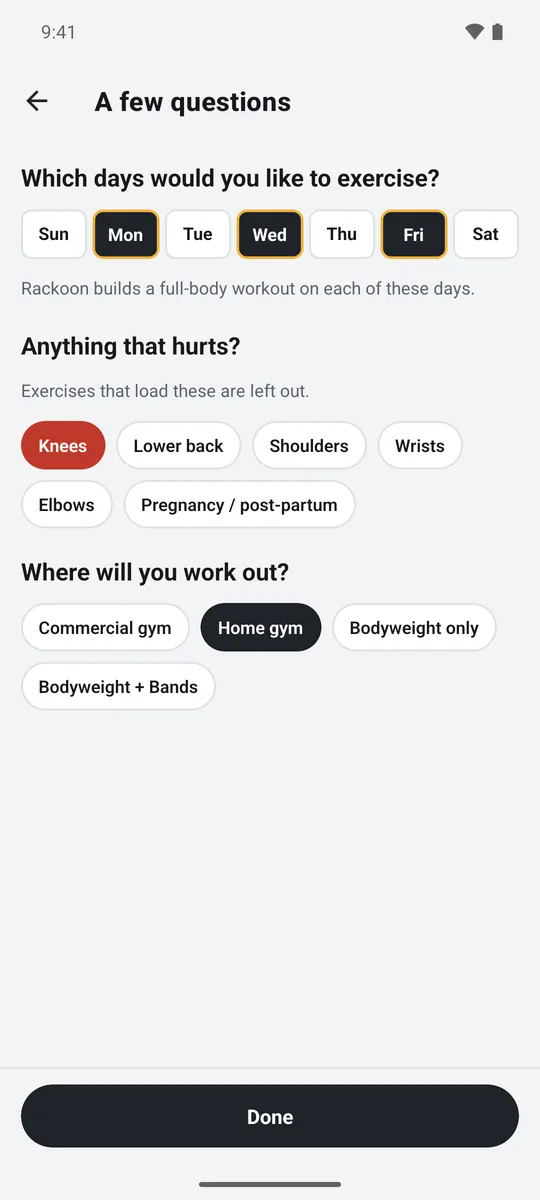
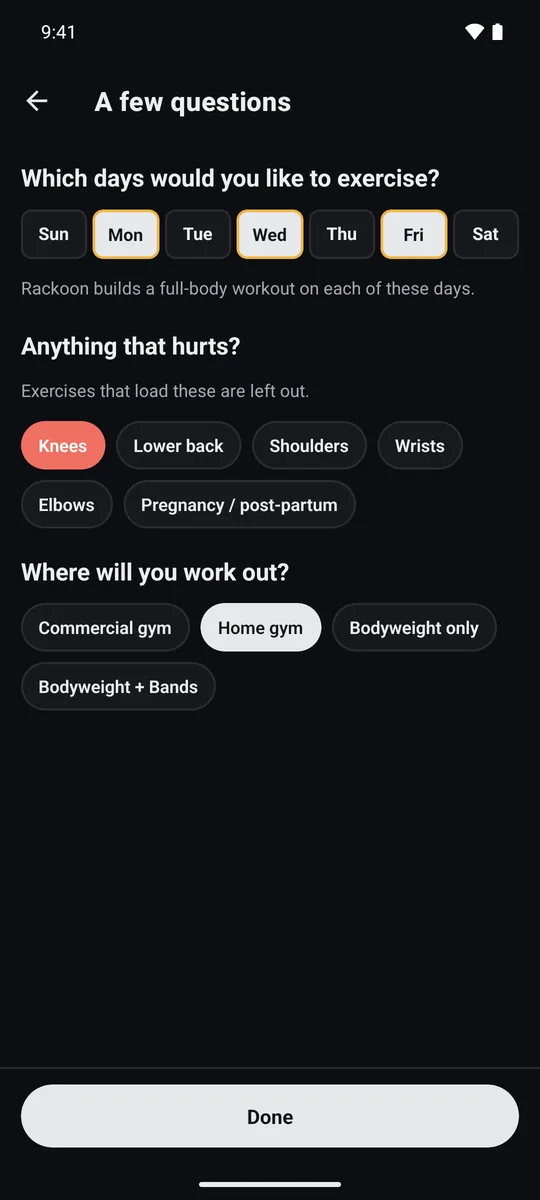
Simple asks three things: the days you’d like to exercise, anything that hurts, and where you’ll work out. Rackoon picks the rest (a full-body plan, 30 minutes a day), and you can change it all later.
Watch how, inside the app
In Simple mode, ▶ Watch how plays a how-to video inside Rackoon, and Back returns to your workout.
Join the waitlistSee how Rackoon compares with Hevy, Strong, Fitbod, and others →